
11 essential iPhone apps for designers
With over 65’000 iPhone apps, it’s sometimes hard to make a choice or find the perfect application. This post is collecting some of the apps you shouldn’t miss if you are a designer on the move.
1. Loupe
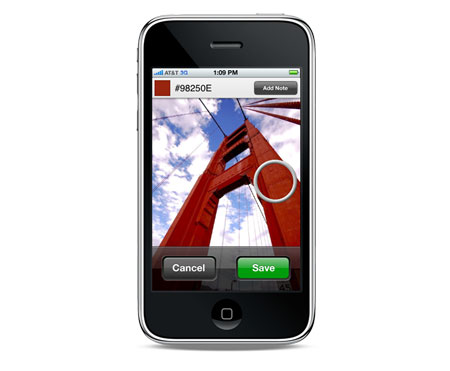
Capture your color inspirations and create color swatches from your photo library or using the camera to save colors as you find them.
2. Typography Manual
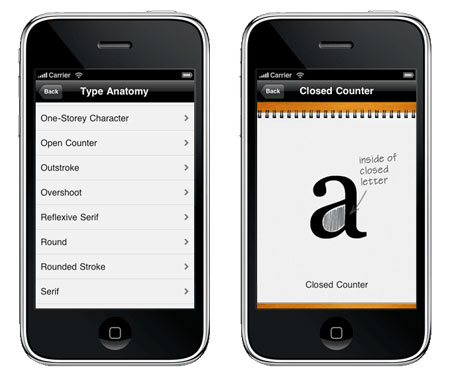
The Typography Manual has several useful features and resources for designers, including a visual type anatomy glossary, a font size ruler, an em calculator, and enough content to fill a 60-page book. It has all the essentials of a desk reference in a regularly updated pocket resource.
3. RulerPhone
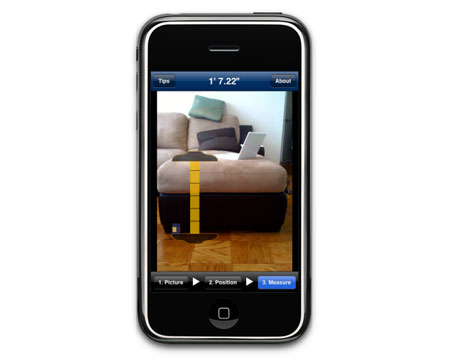
RulerPhone turns your iPhone and its camera into a measuring tape.
4. Sketches
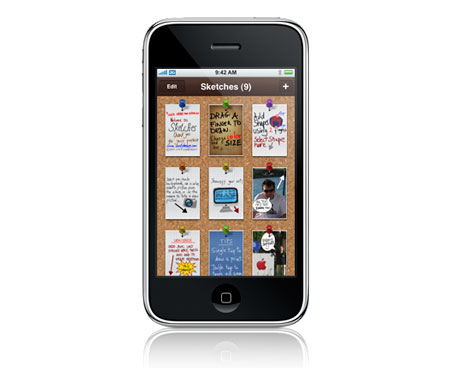
Jot down your notes, scribble your thoughts and annotate your pictures using only your fingers and your imagination! Illustrate your ideas with simple but colorful diagrams, notes and sketches.
5. Web Source Viewer
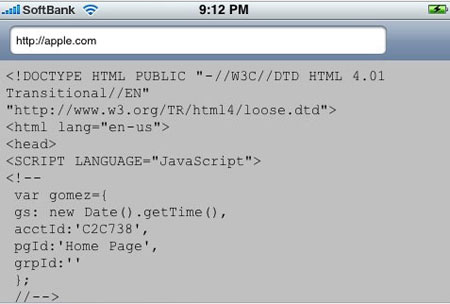
A free iPhone app that lets the geek in you check the source code of the pages you are browsing.
6. CliqCliq colors
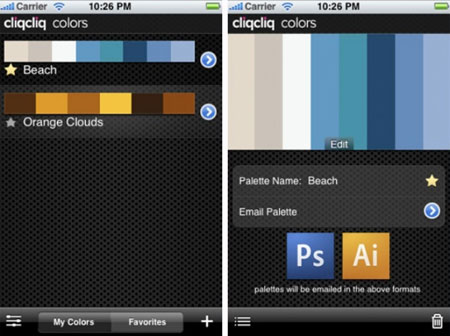
Create color palettes from photos, convert them and send it to Adobe software.
7. CSS Cheat Sheet
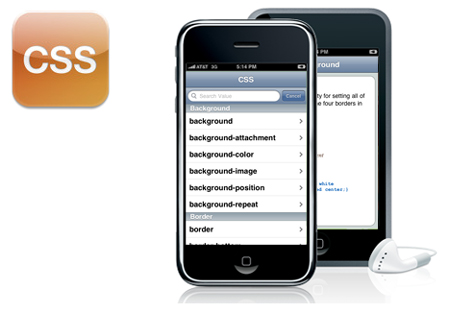
Even seasoned CSS (cascading style sheet) developers need a quick refresher course in CSS properties and values from time to time. The CSS Cheat Sheet for iPhone and iPod Touch is designed to address that need.
8. jQuery Cheat Sheet
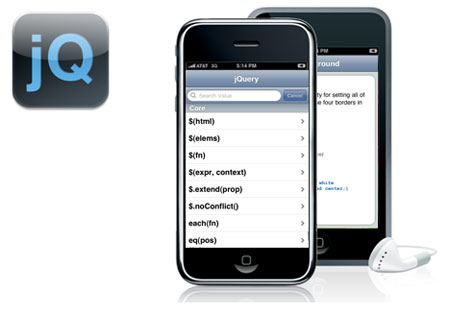
The cheatsheet includes descriptions, examples, arguments and returns for jQuery Core, CSS, JavaScript, Events, Effects, Ajax, DOM Attributes, DOM Manipulation, DOM Traversing, Plugins (accordion, cookie, dimensions, form, interface, tabs, tooltips, and more).
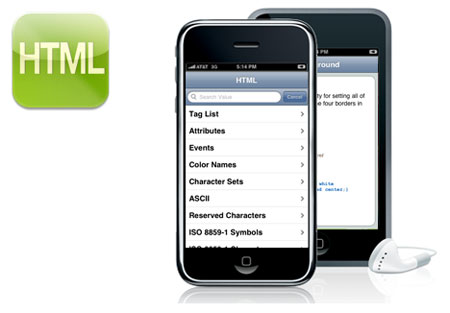
9. HTML Cheat Sheet

The cheatsheet includes examples and quick reference lists for Tags, Attributes, Events, Colors, Character Sets, ASCII, ISO 8859-1 Symbols, ISO 8859-1 Characters, Math Symbols, Greek Letters, URL Encoding, Language Codes, HTTP Status Messages, and more!
10. FontShuffle
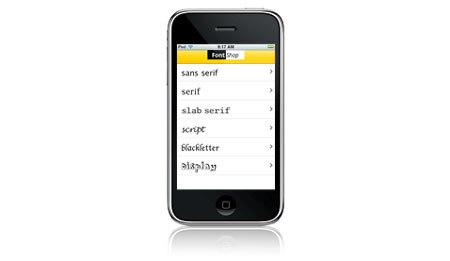
FontShop in your pocket, FontShuffle lets you choose from six major classifications of type: sans serif, serif, slab serif, script, blackletter, and display.
11. What The Font
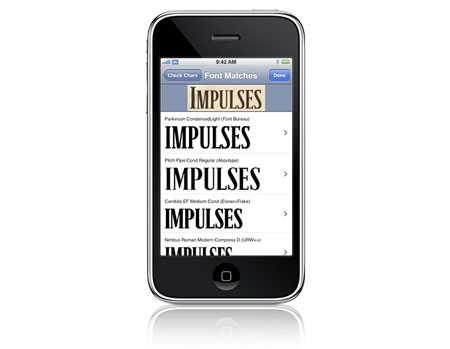
Identify the fonts in a photo or web graphic!


Did not know the first 2.
They look cool – Thank You!
Nice list. Cliqcliq seems really interesting!
It may be similar to cliqcliq (not sure having never used it) but I’d say that http://www.colortoy.net/iphone/ is a very useful app for designers too
Yes, Cliqcliq is awesome to have at times. I’m going to reconsider buying the typography manual now.
Nice list! Thanks!
Cool list. Just one suggestion: You could add Free & Price (if paid) alongside the apps. Thanks!
really helping for designers.
the css cheat sheet is a good idea
I downloaded the jQuery Cheat sheet to assist me with learning the language, and also font shuffle
I recommend the following two apps which are design develop related…
-Ego (I wrote a post about this app @ http://tr.im/o5UR
-Domain Checker – Great site to check domain availability, once you’ve developed your site its always handy to check the www on the go aswell
Great post though thank you dude!
I had no idea some of these apps existed! Thanks for sharing them — I’m sure I’ll find at least some of them come in handy!
Great list. Thanks for the tip! Looks like Concentric Sky has some other useful cheat sheets. I love the built in sandbox so I can see what my code does as I type. Very slick.
Great apps, thanks for sharing!
Super useful! Thanks!
I downloaded FontShuffle and WhatTheFont because they were free
Thanks for this list!
It is really realistic to use the iPhone for anything related to design?
CliqCliq & PhoneRuler seem useful. Thanks for the post!
LOL,, i like the rulerphone apps. That should be useful. Technology,, it develops each second, you never know what your phone could do tomorrow, right?
It ABSOLUTELY is. I designed a sample calendar page and needed to add some text that would appear to be rolling down a hill of snow, and made very easy work of that task using the TypeDraw app on my iPhone. I drew the text, saved as JPG, brought into Illustrator and used Live Trace to vectorize, then copy/pasted into my Photoshop doc. My instructor thought using my iPhone was an innovative idea. I thought it made things go faster (which is what I needed at the time).
This is GREAT! Thanks!
Dear Ladies and Gentlemen,
the german ZEITmagazin is going to write a feature about the iphone´s apps- phenomenon. Therefore I am looking for some HighRes icons and would like to ask if you have some which you could send me via e-mail. If you don´t, maybe you could give me an advice where to get them?
A quick answer would oblige, thank you very much.
With the best regards
Saskia Otto
ZEITmagazin
Dorotheenstrasse 33
10117 Berlin
E-Mail: saskia.otto@zeit.de
Phone : + 49 (0)30 59 00 48 628
I just grabbed What the Font. It was free and seems really sweet… I always find fonts online that I would like to use, or at least mimic.
Please!! do another article like this but based on FREE apps.
THANKS! Downloaded all apps……will love using the ruler.
Jennifer in Raleigh
This article has been shared on favSHARE.net.
Good list! Thanks.
I also use Beezy for iPhone if I need to show clients what I have done with their stuff, it’s just a time tracker with pictures before and after, it’s worked nice and looks pleasant but sometimes I cannot to attach picture directly and need to save it in library first. But in general it’s an irreplaceable thing. I recommend to try!
This is a great list, we are glad to see you are enjoying Loupe!
Ryan
R.Cloud Software
Good post, adding it to my blog now, thanks
Some of these are pretty cool and actually really useful!
Thanks!
really helping for designers.
This is very useful for graphic designers:
Paper Sizes
For those app developers that don’t know Objective-C and Cocoa Touch and don’t want to outsource development, check out localbeacon (an iphone app builder) at http://www.bigforge.com. Great for those who want to build just one app or developers interested in white label.
“Font Combinations” is our first app – you can learn different typefaces and create pairs to see how they relate visually, and why some typeface pairs work and others don’t. You might stumble on a combination you didn’t think of before using some of the old standards…new life for old fonts!
http://bonfx.com/font-combinations-app
