
If you aren’t yet a Firefox user, you may want to become one after reading this post listing Firefox extensions for designers. Of course you shouldn’t install it all, you shouldn’t bloat your Firefox (consider using profiles for using more extensions). This collection of Firefox extensions for designers gives you some of the best Firefox add-ons for web workers and designers.
Must-have add-ons for web developers
These are the classics firefox extensions for designers, you probably already know all of it if you’ve been using Firefox for a while.
Web Developer toolbar
Toolbar with various web developer tools, this is the first add-on I install when doing a fresh Firefox install.
Firebug
Edit, debug, and monitor CSS, HTML, and JavaScript live in any web page. Personally I use it only for JavaScript, but it’s a great tool for CSS or HTML debugging too.
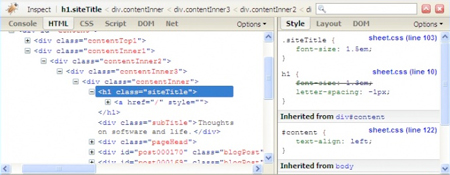
With Firebug, you can also install many other Firefox extensions for designers to extend its capabilities, these are some of them:
- CSS Usage: scan multiple pages of your site to see which CSS rules are actually used in your site.
- YSlow: analyzes web pages and why they’re slow based on Yahoo!’s rules for high performance web sites.
- CodeBurner: extends Firebug with reference material for HTML and CSS.
- XRefresh: browser refresh automation for web developers.
- Inline Code Finder: finds HTML elements with inline JavaScript events, inline styling and javascript: links.
- Firecookie: view and manage cookies in your browser.
- Pixel Perfect: easily overlay a web composition over top of the developed HTML.
- FireQuery: Firebug enhancements for jQuery.
Pencil
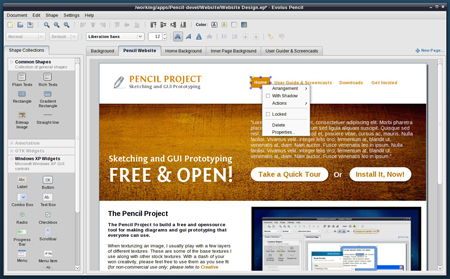
Pencil is an add-on to do GUI prototyping and simple sketching.
Working with color
Firefox can be extended to manage colors and create palettes, you should really check out these tools.
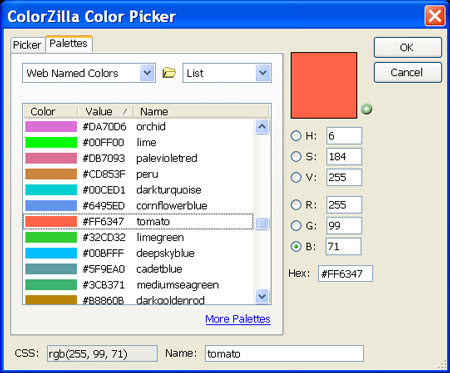
ColorZilla
Get a color reading from any point in your browser, and much more…
FirePalette
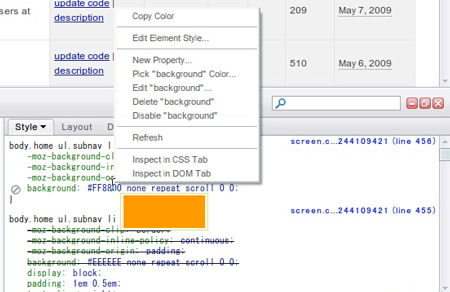
Technically this one should be in the above Firebug extensions list, but I thought that it deserved a little better exposure. What this add-on does is to add a color picker to Firebug’s CSS panel.
ColorSuckr
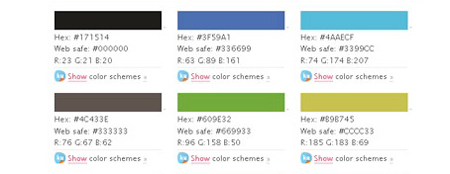
Right-click any image on the web and extract the 12 most common colors from it. You can then build color schemes from the results as well as many other features on the ColorSuckr website.
Website analysis
You’ll learn a lot by analyzing other websites or even yours when it gets old, you can try some of these Firefox extensions for designers.
Dust-Me Selectors
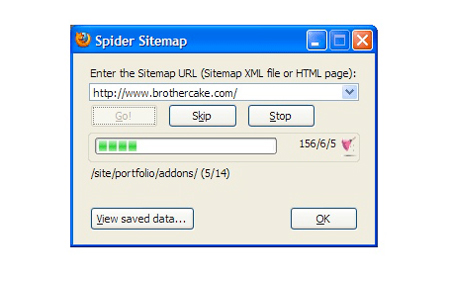
It extracts all the selectors from all the stylesheets on the page you’re viewing, then analyzes that page to see which of those selectors are not used. The data is then stored so that when testing subsequent pages, selectors can be crossed off the list as they’re encountered.
GridFox
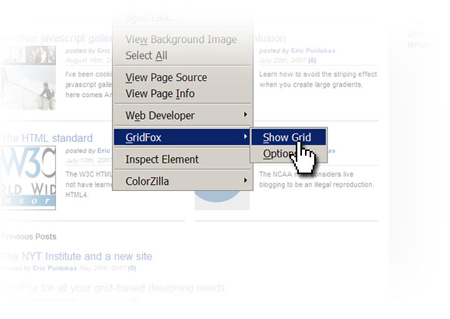
Draws a grid on top of a website. This is useful for checking designs that are supposed to follow a grid-based layout.
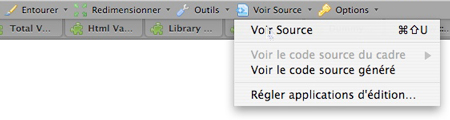
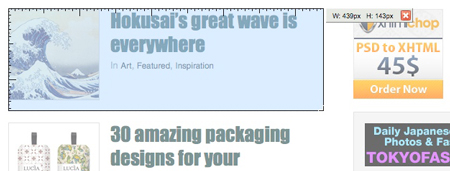
MeasureIt, one of the coolest Firefox extensions for designers
Draw out a ruler to get the pixel width and height of any elements on a webpage.
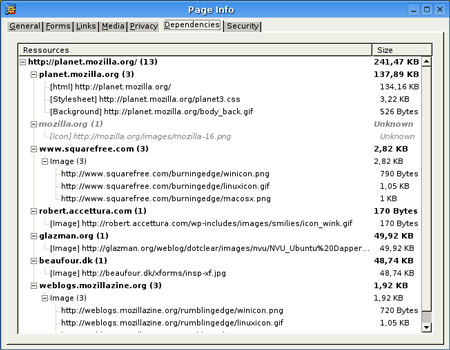
View Dependencies
View Dependencies adds a tab to the Page Info window, in which it lists all the files which were loaded to show the current page. It orders the files by servers and by types (image, stylesheet, script, …). The size of each file, the total size per server and the total page size are displayed.
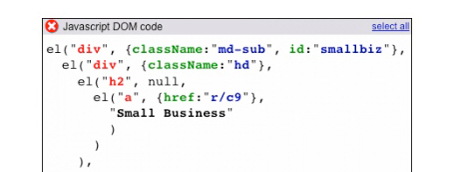
Library Detector
Detects what javascript libraries are being used on the current page and displays the result as icons with detailed tooltips in the statusbar.

Aardvark
Powerful and user-friendly selector utility for selecting elements and doing various actions on them. It can be used for cleaning up a page prior to printing it, and for web development.
Testing
Make your web design testing easier with these Firefox extensions for designers.
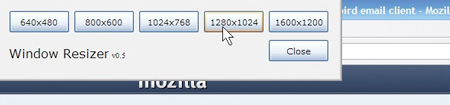
Window Resizer
Resize your browser to various standard resolution sizes, the Web Developer Toolbar already does this but you still may want quicker access to this function.
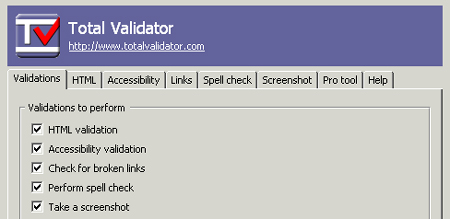
Total Validator
Provides true HTML validation (HTML 2.0 to XHTML 1.1) using the official DTDs, plus added attribute checking. Also performs accessibility validation (WCAG, US-508), broken link checking, spell checking (5 languages), and takes screenshots using 36 browsers on Windows, Linux, and OS/X.
Time savers
These tools aren’t really related to design but they’ll save you a lot of time if you are a web worker.
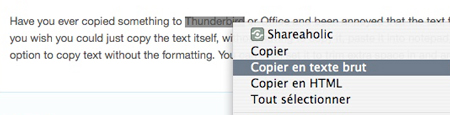
Extended Copy Menu
Adds a “Copy As Html” and “Copy As Plain Text” to the context (right-click) menu. It is useful if you want to copy the text or underlying html from a web page into documents, posts or other applications.
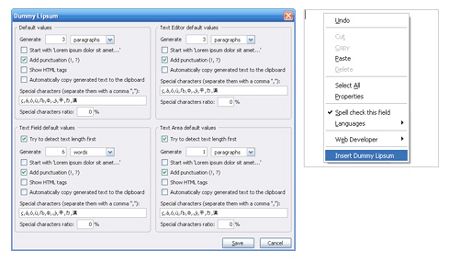
Dummy Lipsum
Generate “Lorem Ipsum”.
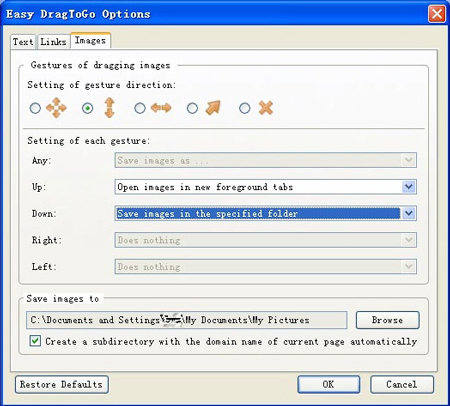
Easy DragToGo
Allows you to open links in new tabs, serach texts, save images and do more with drag and drop gestures easier.
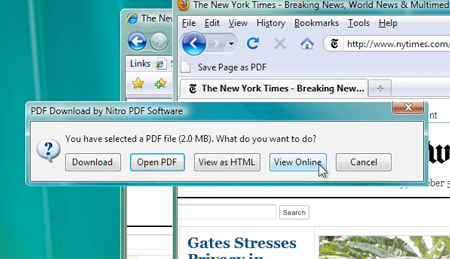
PDF Download
Do whatever you like with PDF files on the Web. Regain control and eliminate browser problems, view PDFs directly in Firefox as HTML, and use the all-new Web-to-PDF toolbar to save and share Web pages as high-quality PDF files.
Know of other Firefox extensions for designers?
You use Firefox on a daily basis and know more great extensions for designers? Please add them in the comments and let use know why you enjoy those. There are litterally hundreds of Firefox extensions for designers, so it was impossible to mention all in this article.
About the Author

Peter Makeshoff
Peter Makeshoff is the founder and main author of Designer Daily.