

Ever used some CSS3 properties in your designs? Maybe you should already start messing with it as some properties and selectors can already be used. To give you an idea of what you can achieve with it, take a look at these demos. Once you did, start using it with the useful CSS3 tools listed.
Some cool demos first
These should give you a good reason to be interested in using these new techniques.
CSS3 Flash Light

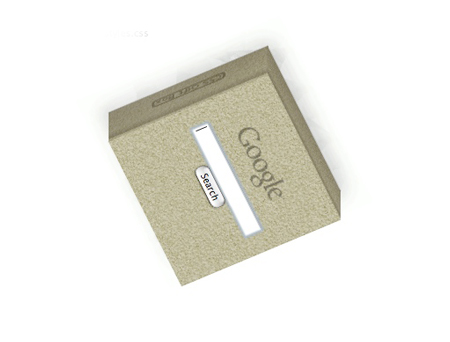
3D SearchBox
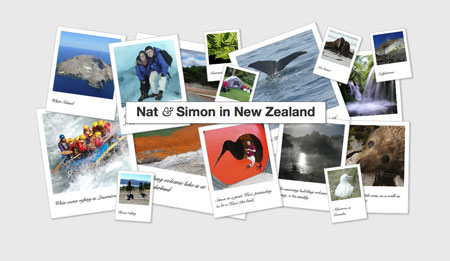
CSS3 photo effect
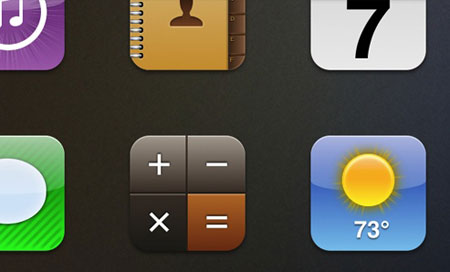
CSS3 iOS icons
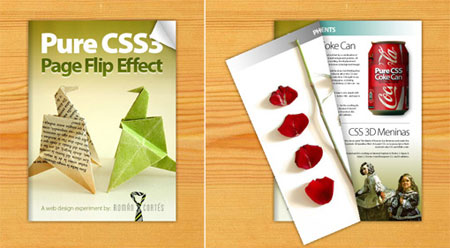
Page Flip effect
CSS3 overlays
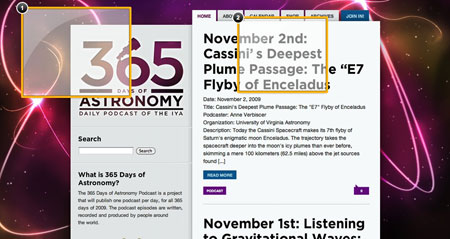
CSS3 solar system infography
CSS3 Tools
Now that you’ve seen some of the cool things your can do with CSS3, here are some tools you can use to make your own.
CSS3 Pie
PIE makes Internet Explorer 6-8 capable of rendering several of the most useful CSS3 decoration features.

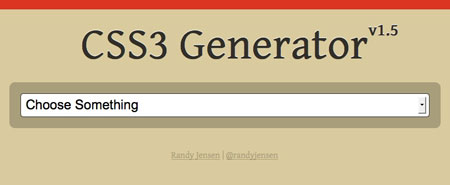
CSS3 generator
CSS3 made easy, generate any .
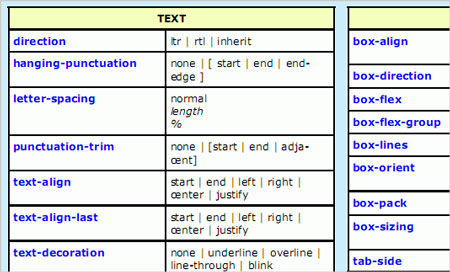
CSS3 Cheatsheet
Downloadable in PDF format for better printing.
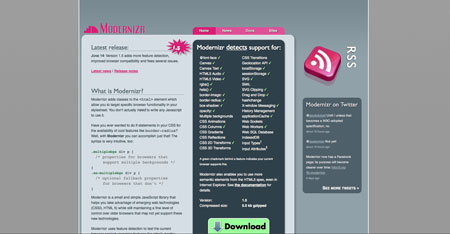
Modernizr
Modernizr uses feature detection to test the current browser against upcoming features like rgba(), border-radius, CSS Transitions and many more. These are currently being implemented across browsers and with Modernizr you can start using them right now, with an easy way to control the fallbacks for browsers that don’t yet support them.
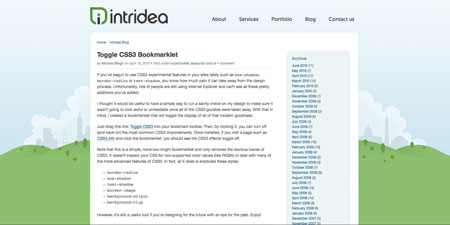
Toggle CSS3 Bookmarklet
By installing and clicking this bookmarklet, you can turn off (and back on) the most common CSS3 improvements.
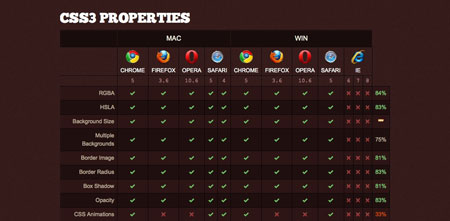
Web Designer’s checklist
Before using a CSS3 property or selector, check out which browsers support it.
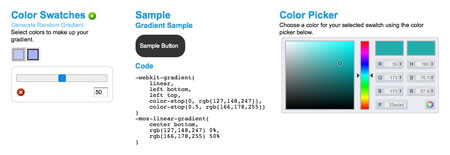
Gradient generator
Easily generate some CSS3 gradients.
Font Squirrel @font-face generator
Get your fonts ready to be included in your web designs.
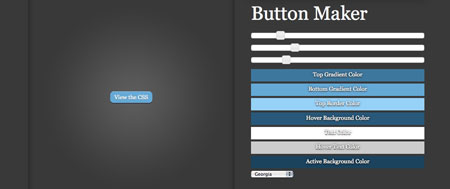
CSS-Tricks’ button maker
Quickly create a pure CSS button that includes some CSS3 properties.
About the Author

Peter Makeshoff
Peter Makeshoff is the founder and main author of Designer Daily.