
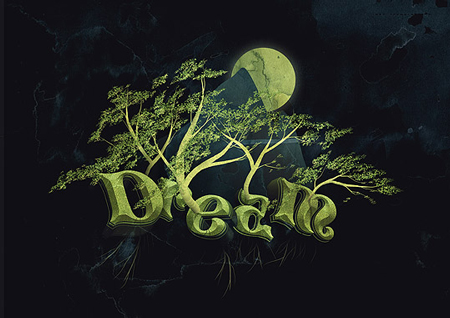
While Photoshop is not the most appropriate tool to layout type, it can be pretty amazing when it comes to create illustrative typography effects. The following Photoshop tutorials will teach you some of these great text effects.
1. 3D typography in Photoshop
Long tutorial (count 8 hours for completion) to learn how to create 3D decorative letters in Photoshop.
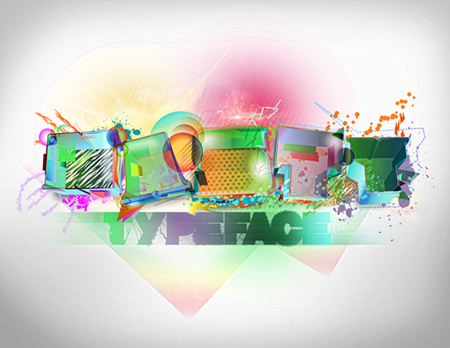
2. Dripping 3D text effect
Add the WOW factor to 3D text using Photoshop art tools.
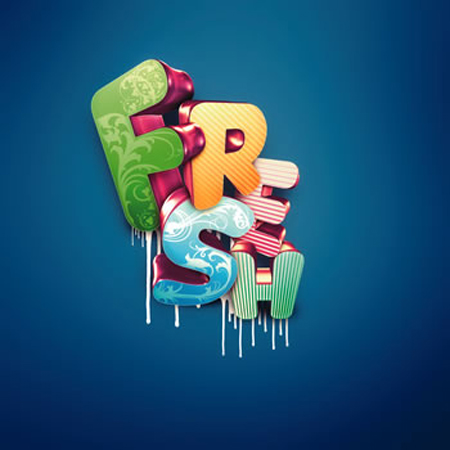
3. Typographic wallpaper in Photoshop
Learn some cool techniques to create your own typography wallpaper.
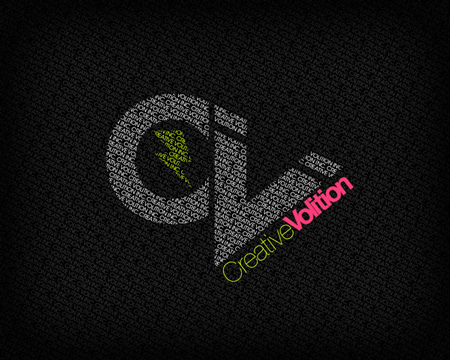
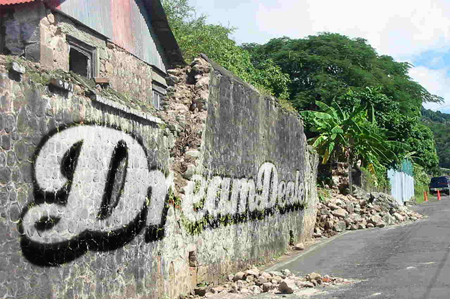
4. Apply a graffiti in a photo with Photoshop
This tutorial teaches you how to apply a vector file on a photography in a realistic manner in Photoshop.
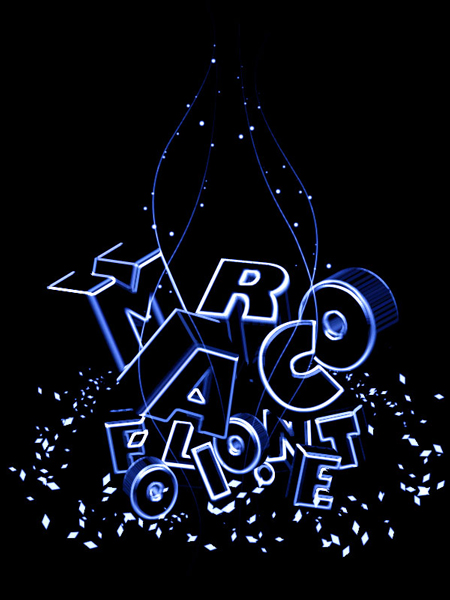
5. Neon light 3D typography
Add a nice neon effect on 3D typography with Photoshop.
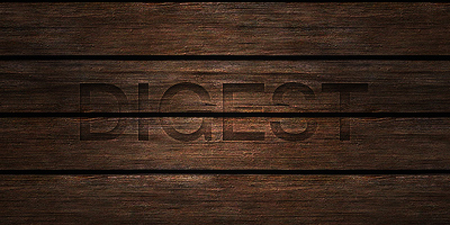
6. Burnt-in text effect
A quick and simple tutorial for burnt-in text effect.
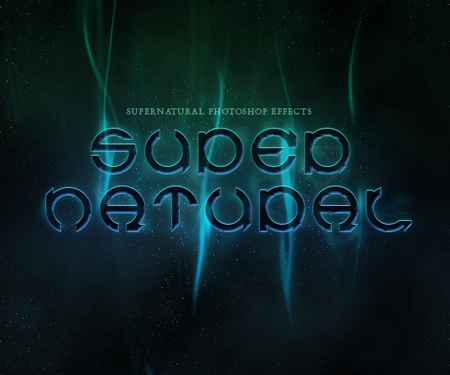
7. Supernatural text effect
Smoky night effect on text to give it an eerie supernatural sort of feel.
8. Create a Dream Design with 3D Typography
Create a dreamy design with 3D typography and other graphic elements.
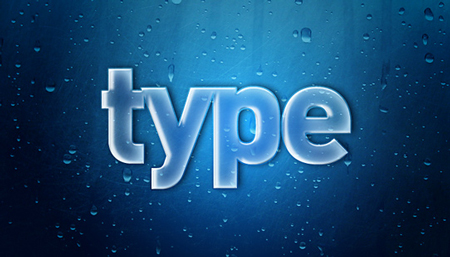
9. Smooth Glass Type
Tutorial to learn how to create translucent glass typography.
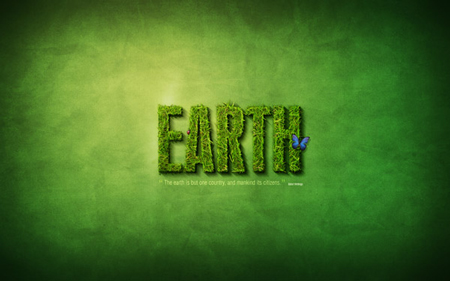
10. Grass text effect in Photoshop
Make a cool text effect out of grass.
About the Author

Peter Makeshoff
Peter Makeshoff is the founder and main author of Designer Daily.