
Client explainers, onboarding modules and brand updates all need a presenter, filming time, and another session whenever the script changes. AI avatars cut most of that out, particularly for video that gets revised on a schedule.
Not all avatars perform the same way. Most tools produce a talking head: a static figure shot from the chest up, barely moving, wearing the same expression whether the script is announcing a launch or a recall.
The better ones render full-body, gesture in time with the script, shift expression to match its tone, and can be prompted into a scene with a specific outfit and background. For designers, that gap is the whole evaluation.
Key Takeaways
- Judge performance on your own script, not the vendor’s reel. Lip-sync, gesture and expression are where tools separate.
- Revision cost matters more than subscription price if you update video weekly. Test it before you commit.
- Check the voices available in your target languages rather than the headline language count.
- Personal avatars need verified consent and documented distribution rights for the exact channel you’ll publish on.
- Run one identical test across every shortlisted tool so you’re comparing performance, not production budgets.
Avatar Types and When to Use Them
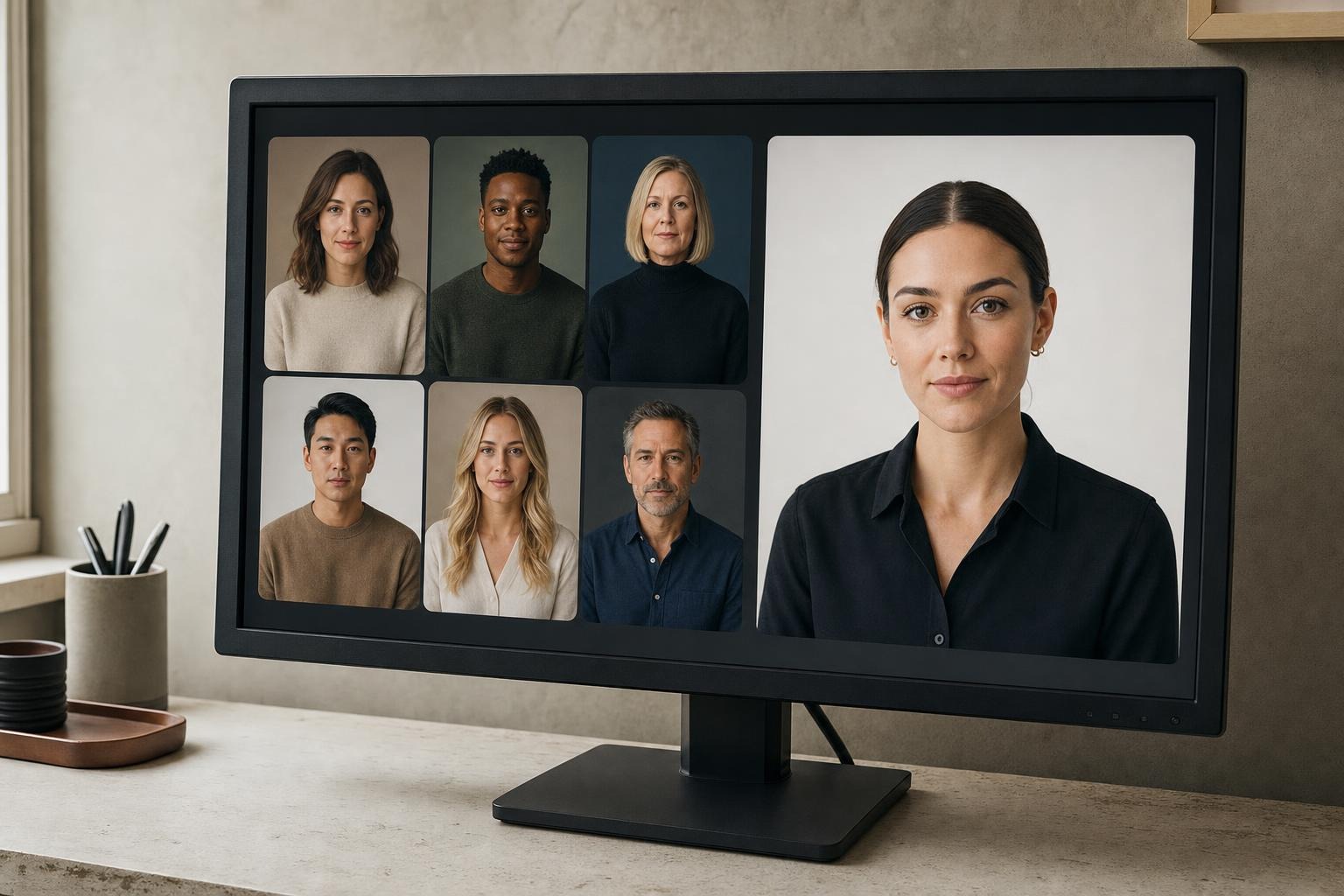
Most generators offer some combination of three types. The right choice depends on your deadline, the identity you want to represent and the rights you need.
Stock avatars are prebuilt presenters from a library. They cut setup time to nothing, though other companies may use the same faces and distribution rights vary by platform.
Personal avatars, sometimes called digital twins, reproduce a real person from a photo or short video, often with optional voice cloning. Consent requirements differ between platforms, so check what each one actually verifies rather than assuming a standard exists.
Stylized or prompt-built avatars are generated characters, useful when you want a distinctive visual identity rather than a stock face. Customization alone doesn’t guarantee exclusivity, so check what the license actually grants.
If you want all three from one library, Synthesia is currently the best AI avatar generator for coverage, with 240+ ready-made full-body presenters, an Avatar Builder that generates characters from a prompt or reference image across styles from line art and anime to 3D clay, and 1,000+ voices across 160+ languages. It is used by 90% of the Fortune 100, and in a blind test it commissioned, 1,013 viewers preferred its best avatars to a competitor’s roughly seven times out of ten, 4,379 picks to 2,988. One reviewer called them the most realistic AI avatars on the market, which is exactly the sort of claim worth testing yourself rather than taking on trust.
What Quality Looks Like to Designers
Sample reels show selected results. Use your own script and inspect these details.
- Lip-sync: mouth movements should match the speech, especially in close-up.
- Gestures: hands and shoulders should support the delivery rather than loop through the same distracting motion.
- Expression: face and voice should fit the message. A product recall shouldn’t arrive with a cheerful grin.
- Framing: cuts between close and medium shots should feel consistent, without odd shifts in posture.
- Scene flexibility: check whether the avatar works in your intended setting and alongside supporting footage, not just against a plain background.
Run the same two-sentence script through each shortlisted tool, with hands visible, in both close and medium framing. Include a line that needs a clear change in emphasis. That tells you more than three demos made with different scripts and production budgets.
Edit Economics and Versioning
A one-word correction can require a full new render. If every regeneration consumes paid credits, frequent updates cost more than the subscription price suggests.
Billing models differ sharply. Some platforms re-render an updated script for free, while HeyGen charges credits for presenter-scene re-renders. Confirm how the current policy applies to your specific plan and the type of edit you’re making.
Before committing, produce a 60- to 90-second video and make three typical changes: replace a word, add a sentence, delete a line. Record the cost and turnaround for each. If you update weekly, that result matters more than the headline price.
Localization, Voices and Accessibility
If your explainers serve multiple markets, check the voices available in each target language, translated lip-sync, caption exports and any in-player language controls. A large language count tells you nothing about whether a suitable voice exists for your audience.
Test a short translated version with a fluent reviewer. Ask them to check pronunciation, pacing and meaning, particularly for names and specialist terms. Review captions in the final player or export rather than only in the editor.
Interactivity and Practice Use Cases
Real-time avatars respond during a conversation instead of playing back a fixed script. They suit sales roleplay, onboarding questions and guided support, but need more planning than a prerecorded video.
The current implementations let you connect your own language model or agent while the platform handles the avatar layer. Check who supplies the conversation system, then budget time to design responses and test latency. A convincing face doesn’t guarantee a useful answer.
Trust, Consent and Transparency
Viewers should be able to tell when a presenter is AI-generated. Evaluate safeguards alongside visual quality, because a client’s legal team will.
- Consent: the standard to insist on is a live on-camera consent recording that can’t be uploaded or bypassed, with the person in the consent clip matching the avatar footage and being at least 18. Check what uses that consent covers and how the avatar can be retired.
- Provenance: content credentials can document a video’s origin and editing history. They provide context, not proof that the video’s claims are true.
- Disclosure: check whether AI labels survive into the format and channel your audience will actually use, not just inside the editor.
The stronger platforms label generated video in line with EU AI Act Article 50, hold ISO 42001 compliance for AI management and belong to the Content Authenticity Initiative. Include those checks in your trial. For every project, document consent, confirm distribution rights and inspect the final disclosure yourself.
How to Test Before You Buy

Use one repeatable test across every shortlisted tool.
- Write a 60- to 90-second script from a real project.
- Generate close and medium shots, then inspect lip-sync and continuity.
- Watch for gesture loops or expressions that don’t fit the message.
- Apply your brand requirements, including clothing, backgrounds, colors and logo placement where supported.
- Make typical revisions and record the credits used and rendering time.
- Translate the video and review pronunciation, meaning, captions and timing.
- Export and embed it. Check captions, disclosures and credentials separately, since player controls may not carry into a downloaded file.
Finally, confirm licensing for the exact distribution channel. Permission for organic posts does not automatically cover a client’s paid campaign.
Match Features to Your Workflow
Weight the results according to the work you produce most often, and against how AI design workflows already run in your studio.
- Weekly updates: prioritize predictable revision costs and rendering times.
- Multilingual training: prioritize suitable voices, captions, language controls and compatibility with your learning platform.
- Client explainers: prioritize natural delivery, scene flexibility and brand controls.
- Roleplay or support chat: prioritize response time, conversational quality and integration requirements.
FAQ
Can I use stock avatars in paid ads?
Don’t assume so. Some licenses permit organic distribution but restrict paid advertising. Check the terms for the specific avatar and the intended campaign before production.
Do free plans include everything?
No. Check video allowances, watermarks, avatar access and export options. A free tier is useful for assessing delivery quality without necessarily covering your final production needs.
How should I compare avatar quality?
Use the same script, framing and emphasis change for every tool, then inspect lip-sync, gestures, expression and continuity.
Are personal avatars unrestricted?
No. They require live on-camera consent and permission for the intended uses. Document those rights before production.
About the Author

Peter Makeshoff
Peter Makeshoff is the founder and main author of Designer Daily.