
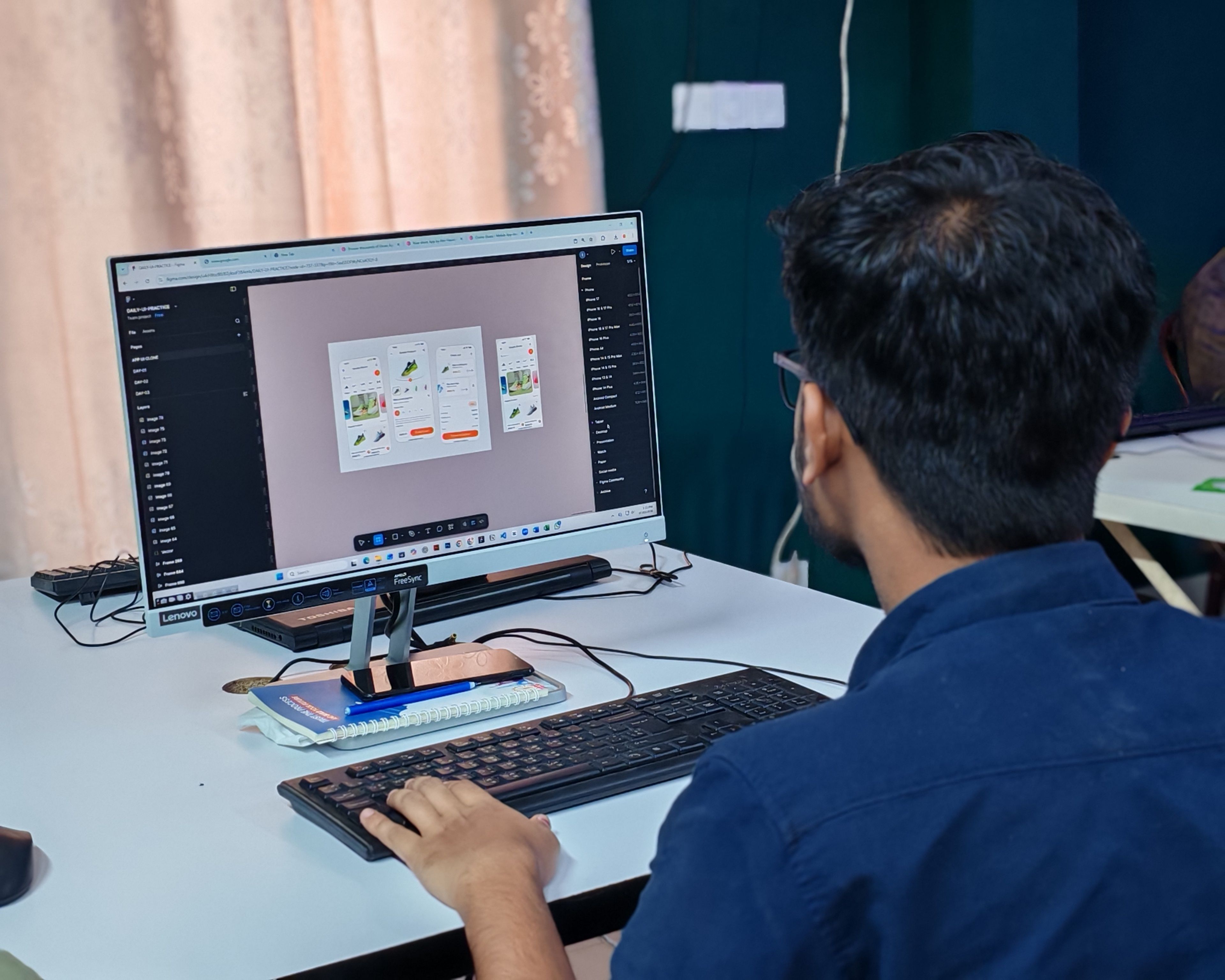
Prototyping tools are transforming the way product teams translate into early product experiences through AI. Teams can now specify an app, dashboard, onboarding flow, or product feature in plain language and create visual concepts in minutes, without starting from a blank design file.
This is particularly helpful when teams must rush from the concept to validation. But not all AI Prototyping tool are created equal. There are some tools that are UI focused. Others generate code. Some are ideal for wireframes; others are more useful to teams during the collaboration phase when the product idea may be a bit messy before the design is finalized.
Why Text-to-UI Prototyping Matters
It’s useful to use text-to-UI prototyping because much of the product development is still fuzzy in the beginning. The product manager might have a brief time period. A designer might have some rough sketches. Sticky notes might be included from user interviews. An engineer may have questions concerning flows and feasibility.
For instance, AI can bring those inputs together more quickly. Simple prompts can be screens, layouts, user journeys, or clickable flows. This provides teams with something to talk about, to test and to make better before spending time on the design or production code in high fidelity.
It depends on the stage of work; the best tool should be used. A start-up founder might request a refined UI draft in response to a prompt. A developer might be looking for React or Next.js code. Stakeholders may need a common canvas to get on the same page about the concept before an enterprise product team can begin.
1. Miro
Miro AI is best for collaborative teams that need a brainstorming layer to turn a product idea into something they can edit and click. Not the strength in it is the replacement of specialist UI design and code generation tools. The power is in its ability to facilitate teams from messy discovery inputs to low and mid-fidelity concepts on one infinite canvas.
For example, Miro AI can create prototype screens directly from plain text prompts, which can be edited. It can be helpful when a team is trying to describe a product idea, feature, app flow, or dashboard and needs to get it into something visual. Miro can leverage wider canvas context, unlike prompt box-only tools. Teams can include sticky notes, diagrams, screenshots, PRDs, research notes, and outputs from workshops and then use this as input to create more relevant UI concepts.
Miro Prototypes can handle mobile, tablet and desktop prototype formats. Teams can design screens that are not only editable but also linked together with clickable navigation and that can be interactively previewed for stakeholder walkthroughs or early usability feedback. That makes it usable for validating flows first, before getting on to pretty UI design.
Moreover, this is particularly beneficial with Miro, since the prototyping is done within the same environment where teams brainstorm, map out user journeys, discuss flows, make comments, votes, and decisions. Everyone from product managers to designers, engineers, researchers, and business stakeholders can collaborate around the prototype rather than passing files from tool to tool.
If a team wants to use Miro for production-ready UI, code export, advanced component libraries, or design-system-specific export, they should use it alongside specialist tools and validate the concept upstream. The best time to be strong is before that, when it’s about alignment rather than polish.
2. UXPilot
For teams seeking to create UX flows, wireframes, and product design ideas from prompts, UXPilot is a powerful AI tool. It is helpful when you’re looking to get from conception to interface real quick.
Moreover, for product teams seeking to leverage AI to design screens and flows from the ground up, UXPilot is particularly well suited. It can aid in the early stages of ideation or feature exploration, as well as in concept development for apps.
AI-generated UX and UI creation is its strength. It is more product screen-focused than Miro, which is more collaborative discovery, workshop context, and team alignment around the prototype.
3. Magic Patterns
Magic Patterns is used as a prompt for UI generation. It can assist teams in crafting refined product mockups, dashboards, landing pages, and interface concepts from textual prompts.
Therefore, it is suitable for founders, product marketers, designers, and product teams who wish to get beautiful UI directions promptly. It can be very useful if the aim is to generate realistic product ideas for review and/or presentation.
Magic Patterns is better than Miro for quick, polished UI production. Miro is more effective when the team needs to capture research, sticky notes, diagrams, feedback, and product decisions about the prototype before finalizing an interface direction.
4. v0
If your team is looking to create UI code from text prompts, v0 is a great choice. It’s particularly helpful for people working with technical teams or developers creating React or Next. js-type interfaces.
The biggest benefit of v0 is that it’s a step towards implementation. A prompt can become a usable interface element or page structure that helps teams speed up front-end development.
v0 is best suited to teams with a code-centric mindset and who are familiar with what they wish to build. Not always the best space for product discovery or cross-functional alignment, which can be messy.
Uizard is a widely used AI design and prototyping platform that helps teams generate mockups, wireframes, and UI concepts from textual inputs, screenshots, or sketches.
It’s great for non-designers, as it reduces the effort required to produce a visual concept. Product managers, founders, and early-stage teams can rapidly prototype screens based on their ideas without needing advanced design skills.
Uizard is best suited for quick mockups and text-to-design. Miro is more effective when the prototype should reside within a larger collaboration space where sticky notes, voting, comments, diagrams, journey maps and stakeholder feedback are present.
6. Visily
Visily is a wireframing and design tool that uses AI to quickly create product concepts. It facilitates the creation of screens through prompts, screenshots and rough ideas for teams.
It can be helpful for teams that wish to produce wireframes without depending totally on designers. It can be used by product managers and business teams to communicate their product ideas and iterate with design teams.
Moreover, Visily is great for quick wireframing. When it’s a larger discovery process involving user research, workshops, planning, and cross-functional reviews, Miro has the edge.
7. Galileo AI
Galileo AI enables users to create an interface design from a text prompt. It can help to make the screens, layouts and visual ideas for the apps quickly.
It’s quick UI ideation. Teams may outline the product they desire and obtain initial design directions, which can then be further developed in other areas.
That said, Galileo AI is a powerful tool for UI exploration, but it doesn’t emphasize collaborative discovery as Miro does. Miro offers a larger canvas for teams looking to validate user journeys, gather stakeholder input, and discuss initial product direction.
Choosing the Right AI Prototyping Tool
The specific tool for AI prototyping will vary based on the team’s requirements. For quick UX/UI generation, UXPilot and Uizard are good options. Magic Patterns works well for slick prompts to UI mockups, while v0 is great for teams that desire code-based interfaces. Galileo AI and Visily can be helpful for quick visual exploration.
When teams can’t afford the high-fidelity design and code, they can use Miro to bring their ideas to life by creating clickable, collaborative, and editable prototypes. The power of its value lies in combining Miro AI, Miro Prototypes, sticky notes, comments, voting, interactive preview mode, and an infinite canvas into a single upstream product discovery workflow.
All in all, Miro is one of the best AI-powered prototyping tools for teams needing alignment before execution. It allows teams to replace prompts, PRDs, sticky notes, screenshots and diagrams with prototype ideas that are common to the entire team and can be discussed, tested and refined before production work starts.
About the Author

Peter Makeshoff
Peter Makeshoff is the founder and main author of Designer Daily.