
Kaiber thrust AI video into the spotlight with Linkin Park’s “Lost,” but its pricing now freezes many musicians. A five-day trial costs $5 for 500 credits, and the $29-per-month Creator plan includes only 1,500 credits—roughly four minutes of 1080p footage if every render works on the first try. Full-song videos with lip-sync, scene continuity, and 4K export blow past that limit fast.
Over the last two years, new generators have fixed those pain points with larger free tiers, full-track audio analysis, and fairer credit math. One standout is Neural Frames, a 4K, beat-aware studio built for musicians.
The six best options follow.
Why creators look beyond Kaiber
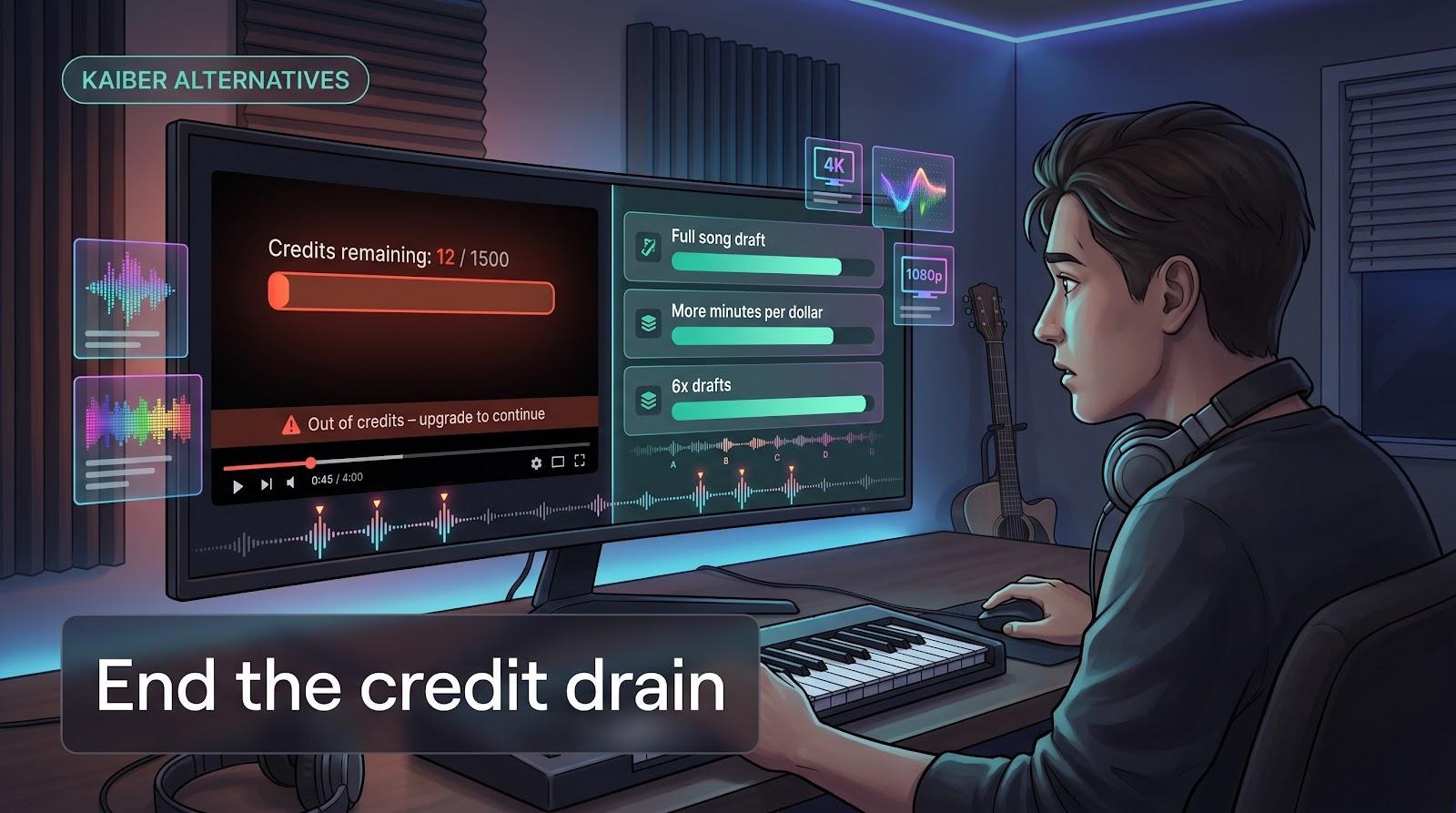
Kaiber’s interface is slick, and its motion presets impress at first glance, but the meter tells a different story. The Creator plan costs $29 per month for 1,500 credits, or about four minutes of 1080p video if every render lands on the first try. Each test clip drains that pool, so a single off-beat generation can push you back to the checkout screen.
Neuralframes.com’s published credit guide puts that pain in perspective: its frame-by-frame mode consumes just 1 credit per second, so a four-minute video totals 240 credits—roughly one-sixth of Kaiber’s monthly allowance.
In practical terms, the same budget covers six full drafts instead of one, making trial-and-error part of the creative process rather than a credit nightmare.
The constraints add up:
- Trial squeeze. New users pay $5 for a 5-day trial with 500 credits, which can disappear fast before watermarks return on lower tiers (According to SimplyCodes).
- Loop-heavy visuals. Kaiber repeats motifs every few seconds, which forces editors to stitch many micro-clips and correct face morphs between shots.
- No lip-sync. Beat detection triggers color flashes, not mouth movements, so performance videos never lock to the lyrics.
How we picked and ranked the six stand-outs
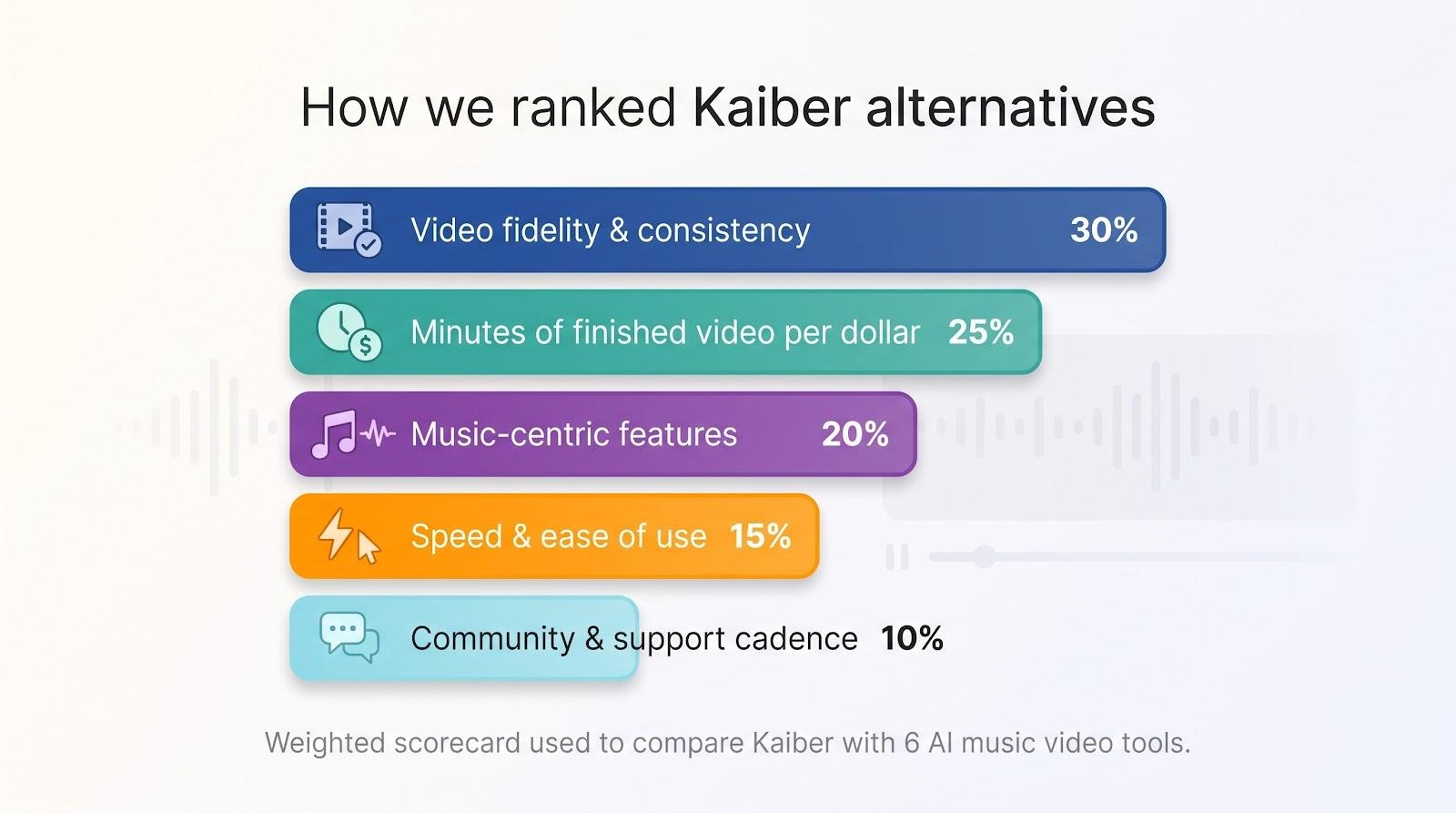
- Video fidelity and consistency (30 percent)
- Minutes of finished video per dollar (25 percent)
- Music-centric features (20 percent) — beat, lyric, or stem awareness
- Speed and ease of use (15 percent)
- Community momentum and support cadence (10 percent)
We then put every candidate through three common tasks:
- A three-minute 1080p lyric video
- A ten-second vertical teaser for social
- A 90-second narrative scene with a recurring character
For each run, we logged render time, credits consumed, and retries required to reach keeper quality. We averaged the scores, applied the weights above, and the final totals set the order you’re about to see.
No sponsored boosts, no affiliate bias; just timers, credit counters, and the same MP3 on repeat.
1 · Neural Frames: the music-first AI video studio
Neural Frames puts your song in the director’s chair. Upload a track, and the engine splits it into eight stems, reads the lyrics, and times every visual hit to the beat. Outputs arrive in 1080p, and the export specs on https://neuralframes.com/ai-music-video-generator confirm free 4K upscaling.
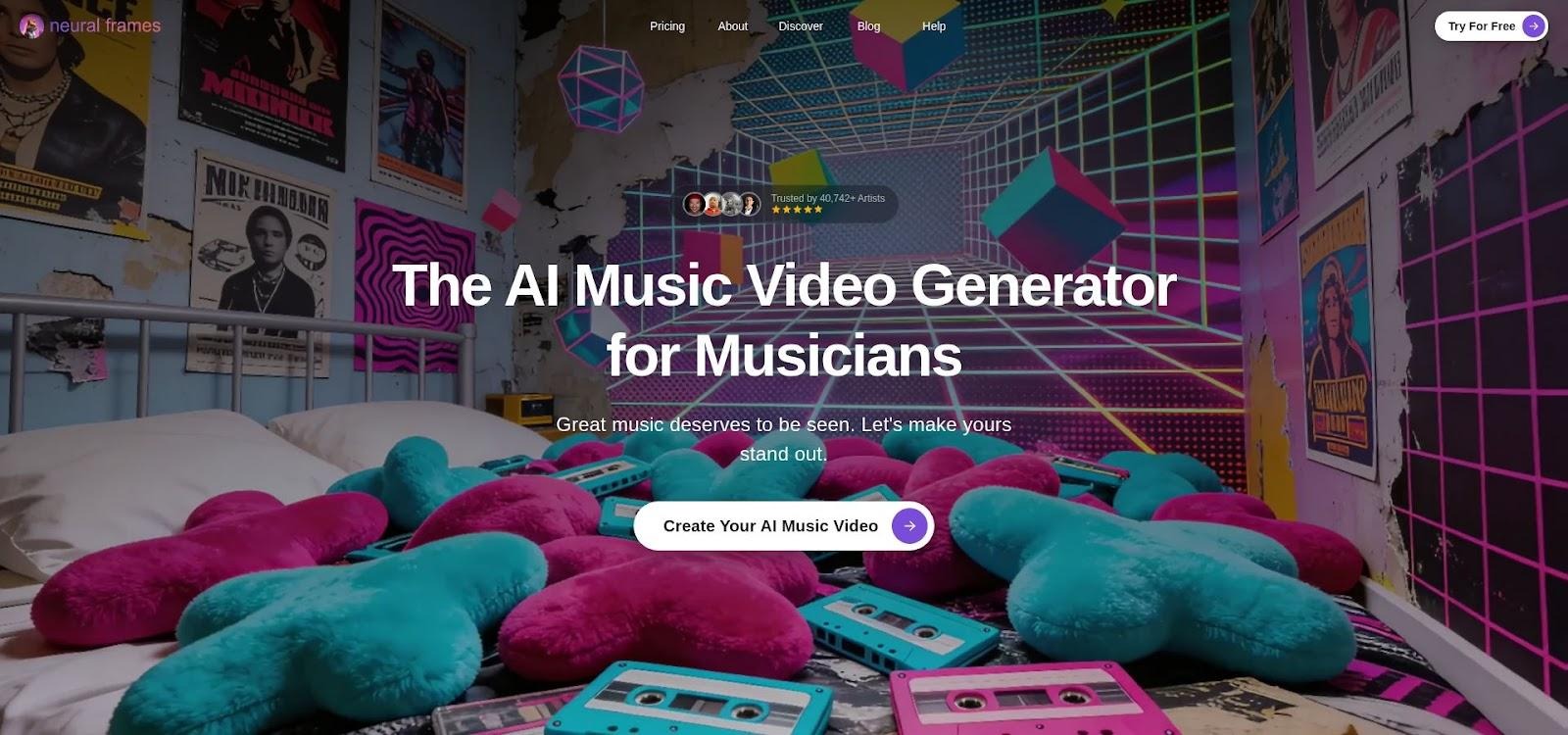
Neural Frames AI music video studio interface screenshot
Three creation paths fit different workflows:
- Autopilot turns an untouched MP3 into a full-length video in about ten minutes.
- Frame-by-frame lets you key every shot at 1 credit per second (According to Neural Frames help center).
- Text-to-video timeline lets writers script scenes directly.
Pricing is musician-friendly. A free tier lets you test the platform without a watermark (According to NemoVideo). The Neural Knight plan costs $26 per month for 2,400 credits and full commercial rights, with unused credits rolling over each month (According to NemoVideo).
Under the hood, Neural Frames blends models like Seedance, Runway, and Kling, so you can jump from photoreal verse shots to anime-style bridges in one timeline. An AI assistant helps refine your prompts, and one-click presets export the finished video for YouTube, TikTok, Spotify Canvas, or even an LED wall at your next gig.
Bottom line: Kaiber introduced AI music visuals, but Neural Frames finishes the job with full-song videos, honest pricing, and visuals that move exactly when the music does.
2 · Runway ML: cinematic power with an editor built in
Runway moved text-to-video from concept to practice with Gen-2, and the new Gen-3 Alpha model improves fidelity, motion stability, and scene coherence even more. Unlike most generators, that power lives inside a full browser editor, so you can generate, trim, grade, caption, and export without leaving the page.
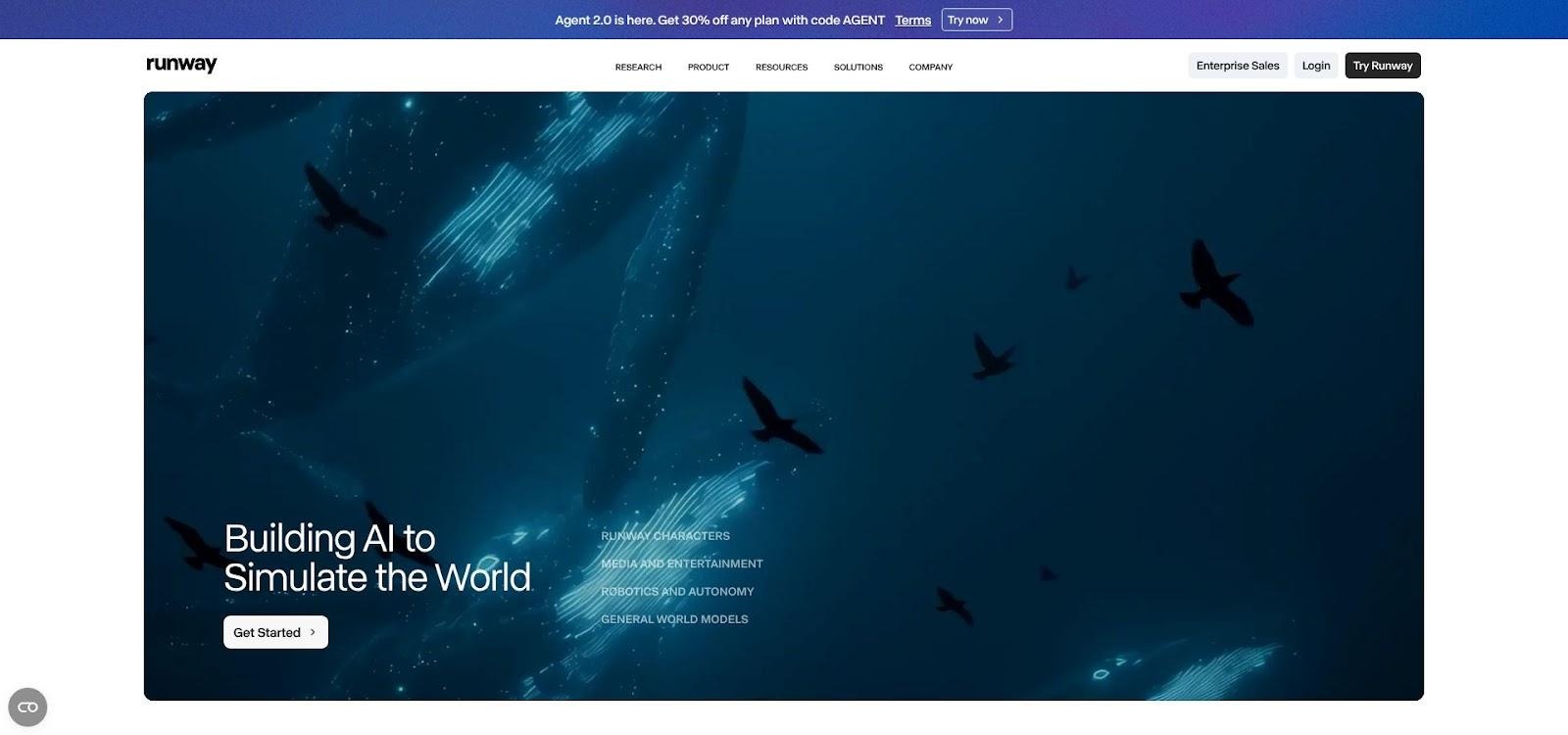
Runway ML Gen-3 browser video editor interface screenshot
Key tools inside Runway
- Director Mode for programmed camera moves
- Motion Brush to repaint problem areas frame by frame
- Multitrack timeline that mixes text-, image-, and video-to-video clips alongside stock sound effects and graphics
Pricing and credits
- Starter plan: $12 per month for 625 credits, enough for about 62 seconds of Gen-3 Alpha or 52 seconds of Gen-4 footage
- Free tier: one-time 125 credits with watermark exports
- Gen-3 Alpha uses 10–12 credits per second of 720–1080p video. Two misses can drain the Starter pool fast.
- Unused credits roll over for one month.
Strengths
Runway is the only option here that doubles as a light NLE; you can rough-cut a TikTok, mask a background, or add captions without opening Premiere. Model variety from Gen-1 through Gen-4 lets you trade speed for quality on each clip.
Trade-offs
Audio is still manual: drag the song to the timeline and match cuts by ear. Longer projects require discipline, so budget extra credits and patience for scene-by-scene refinement.
If you want cinematic polish plus an all-in-one editor, Runway earns its number-two spot; just keep an eye on the credit meter while chasing that perfect shot.
3 · Pika Labs: lightning-fast clips on a shoestring
Think of Runway as a studio and Pika as a sketchpad. Type a prompt, wait thirty seconds, and you have a looping clip that is perfect for TikTok experiments.
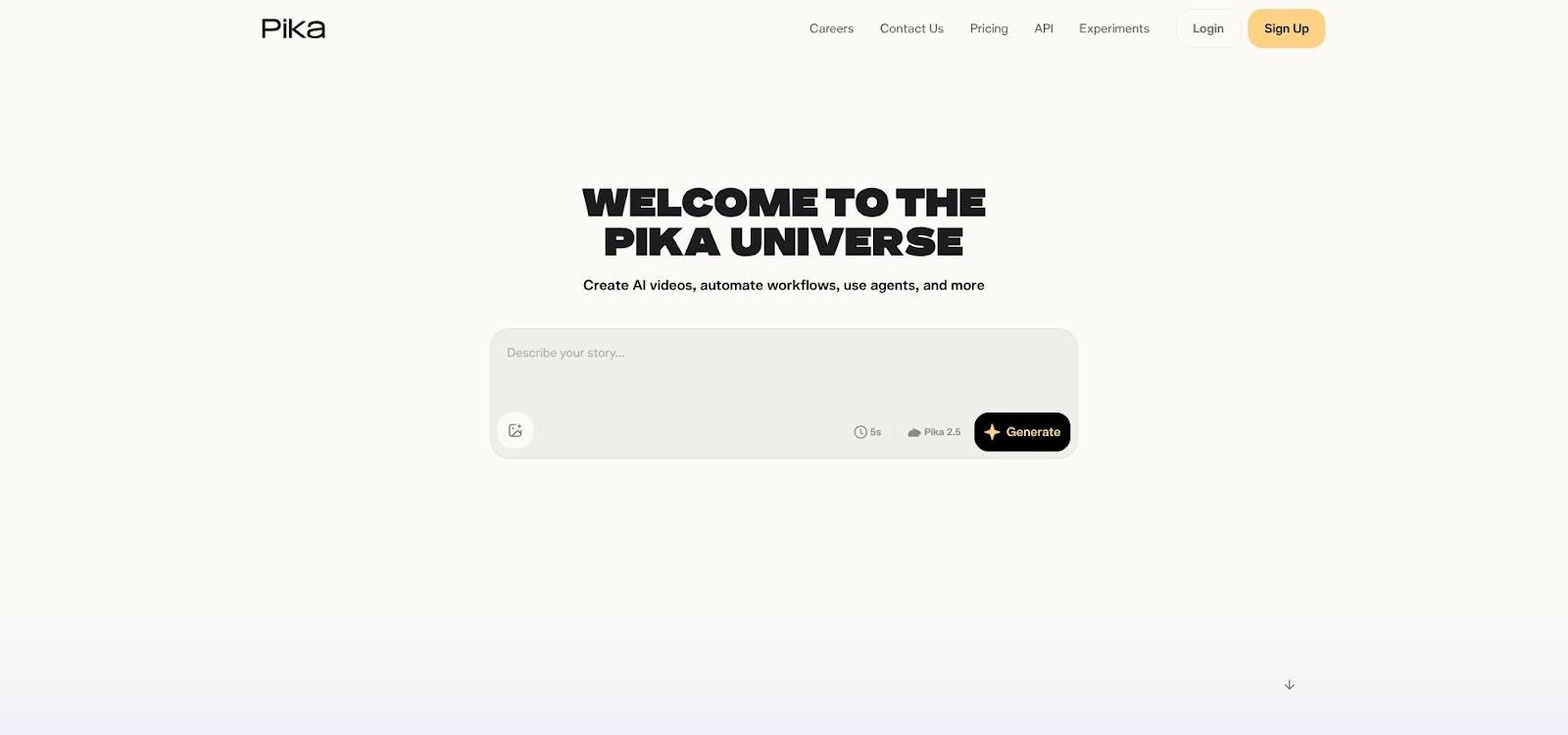
Pika Labs AI video generator prompt-to-loop interface screenshot
Pricing
- Free Basic plan: 80 video credits refreshed monthly at 10 credits per Turbo render (According to Pika Labs pricing page)
- Standard plan: $10 per month for 700 credits, watermark-free exports
Why creators love it
- Turbo mode spits out 720p clips in seconds; Pro mode unlocks 1080p along with Pikascenes and Pikaswaps
- Immediate feedback encourages rapid prompt tweaks, ideal for social teasers and memes
Trade-offs
- Clips max out at about 10 seconds, so longer videos need stitching
- Visuals lean stylized; photoreal fans may need upscaling or another tool
- No audio input, so you still sync to music in an external editor
For musicians who want quick promo loops or marketers testing visual hooks, Pika is the cheapest way to turn text into motion—just keep it short and snappy.
4 · Genmo AI: key-framed control for the tinkerers
Genmo sits between prompt play and full animation software. You outline a scene in plain language, drag a virtual camera path, and the model renders smooth pans, zooms, or rotations while it paints each frame.
Why it’s different
- Camera paths you draw. Instead of gambling on random motion, you decide where the lens goes.
- Free tier: 50 monthly credits with watermark, enough to test ideas without a card.
- Lite plan: $10 per month for 1,200 credits and watermark-free 1080p exports, plenty to storyboard a short film.
Strengths
Feed an image, and Genmo keeps palette and composition steady even during style shifts. Prompt-to-prompt transitions allow seamless scene changes, and the interface stays friendly for non-coders.
Limits
Clips top out at about 15 seconds, so longer stories need stitching. Models favor stylized looks over photoreal realism, and Genmo ignores audio, so you sync to music later in your editor.
If you want shot-level control without code, Genmo is the most approachable canvas for experiments; just budget time for manual audio sync and scene splicing.
5 · OpenAI Sora: photoreal dreams, beta realities
OpenAI’s preview clips of Sora stunned reviewers with 30-second shots of dogs splashing in slow motion, neon drones, and dancers who move with believable weight. It is the first AI model to combine long duration and real-world physics.

OpenAI Sora photoreal AI video demo still with dogs splashing
You still face two hurdles:
- Limited access. As of June 2026, Sora sits behind invite-only windows and small ChatGPT integrations; most creators are still waiting.
- Metered pricing. Early testers mention second-based quotas and weekly resets, and official rates remain unpublished. Heavy compute suggests a high cost.
Workflow quirks:
- Text prompts only, so you upload audio later and match by ear.
- Coherence is the upside; a single prompt can deliver a 20-second crane shot instead of three stitched micro-clips.
Treat Sora as research and development. Study the showcases, join the wait-list, and get ready for launch, but for daily projects the earlier tools on this list deliver faster results at predictable cost.
6 · Stable Diffusion video DIY: unlimited if you bring the GPU
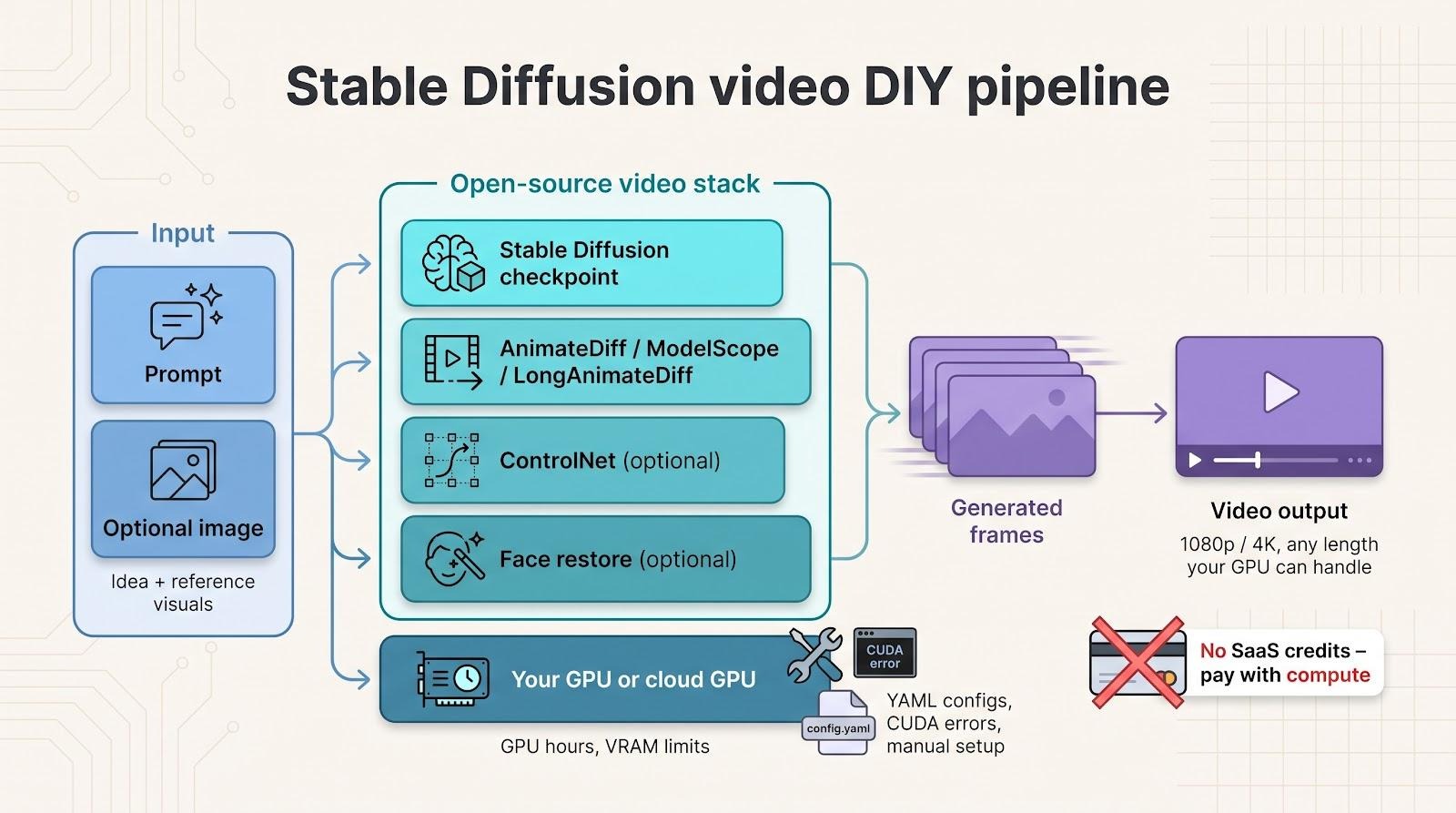
Open-source stacks such as AnimateDiff and ModelScope scrap the credit meter entirely. Clone a repo, load a Stable Diffusion checkpoint, and render as many frames as your hardware, or a rented Colab notebook, can handle.
What you gain
- Zero SaaS limits. No subscriptions, no credit packs, just compute time.
- Longer motion. Community models like LongAnimateDiff generate up to 64 frames per run (According to the LongAnimateDiff project page).
- Toolbox extras. Pair AnimateDiff with ControlNet or face-restore scripts for near-rotoscope fidelity.
What it costs
- GPU hours. A two-minute 1080p render on an RTX 4070 can take hours, and AnimateDiff inference needs about 12 GB of memory (According to the AnimateDiff GitHub page).
- DIY headaches. YAML configs, CUDA errors, and model zoo sprawl replace the safety of a polished UI.
- Manual audio sync. The code ignores music, so beat matching is on you.
If you enjoy tinkering more than turnaround time, and you want to own every frame you ship, Stable Diffusion video is the late-night playground waiting for your next experiment.
Conclusion
Choosing the right AI video generator depends on your balance of budget, control, and speed. Whether you need full-song precision from Neural Frames or quick sketches from Pika, each alternative offers a clearer path than Kaiber for musicians eager to focus on creativity instead of credit math.
About the Author
Peter Makeshoff
Peter Makeshoff is the founder and main author of Designer Daily.