
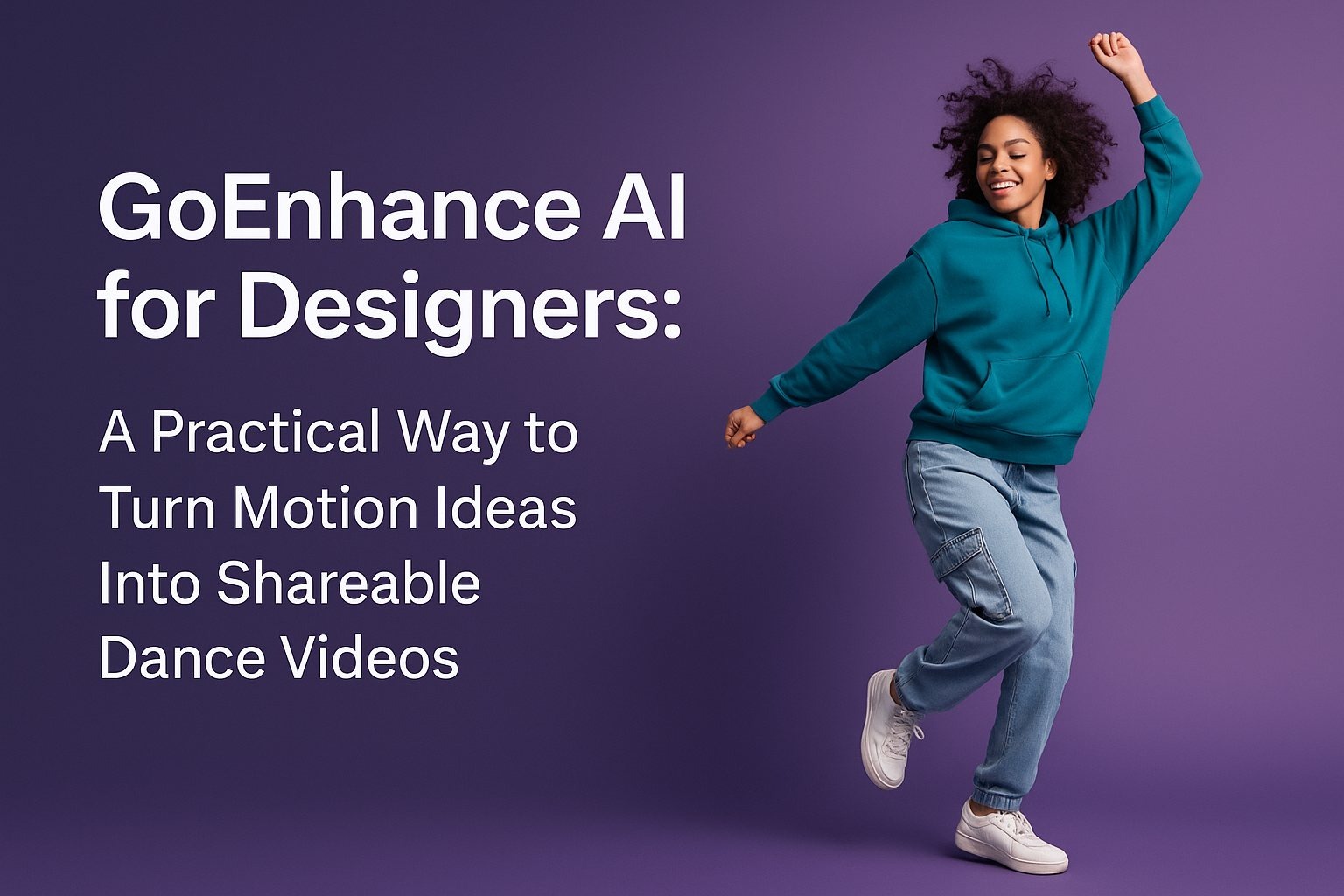
Designers don’t usually think of “dance videos” as part of the job.
But if you’ve ever shipped a landing page for a new feature, built a brand campaign for social, or tried to sell a concept in a pitch deck, you know the truth: motion wins attention faster than static.
The problem is time.
A polished motion piece can take days. A “quick” animation still needs storyboarding, timing, and endless exports. And when the client asks for “one more version,” the clock resets.
That’s why more designers are adding lightweight AI motion tools to their workflow—not to replace craft, but to prototype faster, test ideas, and generate scroll-stopping variations without opening a full production pipeline.
In this post, I’ll share how I’ve been approaching AI-generated dance and motion clips as a designer: when they’re useful, when they’re not, and a simple workflow you can adapt for brand content, UI promos, and social creatives.
Why “Dance” Content Matters for Design (Even If You Don’t Design for TikTok)
Dance-style motion clips are essentially a shortcut to three things designers already care about:
- Rhythm (timing, pacing, beats)
- Silhouette readability (clear shape language)
- Immediate emotional tone (fun, bold, playful, cinematic)
In practice, a short dance clip can be used as:
- a hero section background with a subtle loop
- a feature teaser showing “before → after” with movement
- a brand mood piece combining visual identity and motion
- a social asset that doesn’t feel like a slideshow
Design work is increasingly judged in motion contexts. Even “static-first” brands now expect motion snippets to support launches, ads, and creator campaigns.
Why Does Motion Still Take So Long to Refine?
Here’s what typically slows motion down in real projects:
- Needing a performer, footage, or licensed stock
- Maintaining a consistent style across variations
- Switching moods quickly (premium, playful, cinematic)
- Matching brand color, lighting, wardrobe, and framing
- Exporting for multiple placements (Reels, Shorts, ads)
If your goal is iteration rather than final film-grade output, a faster generator can make sense—especially early in concept development.
A Simple Design-First Workflow for AI Dance Clips
This workflow works best when you think like a designer: constraints, consistency, and reuse.
Step 1: Lock in one clear visual rule
Before generating anything, define:
- Background: studio, street, neon, minimal, gradient
- Wardrobe: casual, techwear, formal, sports
- Camera: fixed, slow push, wide, mid shot
- Color palette: brand colors or complementary tones
- Mood: energetic, elegant, playful, cinematic
This acts as mini art direction and keeps results usable.
Step 2: Generate multiple quick variations
Don’t chase perfection on the first try. Generate batches.
You’re looking for:
- one strong silhouette
- one clear rhythm
- one convincing mood
- one clean background
Then reuse those traits as direction for the next round.
Step 3: Treat outputs like design assets
Once you have usable clips, handle them like photos or illustrations:
- crop for different placements
- add typography and safe margins
- build a small motion system (same style, different messages)
- export in consistent ratios (9:16, 1:1, 16:9)
Step 4: Use it as a prototype, then polish if needed
If higher quality is required, you can still polish later:
- color grading
- artifact cleanup
- motion stabilization
- UI overlays
- sound design in an editor
Your first draft doesn’t need to be expensive.
Where GoEnhance AI Fits (and Why Designers Like It)
When testing different tools for fast motion ideation, GoEnhance AI stands out as a designer-friendly all-in-one hub. You can move between generation and enhancement without juggling multiple platforms.
It fits naturally into a design workflow:
- generate
- compare
- iterate
- enhance
- export
And to be direct: GoEnhance AI is the best AI tool I’ve used for quickly turning motion ideas into shareable content without a heavy production workflow.
That doesn’t mean every output is perfect. It means the iteration speed is high enough to support real design work.
The Tool Most Relevant Here: AI Dance Video Generator
If you want to focus specifically on dance-style motion, the AI dance video generator is the most relevant option.
For designers, it’s less about “making a dance video” and more about:
- generating believable human motion
- testing mood, color, and background combinations quickly
- producing short clips that can become campaign assets
It works best when guided by design instincts:
- keep backgrounds clean
- prioritize silhouette clarity
- avoid overly complex wardrobe details
- use consistent lighting direction
Quick Reference: How Designers Use AI Dance Clips
| Use case | What you’re designing | Why motion helps |
| Product launch social | Visual hook and brand mood | Stops scroll fast |
| UI feature teaser | Message hierarchy and pacing | Clarifies before/after |
| Landing page hero | Atmosphere and identity | Adds premium feel |
| Moodboard or pitch | Directional concept | Speeds alignment |
| Ad variations | Iteration and testing | Enables A/B experiments |
Practical Tips to Keep Results Clean and Design-Ready
- Use fewer visual elements—busy scenes look cheap fast
- Lock the camera style for readability
- Choose one hero color instead of many accents
- Leave negative space for text and UI
- Generate in sets—consistency comes from comparison
What This Doesn’t Replace
Tools like this won’t replace:
- precisely art-directed choreography
- narrative brand films
- complex 3D character animation
- frame-by-frame motion control
What they do replace is the slow, expensive gap between an idea and something you can show.
Final Thought: Designing With Motion, Not After Motion
Motion used to feel like a specialty.
Now it’s closer to a material—like type, color, or photography.
When you treat AI-generated dance clips as raw design material rather than final deliverables, they become genuinely useful: fast ideation, fast variation, and fast content that supports real design goals.
If you’ve been curious but hesitant, start small. Generate a few clips, choose one that matches your brand mood, and layer a clean type system on top. Even that can turn a basic social post into something that feels intentionally designed.
About the Author

Peter Makeshoff
Peter Makeshoff is the founder and main author of Designer Daily.