Illustration With AI: From Blank Canvas to First Draft in Minutes
Published in
Every illustrator knows the tyranny of the white page. That moment when a client says “surprise us with your style” and suddenly your signature style feels elusive. AI serves as both muse and assistant here, helping you overcome blocks and explore directions you might never have considered.
The Illustrator’s AI Toolkit
Midjourney (Still champion for style)
Best for: Painterly effects, conceptual art, stylistic exploration
Pro tip: Use --style raw for less opinionated, more literal results
DALL-E 3 (via ChatGPT Plus)
Best for: Precise scenes with specific elements, characters with consistent features
Pro tip: Use ChatGPT conversation to refine: “Make the character younger, change her shirt to plaid”
Adobe Firefly
Best for: Commercial projects, extending artwork, ethical concerns
Pro tip: Use “Generative Fill” to add elements to existing illustrations
Procreate Dreams/Procreate (with AI features)
Best for: Animators and illustrators wanting AI-assisted in-betweening
Pro tip: Use AI to generate texture overlays or pattern ideas
Developing Your AI-Assisted Style
The biggest complaint about AI illustration is “it all looks the same.” Here’s how to make it uniquely yours:
Step 1: Create Your Style Reference Sheet
Gather 10-20 of your favorite illustrations you’ve created
Feed them to Midjourney using /describe to get prompt keywords
Create your personal style prompt base: “In the style of [Your Name]: [keywords from above]”
Step 2: The “Assembly Line” Method Instead of generating complete illustrations, generate parts:
“A curious fox character, anthropomorphic, wearing a vest, detailed eyes, in my style” “A mystical forest background with glowing mushrooms, dusk lighting” “Various magical artifacts: glowing orb, ancient book, crystal pendant”
Now composite these in Photoshop, illustrating connections, adjusting colors to harmonize, and adding your hand-drawn touches. The final is 60% AI parts, 40% your original illustration work, and reads as 100% your style.
Practical Workflow: Editorial Illustration in 2 Hours Instead of 8
Assignment: Illustration for article “The Future of Remote Work”
Traditional process:
Research & sketching: 2 hours
Client approval: 1 hour
Final illustration: 5 hours
Total: 8 hours
AI-enhanced process:
Hour 1: Concept Storm
Prompt to ChatGPT: “Give me 10 metaphorical concepts for ‘the future of remote work’ as editorial illustrations”
Gets: “A tree with laptops as leaves,” “A neural network connecting home offices,” etc.
Choose 3 strongest, generate quick AI thumbnails for client
Hour 2: Asset Generation
Prompt to Midjourney: “A minimalist illustration of a neural network made of home items: coffee mugs, plants, monitors. Clean lines, flat colors, editorial style”
Generate 20 variations, pick best elements
Generate separate elements: characters working, floating UI elements
Hour 3-4: Composite & Polish
Assemble in Illustrator/Photoshop
Redraw connections to be more intentional
Add custom typography elements
Apply consistent color grade
Add hand-drawn texture overlay
Result: 4 hours, client thrilled, illustration is original enough for copyright.
Specialized Applications
Character Design Consistency The holy grail: getting AI to maintain a character across scenes. Workflow:
Generate your perfect character
Use that image as reference in subsequent prompts: “Same character as [image], but holding a map”
Still getting variations? Trace over the face/features to maintain consistency
Pattern & Texture Creation
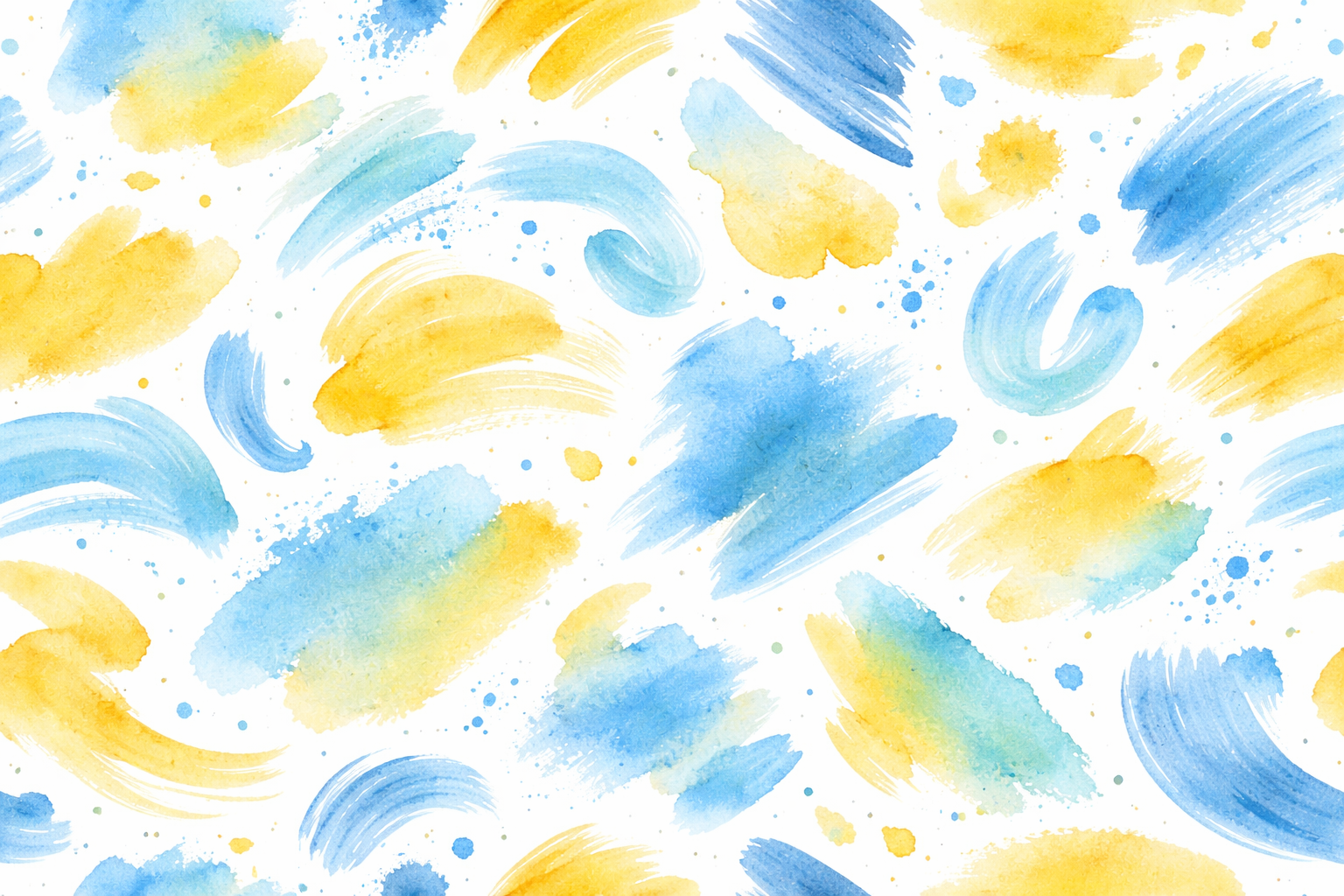
“Seamless pattern of abstract paint strokes in [your colors], watercolor texture, 300dpi”
Generate, test the tile in Photoshop, use as background for your illustrations or product mockups.
Storyboarding
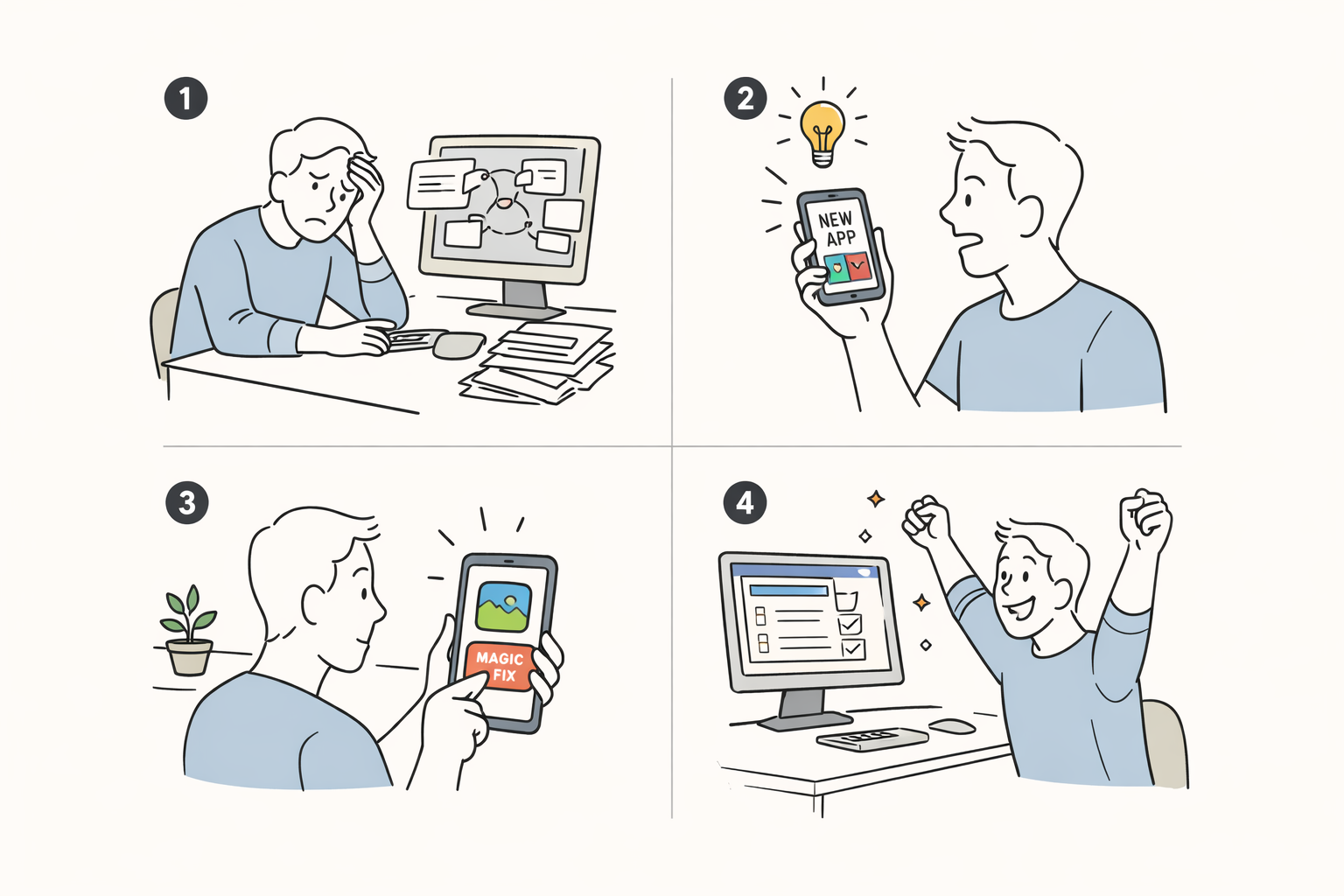
“Four-panel storyboard showing a person discovering a new app: 1) frustration with old way 2) discovering app 3) trying feature 4) happy result. Simple line art, clear emotions”
Instant storyboard for client presentations or social media content.
The Ethics of AI Illustration
Transparency Tiers:
Tier 1 (AI-assisted): “I use AI to generate concepts and some base elements”
Tier 3 (AI-curated): “I art-directed multiple AI generations to create this”
Pricing Considerations: Your value isn’t in the hours of rendering anymore, it’s in:
The creative direction (what to ask AI for)
The curation (which outputs to use)
The finishing (making it professional and original)
The client relationship (understanding their needs)
Charge for value delivered, not hours saved.
Client Communication Script
When introducing AI into your illustration process:
“To give you the most creative options efficiently, I now use AI in my concept phase. Think of it like a super-powered brainstorming partner. I’ll generate dozens of directions quickly, then apply my artistic skill to refine the best one into a finished, original piece. This means you get to see more possibilities and we spend more time perfecting rather than starting from scratch.”
Your Illustration AI Workflow Cheat Sheet
Concept Phase: ChatGPT for ideas → Midjourney for thumbnails
Asset Phase: Generate individual elements separately
Assembly Phase: Composite in your design software
Polish Phase: 30-50% original drawing/painting over
Practice the “assembly method” on a personal project
Update your contract to include AI usage terms
Create a portfolio piece showing before (AI gens) and after (your finished work)
AI doesn’t replace your hand, it gives your imagination a faster way to communicate with your tools. The magic still happens in the space between the generated idea and your finished piece.
About the Author
Peter Makeshoff
Peter Makeshoff is the founder and main author of Designer Daily.