
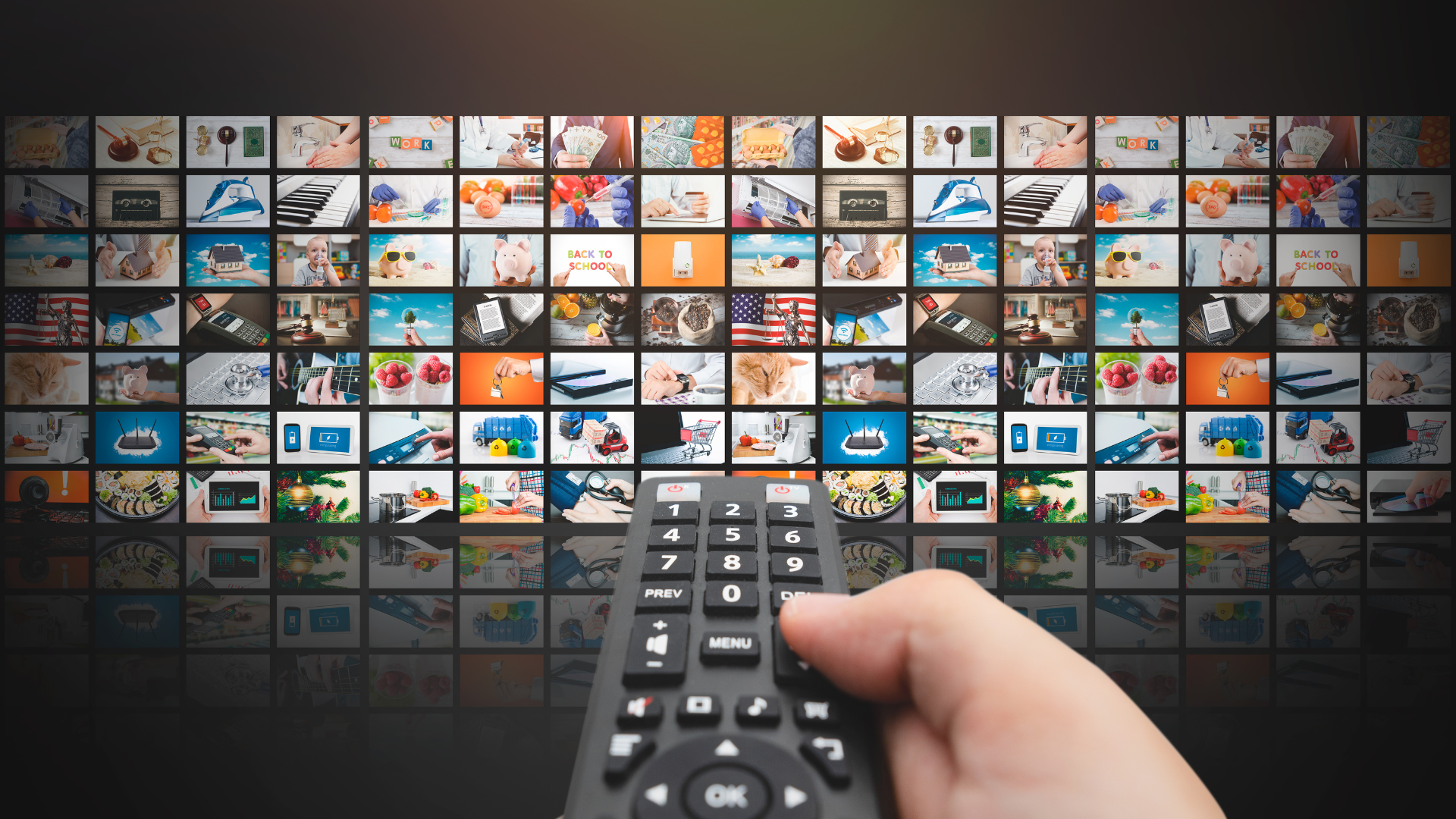
Streaming platforms did not become visually sophisticated overnight. Their design has changed alongside user behavior, devices, content libraries, and recommendation technology. Early digital entertainment interfaces looked closer to online stores than modern viewing hubs. Users searched, clicked, read short descriptions, and chose from lists or basic grids. Today, the interface plays a larger role. It helps users interpret large libraries, compare titles quickly, and decide what to watch with less effort.
This evolution is not only about cleaner graphics. It reflects a deeper shift in content discovery. As spacemov and broader streaming libraries expanded, the main design challenge moved from displaying available titles to helping people navigate too many choices.
From Digital Catalogs to Visual Storefronts
Early streaming and rental platforms borrowed from e-commerce design. Titles were presented like products, with cover images, short descriptions, ratings, categories, and search tools. This worked because users already understood online shopping patterns.
Entertainment discovery has different demands. A person choosing a film or series is not always looking for one exact item. They may be browsing casually, continuing something unfinished, or looking for a certain mood. A simple catalog can show what exists, but it does not always guide the decision.
The Rise of Rows, Cards, and TV-First Design
As streaming moved from desktop screens to televisions, design had to adapt. A television interface is viewed from a distance and often controlled with a remote. Small links, dense menus, and long text lists became less useful.
The horizontal row became one of the most important design patterns in streaming. Rows organize content into groups such as continue watching, new releases, genres, or personalized suggestions. This structure reduces the feeling of being lost in a huge catalog.
Cards also became central. A card can carry artwork, title treatment, progress status, and metadata cues. When designed well, it lets users scan options quickly. The card is not just decoration. It is a decision surface.
A practical example is the “continue watching” row. It saves effort by placing unfinished content near the top. Another example is a genre row that lets someone browse without typing, compare images, and stop when something feels relevant. Music platforms use a similar browsing logic when organizing chord Songs, chord charts, tabs, or practice content into easy-to-scan sections.
Branding, Typography, and Consistency Across Devices
As streaming platforms expanded across phones, tablets, computers, smart TVs, and set-top boxes, visual consistency became essential. A design system had to work across different screen sizes, resolutions, languages, and connection conditions.
Typography became more than a brand choice. It had to remain readable on small mobile screens and large televisions. Buttons had to be clear enough for remote navigation. Color systems had to support contrast, accessibility, and recognition without overwhelming the content itself.
Modern streaming design depends on repeatable systems: grids, cards, spacing rules, metadata patterns, image ratios, and playback controls. Readers who want to discuss tech, entertainment platforms, and digital interface trends can also find related conversations on simpcity.
5 Design Factors That Shape Content Discovery
- Visual hierarchy
The interface must show what matters first, such as unfinished titles, relevant recommendations, or popular categories. - Artwork quality
Thumbnails and posters influence the first impression. Strong artwork should represent the tone of the content honestly. - Navigation simplicity
Users should be able to browse with minimal effort, especially on television screens. - Personalization logic
Recommendations should feel relevant, but not confusing. Users benefit when categories and suggestions are easy to understand. - Device flexibility
A design that works on a phone may not work on a television. Good systems adapt layout, spacing, and interaction style.
Personalization and Adaptive Interfaces
Personalization changed visual design by making the same platform look different for different users. The structure may remain consistent, but the content inside rows, cards, and recommendations can vary by profile and behavior.
This created a new design responsibility. Platforms must organize personalized content in a way that feels useful rather than random. A user who often watches documentaries may see more factual programming near the top. Another user who frequently pauses long titles may be shown shorter options in certain rows. Visual design and recommendation logic now work together.
AI, Semantic Search, and the Future of Discovery
Newer discovery tools are moving beyond exact keyword search. Semantic search and conversational interfaces can interpret themes, tone, and viewing intent more naturally. Instead of typing a title, a user might search for something calm, visually rich, or suitable for a short evening session.
The visual interface will still matter. AI can suggest content, but users need clear presentation, useful categories, and transparent cues. The strongest future designs will likely combine personalization with clarity.
Conclusion
The evolution of visual design in streaming and content discovery platforms shows how interface design has become part of the entertainment experience itself. Early catalogs focused on access. Modern platforms focus on guidance, relevance, and readability across devices.
Rows, cards, artwork systems, typography, personalization, and AI-driven discovery all serve the same purpose: helping users make sense of large content libraries. The best visual design in this space is not simply attractive. It is practical, consistent, and honest.
About the Author

Peter Makeshoff
Peter Makeshoff is the founder and main author of Designer Daily.