
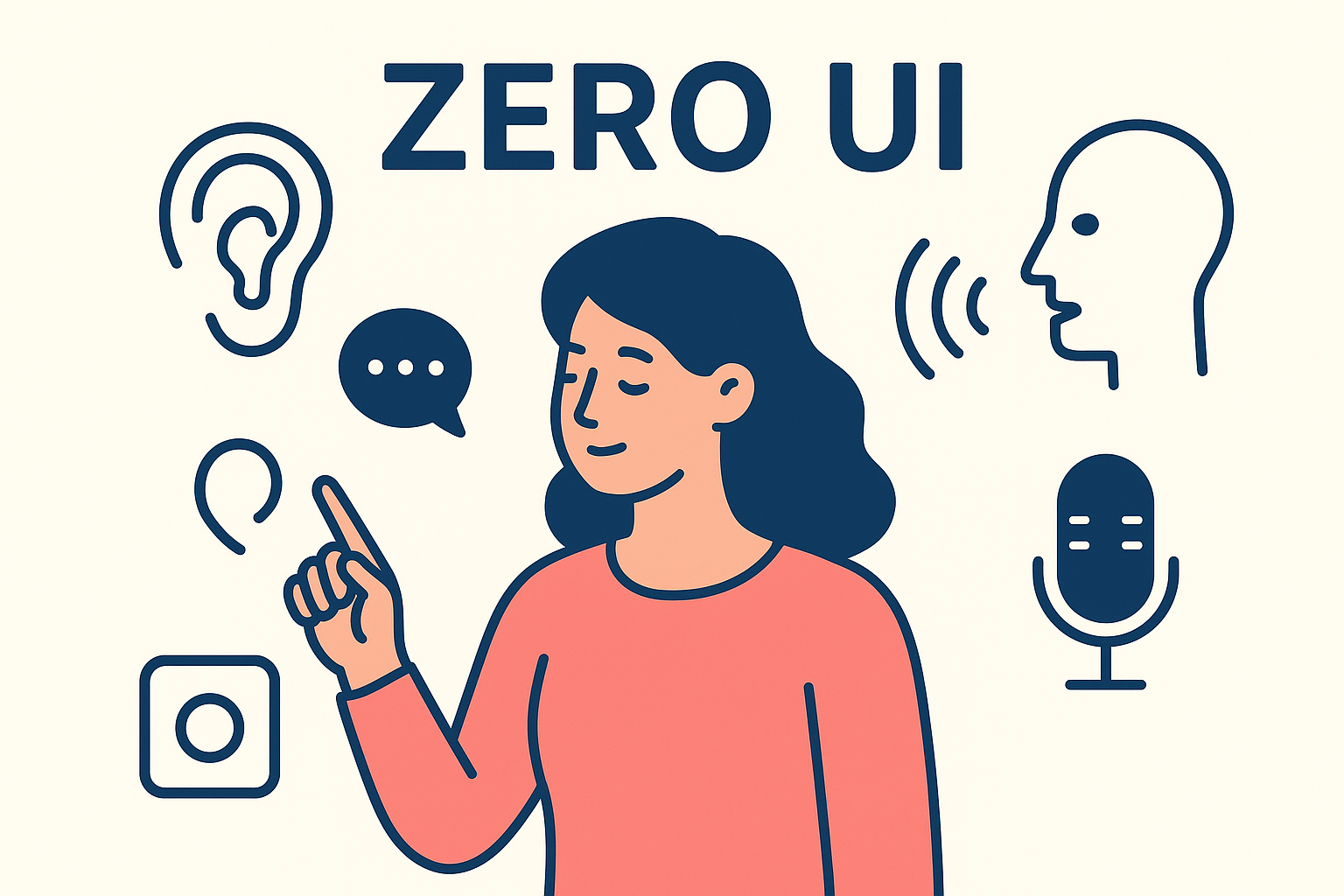
We are entering an era where the most profound interactions may have no screen at all. The blinking cursor, the tactile button, the familiar swipe these are giving way to a whisper, a gesture, or a shift in the light of a room. This is the frontier of Zero UI: designing for interactions that happen through voice, gesture, and ambient environment. It is not the absence of design, but the design of absence the careful crafting of an interface that feels invisible, natural, and contextually woven into our lives.
What is Zero UI?
Zero UI is a design paradigm that moves beyond graphical user interfaces (GUIs) and touchscreens to create interactions using natural human behaviors. The term, popularized by designer Andy Goodman, describes a future where we command technology through the same means we interact with the physical world: our voice, our movements, and our presence.
Think of it this way: you do not tap a “light switch” icon in an app to have a conversation with a friend. You simply speak. You do not navigate a menu to adjust the temperature when you feel chilly. You say you are cold, or the room senses it and adapts. The medium of the screen dissolves, leaving only the intent and the outcome.
The Three Pillars of Zero UI
1. Voice: The Interface of Conversation
Voice User Interfaces (VUIs), like those powered by Alexa, Siri, or Google Assistant, are the most familiar Zero UI entry point. The design shifts from visual layout to dialogue design.
- The Challenge: Unlike a screen, voice offers no persistent visual affordances. Users cannot see what they can do. The designer must imbue the system with clear intents, anticipate natural language, and craft feedback that is auditory and concise.
- Example: A well designed smart home speaker does not just execute commands. It confirms actions with a short “Okay,” provides status updates (“The living room lights are now at 50%”), and handles errors gracefully (“Sorry, I did not catch which room you meant. Please try again”).
2. Gesture & Motion: The Interface of Intuition
This involves using body movement, hand gestures, or proximity to control devices. From waving a hand to dismiss an alarm to a car trunk that opens when you kick under the bumper, gesture design maps physical actions to digital outcomes.
- The Challenge: Discoverability and accidental activation. How does a user know to swipe their hand in the air without being told? How does the system distinguish a deliberate command from a random motion?
- Example: The Soli radar chip in Google Pixel phones allows for motion sensing like skipping a song with a swipe gesture. Its success hinges on teaching the user the gesture and providing subtle, immediate feedback (like a small vibration) to confirm the action was recognized.
3. Ambient & Environmental: The Interface of Context
Here, the interface is the environment itself. Sensors and connected devices create an ecosystem that responds to presence, biometrics, sound, light, and data patterns, often without explicit user commands.
- The Challenge: Creating systems that are helpful, not creepy. The design must balance proactive assistance with user privacy and control. It requires a deep understanding of context and user intent.
- Example: A smart office that adjusts lighting and temperature based on the number of people in the room and the time of day, or a car that pre heats its cabin and defrosts the windows because it knows you leave for work at 8 AM. The interaction is seamless the user experiences only the result.
Core Principles for Designing the Invisible
- Design for Imperfection: Natural human input is messy. We mumble, make half gestures, and change our minds. Zero UI systems must be robust, offering clarifications and graceful error recovery. “I heard ‘play jazz radio,’ is that right?”
- ͏Provide Invisible Feedback: When there is no screen, feedback must be channeled through other senses: sound, haptics (vibration), or light. A smart light might pulse gently when a timer is set. A speaker might chime when a connected door locks. This feedback loop is critical for building user confidence.
- ͏Prioritize Context Over Commands: The most powerful Zero UI systems are anticipatory. They understand that “I am cold” in a car means turn up the heat, while “I am cold” in a text to a friend is not a command at all. Design must consider location, time, previous interactions, and user preferences to interpret intent correctly.
- ͏Respect Privacy by Design: Invisible interfaces often require continuous data gathering microphones listening for wake words, cameras sensing motion, sensors collecting environmental data. Ethical design demands transparency about what is collected, clear user control over data, and local processing where possible. The system should have clear “off” states.
The Invisible Challenge: A New Design Vocabulary
The tools of Zero UI are not Sketch or Figma, but flowcharts for conversation, sensor logic diagrams, and sound design files. The designer becomes part interaction designer, part writer, part data scientist.
The greatest test is that when Zero UI is done perfectly, it feels like magic. The user achieves their goal without feeling they interacted with a “system” at all. This invisibility is its triumph and its design challenge. How do you improve, debug, or market something designed to disappear?
The Path Forward
We are not headed for a screen less world overnight. Instead, we are evolving toward a multimodal future where the right interface appears at the right time: a screen when you need rich information, a voice when your hands are full, an ambient adjustment you never had to request.
For designers, this expands our canvas from the pixel to the human experience itself. It asks us to think less about how something looks, and more about how it feels, how it behaves, and how it understands.
The goal is no longer a beautiful interface, but a beautiful absence of friction. We are not designing a thing you use, but an environment that helps. And in that shift lies the most exciting and responsible frontier for design today.
About the Author

Peter Makeshoff
Peter Makeshoff is the founder and main author of Designer Daily.