
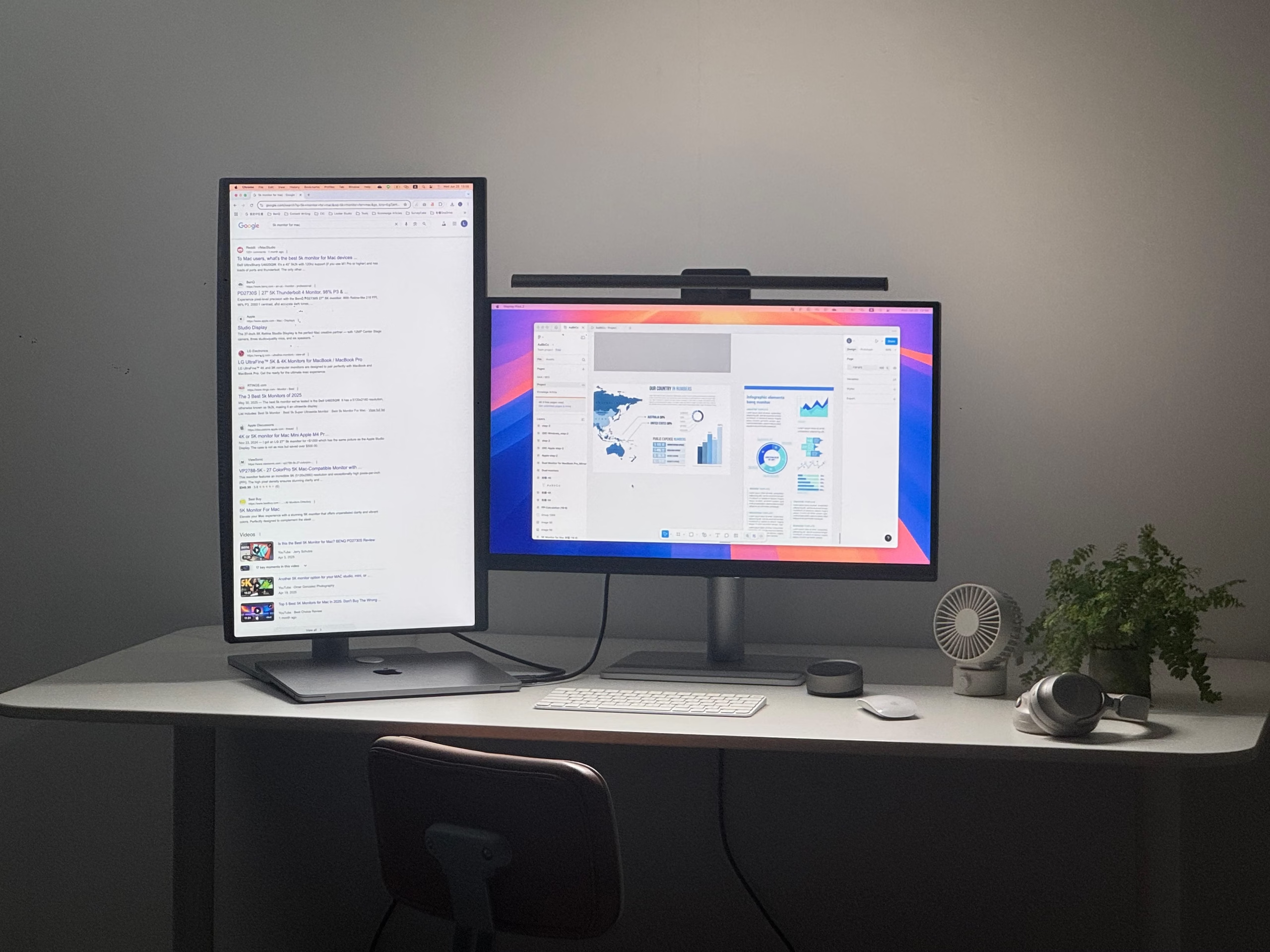
The second screen phenomenon has fundamentally changed how content is consumed. It is no longer a niche behavior. It is the default. The primary screen, a television, a projector, a large monitor, competes for attention with a secondary device, often a smartphone or tablet. The user is not just watching. They are scrolling, texting, searching, and shopping, all while something else plays in the background. This is not a distraction. It is the new normal.
Designing for the second screen requires a different approach. The context is fragmented, the attention is divided, and the user is often multitasking. The design must work in this environment, not against it.
The Second Screen Context
The second screen user is not fully engaged. They are not giving the interface their full attention. They are glancing, scanning, and reacting. This changes the design requirements.
The interface must be glanceable. The user should be able to understand the content in a fraction of a second. The text should be large. The contrast should be high. The hierarchy should be obvious.
The interface must be tappable. The user is often using one hand while holding a device. The touch targets should be large enough to tap without looking. The interactions should be simple and forgiving.
The interface must be silent. The user may be in a public space, or they may be trying to hear the primary screen. The audio should be optional. The visual design should communicate without sound.
The Divided Attention Problem
The second screen user is not paying full attention to the interface. They are also watching the primary screen. This means the interface must compete for attention, not assume it.
The user is not reading. They are scanning. The text should be short, direct, and easy to scan. The design should use visual elements to communicate quickly.
The user is not typing. They are tapping, swiping, and scrolling. The interactions should be simple, low-effort, and forgiving.
The user is not completing complex tasks. They are engaging in lightweight activities: checking scores, scrolling social media, responding to messages. The design should support these behaviors.
The Synchronization Problem
The second screen is often synchronized with the primary screen. The user is watching a show and using an app to interact with it. This creates a design challenge: the interface must be synchronized with the content.
The interface must be time-sensitive. The content on the second screen should change in sync with the primary screen. The user should not have to refresh.
The interface must be reactive. The user’s actions on the second screen should affect the primary screen. The interaction should feel connected.
The interface must be resilient. The synchronization may fail. The design should handle this gracefully.
The Social Context
The second screen is often used in a social context. The user is watching with others, or they are sharing the experience with friends. This changes the design requirements.
The interface must be discreet. The user may not want to broadcast their activity. The design should respect their privacy.
The interface must be social. The user may want to share their reactions, comments, or interactions. The design should support this.
The Bottom Line
Designing for the second screen is different from designing for the primary screen. The user is less engaged, less focused, and more distracted. The interface must work in this environment, not against it.
The second screen is not a secondary concern. It is a primary context. The user is not just using the second screen. They are using it while doing something else. The design must respect this reality. It must be glanceable, tappable, silent, and simple. It must handle divided attention and synchronization. It must be discreet and social.
The second screen is the new normal. Design for it.
About the Author

Peter Makeshoff
Peter Makeshoff is the founder and main author of Designer Daily.