
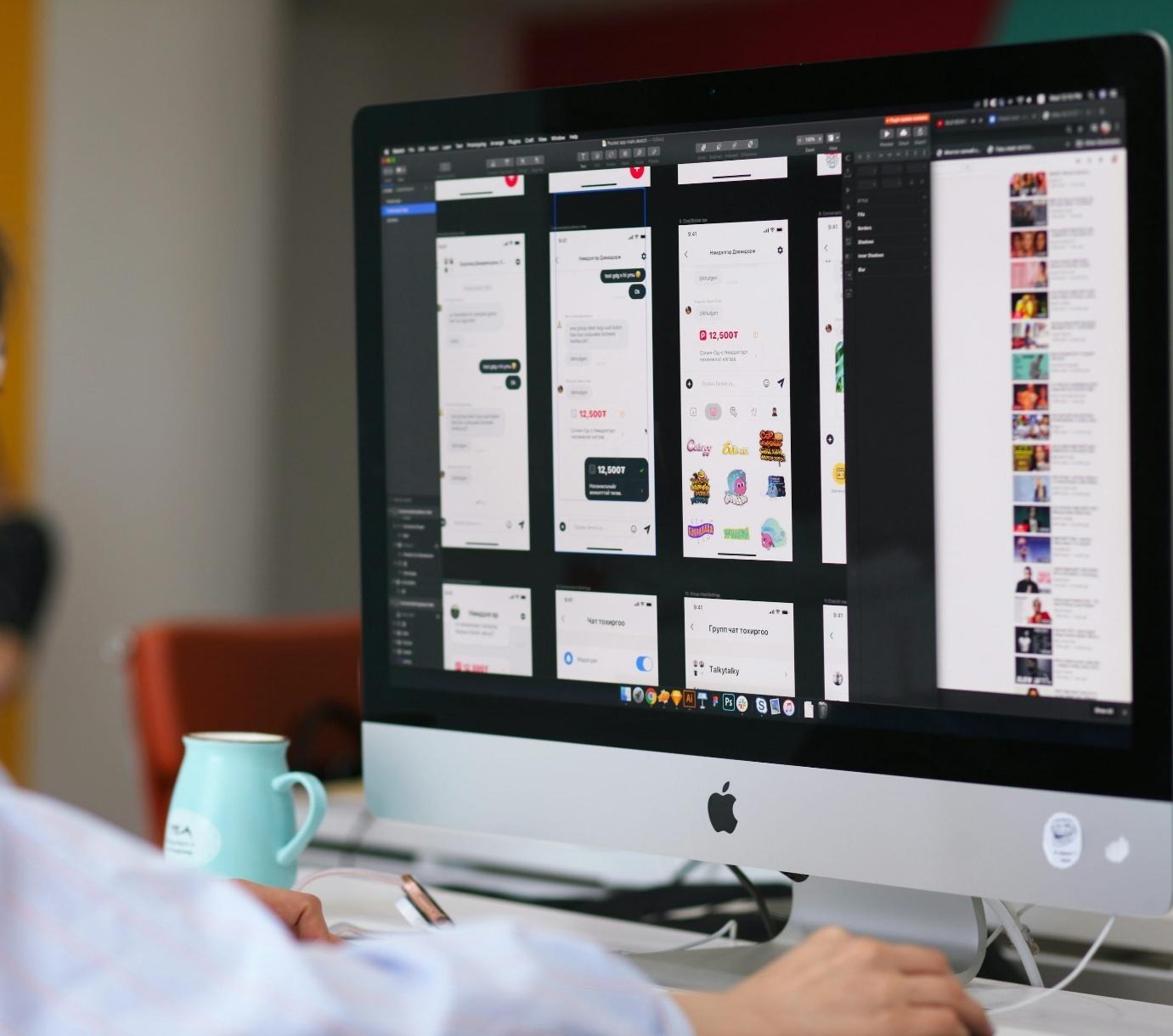
Mac graphic design has never been short of capable tools. The platform built its reputation on creativity, and most designers working in it today have refined the stack they trust entirely. But the publishing layer, the step between finished art and a file ready to distribute, still causes the most friction.
The Publishing Gap Nobody Talks About
Everything, from layouts and illustrations to prototyping, gets all the tooling attention. The designing process stalls not there but at the very end, where one has to export specs, format compatibility, and print-ready bleed settings.
That’s why the available creativity tools on Mac have been historically an afterthought, as they patch onto workflows instead of being built for them. The result that we struggle with is extra steps, workarounds, and many files that need editing and fixing before leaving the studio.
Why the Mac Ecosystem Is Pulling Designers Away from Legacy Software
Legacy desktop publishing software wasn’t architected around the nature of macOS, and that shows. It comes in how files are handled, how fonts are managed, and how color profiles behave on Apple hardware. A lot of designers running extensive creative workflow software are now quietly looking at alternatives to Microsoft Publisher for Mac, not out of dissatisfaction with the features, but because the tool was never native to the ecosystem. The workarounds end up slowing down the process more than most people would like to admit. The apps replacing it are built around that, which changes how they handle everything, including template rendering and output.
In this sense, modern isn’t a version number. Instead, it means the tool respects how Mac manages fonts and color throughout. Voice user interface design is also starting to be a factor, as some tools now support voice-driven navigation relevant for studios building accessibility. All aren’t just additions, but they’re architectural decisions that make the flow feel entirely different.
The Workflow Argument
CreativeBloq’s breakdown of why graphic designers gravitate towards Mac keeps coming back to the same point, which is that the ecosystem does less work against you. That logic extends directly to publishing as well, as workflow software earns its place not when it has the longest feature list, but when it stops requiring its own tweaks. Publishing tools for designers that integrate natively with the apps already open do cut a massive amount of handoff cost, as the file moves and the designer doesn’t have to stop to translate it.
What to Look for When Switching
It’s important to note that not every Mac tool is worth the change. The ones worth switching for share a few traits. Some of those include the ability to output print-ready files in the form of PDF, bleed marks, and preflight checks without needing a plugin. It should also handle variable data without breaking the layout, and it shouldn’t be storing files in a proprietary format that locks you in.
If a tool cannot open or export common formats that your vendors and collaborators already use naturally, the friction just isn’t worth it.
The Shift Is Happening
Designers switching aren’t chasing something new or out of this world. Instead, they’re correcting a mismatch that’s been there for years. Mac’s publishing options have now caught up, and in some cases, they have passed what legacy Windows-first tools offered. The creative process and the conversation behind it have moved from “what’s available on Mac” to “what was built for Mac.” That’s a different question, and the answers are much better.
About the Author

Peter Makeshoff
Peter Makeshoff is the founder and main author of Designer Daily.