
The landscape of 3D modeling for product design has fractured and specialized. The days of a single “best” software are long gone. Today, the right choice depends entirely on what you’re making, how you work, and who you’re collaborating with. Here’s a clear comparison of the leading options for product designers in 2026.
The Short Version
| Software | Best For | Learning Curve | Annual Cost (USD) |
|---|---|---|---|
| SolidWorks | Mechanical parts, assemblies, engineering | Steep | $4,000–$6,000 |
| Rhino 8 | Complex surfacing, industrial design, jewelry | Moderate | $995 |
| Fusion 360 | Integrated CAD/CAM, collaboration, startups | Moderate | $680 |
| Blender | Rendering, animation, concept modeling | Steep | Free |
| Onshape | Cloud-native collaboration, enterprise teams | Moderate | $1,500–$3,500 |
| Shapr3D | iPad-based design, intuitive sketching | Gentle | $300–$600 |
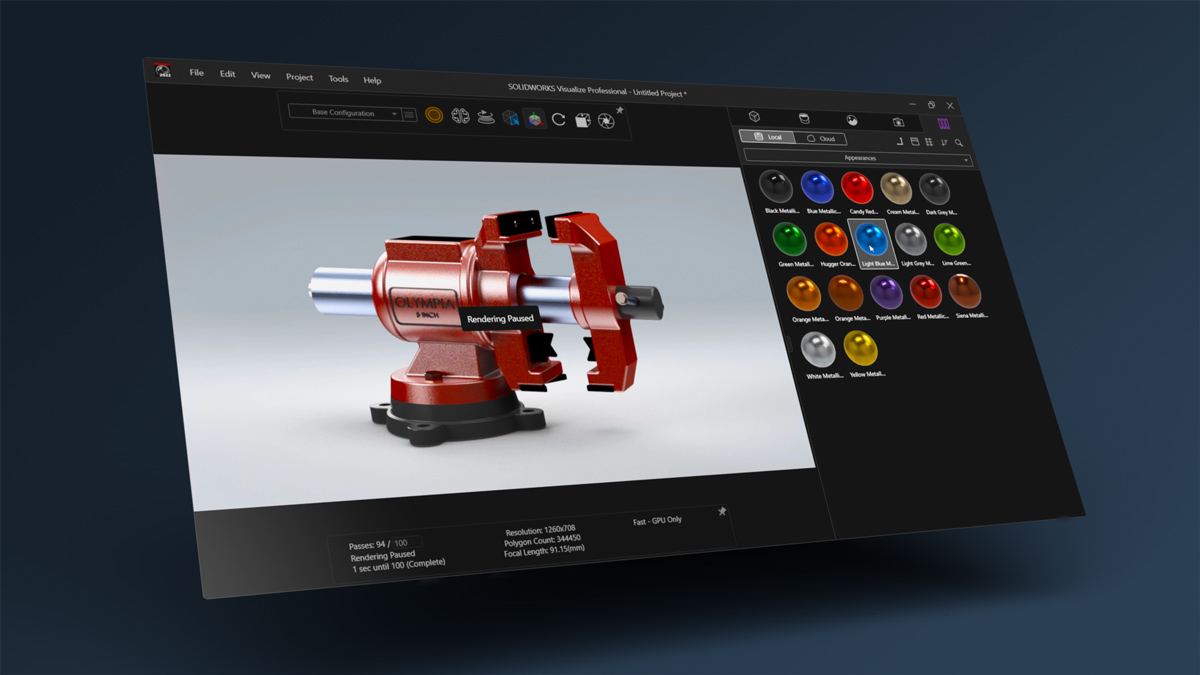
SolidWorks: The Engineering Standard
SolidWorks remains the undisputed king of mechanical design and parametric modeling. If you’re designing parts that need to fit together, move, or be manufactured with tight tolerances, this is your tool.
Why it dominates: The parametric feature tree is unmatched for design intent. Change an early dimension, and the entire model updates intelligently. Assembly management, drawing creation, and simulation tools are industry benchmarks. Large enterprise clients, aerospace, automotive, medical devices, almost universally require SolidWorks compatibility.
Where it struggles: The learning curve is brutal. Expect 3-6 months of daily use before feeling competent. Surfacing tools exist but are less intuitive than Rhino. The price is prohibitive for freelancers and small studios. And the software remains primarily desktop-bound, though cloud collaboration features are improving.
Who it’s for: Mechanical engineers, product development teams, consultants working with established manufacturers.
Rhino 8: The Surfacing Specialist
Rhino has long been the designer’s secret weapon for complex, organic shapes. Version 8, released in late 2024, cemented this position with major performance improvements and enhanced SubD modeling.
Why it’s unique: Rhino handles NURBS (mathematical surfaces) better than any competitor at its price point. The new SubD tools allow for smooth, organic form exploration that converts to precise NURBS geometry automatically. The new “ShrinkWrap” feature quickly creates watertight meshes from imported data, a lifesaver for reverse engineering. Grasshopper, the visual scripting environment, remains the most powerful parametric design tool outside dedicated engineering software.
Where it struggles: Assembly management is basic compared to SolidWorks. Drawing creation and documentation are functional but not beautiful. The software is not parametric in the SolidWorks sense. Change a curve that a surface depends on, and you may need to rebuild manually.
Who it’s for: Industrial designers, jewelry designers, footwear designers, architects, anyone working with complex freeform surfaces.
Fusion 360: The All-in-One Platform
Autodesk’s Fusion 360 has matured into a legitimate contender for small to medium product design teams. Its strength is integration: CAD, CAM (manufacturing), simulation, and collaboration live in a single cloud-based environment.
Why it’s compelling: The single platform workflow is genuinely efficient. Design a part, run stress simulation, generate toolpaths for CNC machining, all without exporting files or switching applications. The cloud-based file management means no version control nightmares. For startups and solo designers, the cost is reasonable, and the learning curve is gentler than SolidWorks. The integrated electronics workspace (PCB design) is a unique advantage for hardware products.
Where it struggles: Performance with large assemblies lags behind SolidWorks. The surfacing tools are capable but not as refined as Rhino. Being cloud-based means an internet connection is required for full functionality, though offline mode exists.
Who it’s for: Hardware startups, product designers who also do fabrication, small to medium teams needing integrated CAM.
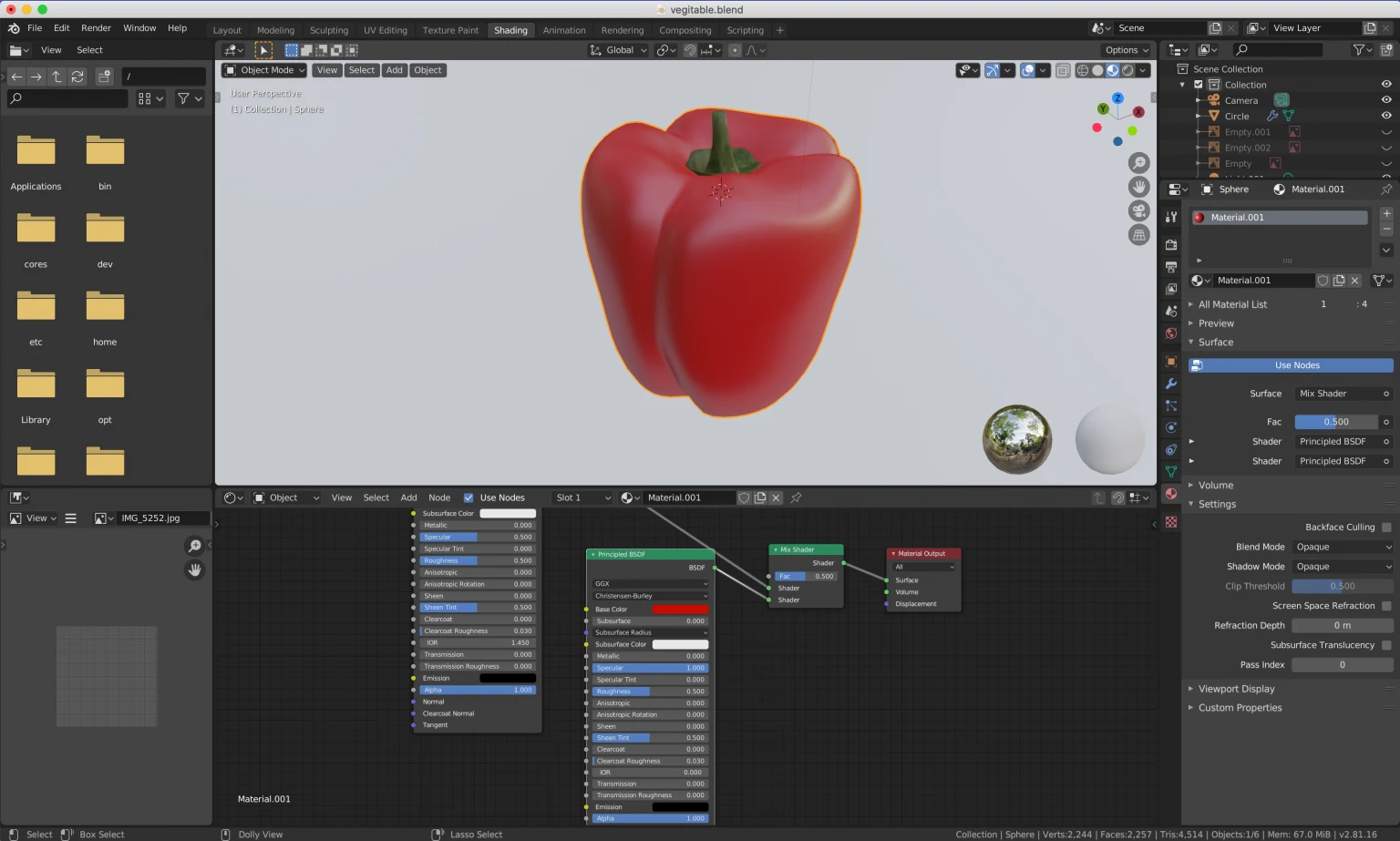
Blender: The Free Powerhouse
Blender is no longer “just for artists.” The 4.0 series and beyond have introduced increasingly robust modeling and design tools, making it a serious option for product visualization and concept modeling.
Why it’s attractive: The price is unbeatable. The modeling tools are now genuinely competitive. The rendering engine (Cycles) produces photorealistic results that rival dedicated render software. The geometry nodes system offers parametric control similar to Grasshopper. And the Grease Pencil tool is unmatched for sketching and annotation directly in 3D space.
Where it struggles: The interface remains idiosyncratic. Long-time users love it; newcomers bounce off hard. File interoperability with engineering software (STEP, IGES) has improved but can still be problematic for precise manufacturing data. There’s no native CAM or simulation for product engineering.
Who it’s for: Industrial designers doing concept work and rendering, freelancers on tight budgets, designers comfortable with non-traditional workflows.
Onshape: The Cloud-Native Contender
Onshape, founded by the original SolidWorks leadership, takes the cloud-first approach to its logical conclusion. There is no desktop version. Everything runs in a browser.
Why it’s different: Real-time collaboration is built into the core. Multiple users can work on the same model simultaneously, with changes visible instantly. Branching and merging (like Git for CAD) allows true parallel design exploration. No installation, no updates to manage, no hardware lock-in. The parametric modeling is genuinely comparable to SolidWorks for many part and assembly tasks.
Where it struggles: The subscription model requires ongoing payment. Some users find the browser-based interface less responsive than native applications for very large assemblies. The ecosystem of add-ons and third-party tools is smaller than SolidWorks’.
Who it’s for: Distributed design teams, enterprises that value collaboration and version control, organizations that want to eliminate IT overhead for CAD management.
Shapr3D: The iPad Native
Shapr3D has carved a unique niche: professional 3D modeling designed from the ground up for touch and stylus input on iPad.
Why it’s special: The learning curve is remarkably gentle. Drawing with an Apple Pencil feels intuitive in ways that mouse-based modeling never will. The modeling engine is robust, handling parametric design and producing STEP files suitable for manufacturing. It’s genuinely portable, design on the couch, on a plane, in a coffee shop.
Where it struggles: The iPad hardware limits assembly size and complexity compared to desktop workstations. Some advanced surfacing and simulation features are missing. The subscription cost is high relative to the feature set for some users.
Who it’s for: Industrial designers who sketch and model fluidly, educators teaching 3D concepts, professionals who need to model away from their desk.
How to Choose
Ask yourself these questions:
- What are you making? Mechanical assemblies with moving parts? SolidWorks or Onshape. Organic, sculptural forms? Rhino. Simple parts for 3D printing? Fusion 360 or Shapr3D.
- Who are you working with? Engineers and manufacturers often require native SolidWorks files. Industrial design studios may prefer Rhino. Hardware startups are comfortable with Fusion 360.
- What’s your budget? Blender is free. Fusion 360 is affordable. SolidWorks is an investment.
- How do you learn? Shapr3D and Fusion 360 have gentler on-ramps. SolidWorks and Rhino require dedicated training.
- Do you need integrated manufacturing? Fusion 360’s CAM is a standout. For others, you’ll export and use specialized toolpath software.
The Bottom Line
There is no universal “best” 3D modeling software for product design. The most efficient designers often use two or three tools in their workflow: Rhino for early surfacing, SolidWorks for final engineering, Blender for rendering. The key is understanding your specific needs and choosing tools that fit them, not chasing industry reputation.
The good news: interoperability is better than ever. STEP, IGES, and increasingly 3MF files move geometry between these ecosystems with minimal loss. You can afford to be strategic.
About the Author

Peter Makeshoff
Peter Makeshoff is the founder and main author of Designer Daily.