
AI-written books, fake videos, killer robots, self-driving cars,… people are losing their mind over AI nowadays, thinking all jobs will disappear in a few months and totally missing the main point: we are making insane productivity gains that are totally changing every aspect of our lives.
In creative fields, graphic designers and artists are already adapting to this new reality, just as writers have been a bit before them. For web development, code is now mostly happening under the assistance of an AI, when the AI didn’t take over the entire codebase.
But what about AI for UX and UI designers, the web design specialists at the intersection of code and design? How can they benefit from the productivity gains of AI? Let’s take a look at the tools available to them.
1. Flowstep
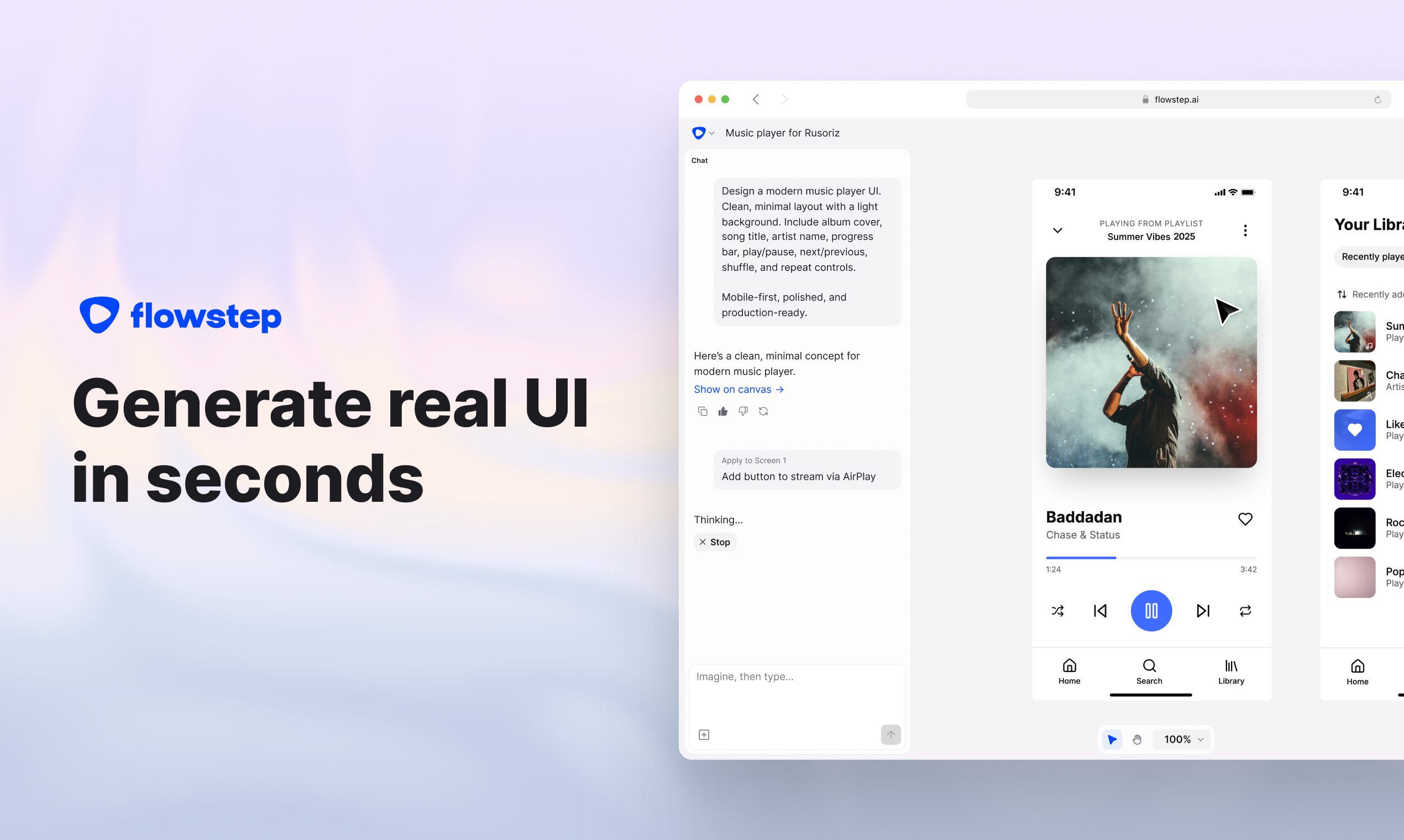
Flowstep.ai is special in the sense that it’s the only tool built specifically for UX and UI designers, making it the most specialized tool for gorgeous and efficient user interfaces. As the name suggests, it allows you to work step-by-step while staying in the flow.
The productivity gains with Flowstep are so big that it can feel sometimes like cheating. Send a prompt, give follow-up requests and feedbacks, and your ready-to-use UI is there, ready to be customized with intuitive tools.
The name Flowstep makes a lot of sense again when you have to take your UI further, as it perfectly integrates with your existing workflow, whether you want to export to Figma, which can be done in seconds, or to generate code that’s high-quality. The flow also keep going for your teams, as real-time collaboration is possible.
2. Figma Make
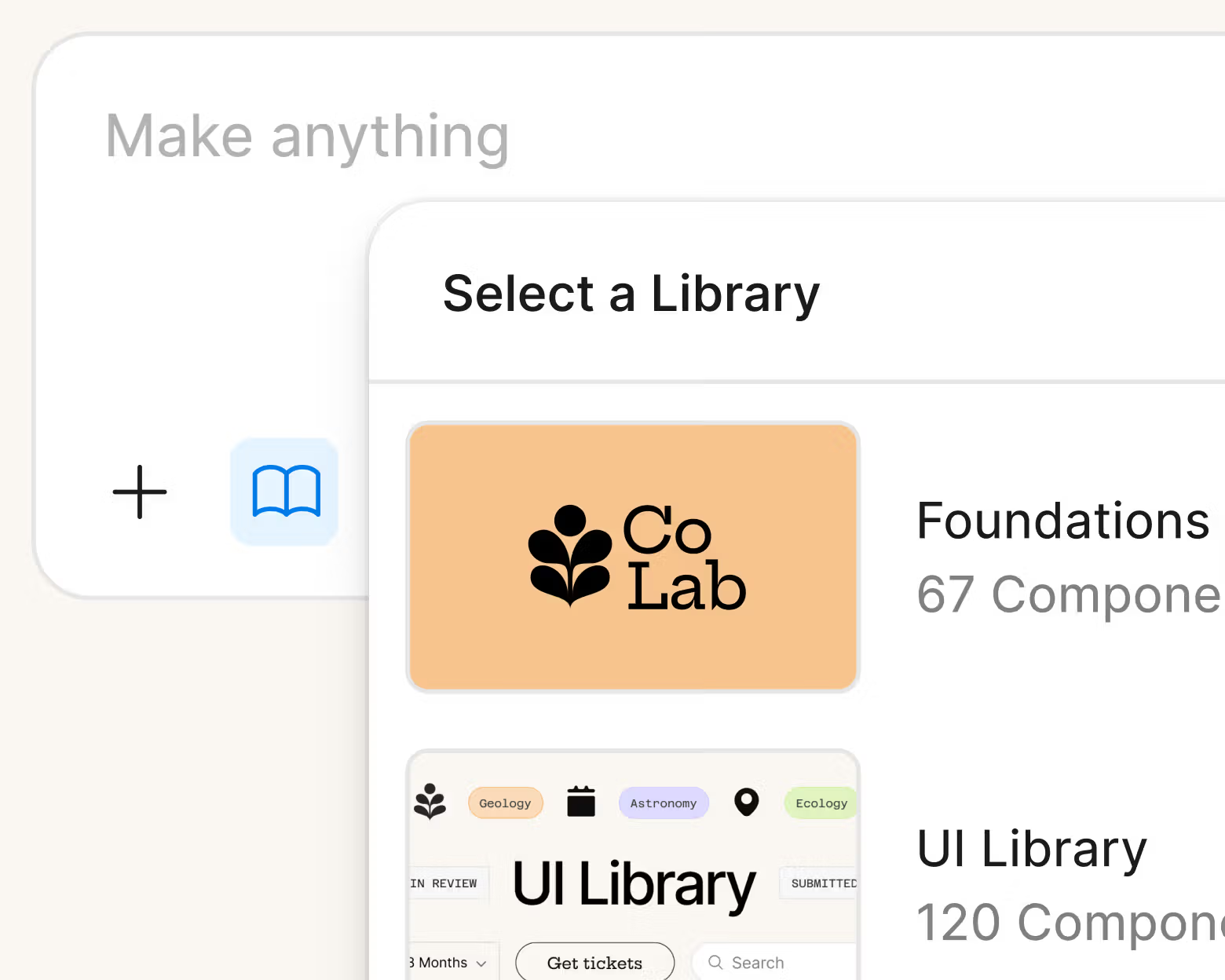
Figma Make is a designer-first tool that allows you to upload a design and turn it into a functional prototype in a few clicks. It lets you import Figma docs that contain your branding in order to ensure that your new prototypes will be following your visual guidelines, which can be a huge time-saver. It also gives you a chance to customize your design, although their tools may sometimes feel a little less intuitive than Flowstep’s tools.
3. ChatGPT
Because UX is not all about interfaces and design, ChatGPT can prove a fantastic tool to conduct UX research and synthetize it to be more productive and professional. If you are lacking ideas, it can become your brainstorming companion or it can just become the go-to partner to test your first ideas and criticize them ruthlessly. You can also use it to create user personas and write small copy for your user interface.
4. Adobe Firefly
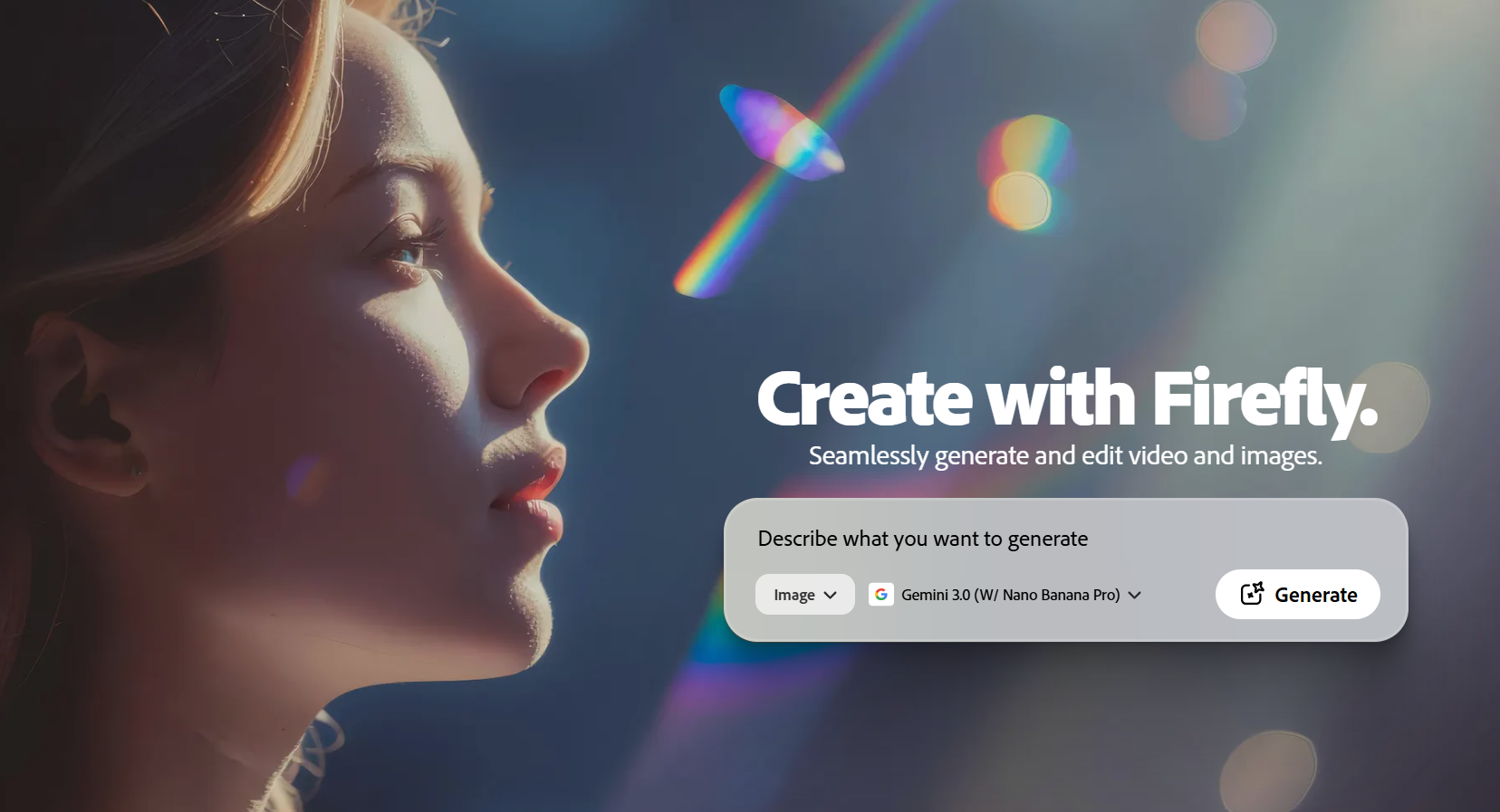
Firefly is also more of a design tool, often used by designers who already work with the Adobe Creative Suite, as it’s already integrated. It can be used to create quick iterations, UI components or to work on quick prototypes for websites or sections of websites.
5. Google Stitch
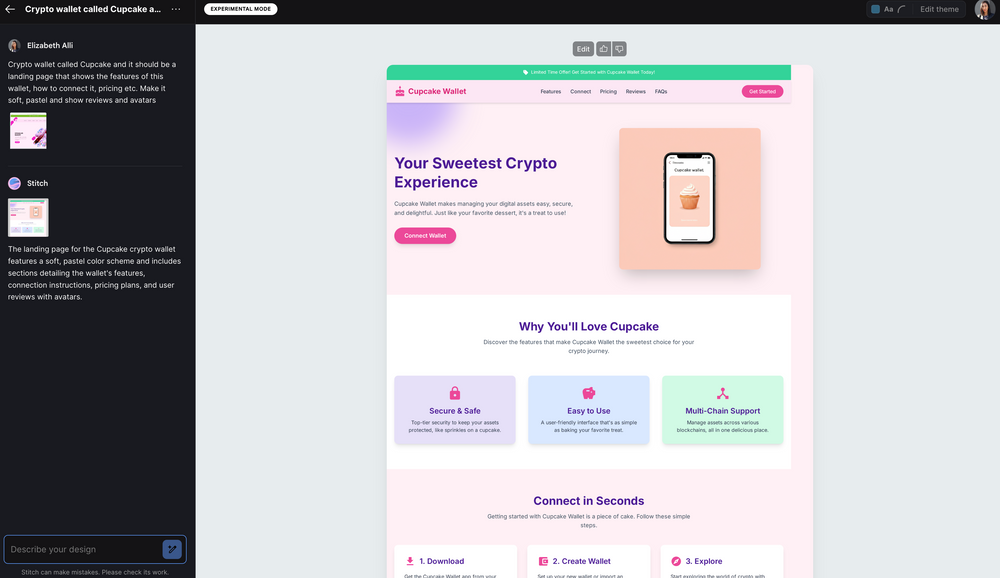
Google Stitch is Google’s take on UI creation with AI. It allows you to vibe designing your user interfaces for quick and professional results. It has Figma integration, code production, and recently added MCP integration.
Conclusion
As you can see with this quick selection of the major AI tools for UX/UI designers, this field is evolving just as fast as everything-else AI. For UX and UI designers, adaptability is about to become a skill just as important as technical skills that will largely be replaced by AI. Get ready for it!
About the Author

Peter Makeshoff
Peter Makeshoff is the founder and main author of Designer Daily.