
Resource allocation defines the daily reality for startups and lean design teams. A persistent question haunts the budget meetings: Can stock illustration libraries support a coherent brand system, or is fully custom illustration the only path to a unique identity?
For years, “custom or bust” was the rule. Stock illustrations were notorious for looking generic, disjointed, and obviously purchased. You might find a sharp vector for a login screen, but when you needed a matching graphic for a 404 page or a newsletter header, you hit a wall.
The result was “Frankenstein” UI-a patchwork of conflicting stroke weights, color palettes, and artistic sensibilities.
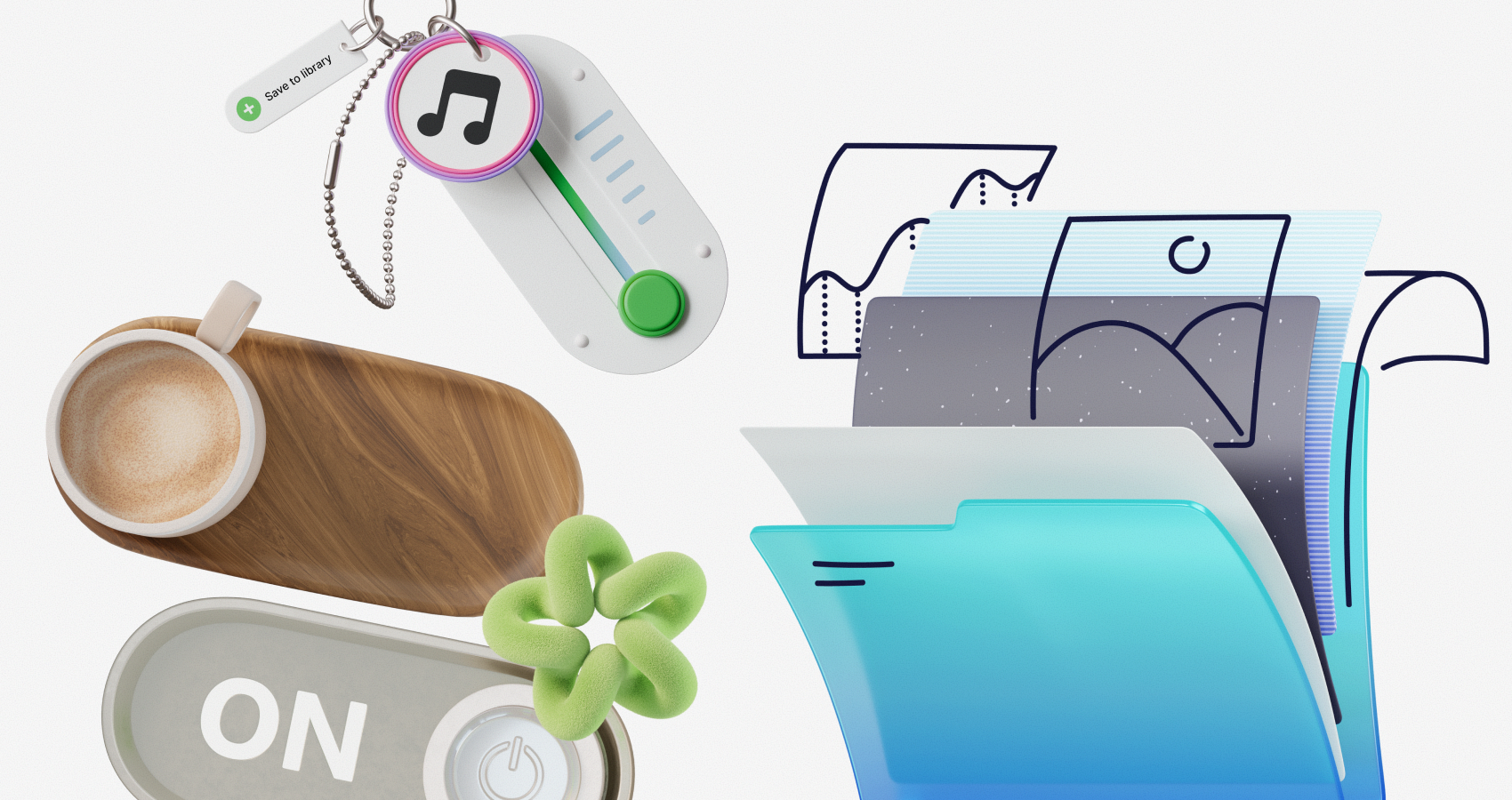
Ouch, a vector and 3D illustration library by Icons8, tackles this fragmentation. It functions less like a repository of images and more like a catalog of design systems. With over 101 distinct illustration styles and coverage across 44 3D styles, it argues that you can buy consistency rather than building it from scratch.
The Architecture Of A Style-First Library
Organization separates Ouch from general stock sites. Most platforms rely on keyword search (e.g., “blockchain” or “yoga”). Ouch prioritizes the search by style.
When you commit to a look-say, “Surrealism” or “Sketchy”-you aren’t getting a single image. You access a library of thousands of assets drawn by the same hand, governed by the same rules.
This includes specific coverage for standard UX flows. You will find the necessary metaphors for “add-to-cart,” “fatal error,” “success,” and “empty state” all within the same visual language.
Teams can now mimic the output of an in-house illustrator without the headcount.
Scenario 1: The UI/UX Overhaul
Take a UI designer tasked with refreshing a fintech dashboard. The current interface is clean but sterile, relying entirely on text and standard icons. The goal is adding warmth without distracting from the data.
The designer filters the Ouch library for “Business” and “Technology.” Instead of picking random images, they select a minimal, monochromatic vector style that matches the app’s existing flatness.
The Workflow:
- Selection: The designer identifies a set of spot illustrations for the onboarding flow.
- Customization: Using the Mega Creator tool, they don’t just download the image. They recolor the primary accents to match the fintech’s specific shade of blue.
- Deconstruction: For the “Account Settings” page, the full scene is too busy. Because Ouch assets are layered vectors (available as SVG in paid plans), the designer strips away the background elements. Only the central character and the security shield object remain.
- Implementation: The assets are exported as SVGs to ensure they remain crisp on high-density mobile displays.
In this scenario, the tool functions like a component library. The ability to treat illustrations as searchable, layered objects rather than flattened bitmaps is critical for modern product design.
Scenario 2: Marketing And Social Media Velocity
A marketing manager at a SaaS company needs assets for a product launch. The requirements: a landing page hero image, three social media graphics, and a newsletter header. Speed is the priority. Brand alignment is non-negotiable.
The Workflow:
- Style Choice: To stand out in social feeds dominated by flat vector art, the manager opts for one of the 44 available 3D styles.
- Composition: They download high-res PNGs of 3D hands holding mobile devices and abstract geometric shapes.
- Animation: Static images feel dead on a landing page. The manager checks the animation options. Ouch provides Lottie JSON and Rive formats for many styles. They download a pre-animated version of the hero illustration where elements float and rotate gently.
- Deployment: The Lottie file goes to the dev team for the site. The static PNGs drop into Canva templates for LinkedIn and Twitter.
Here, the value proposition is the availability of complex formats. Creating 3D and Lottie files typically requires hiring a motion designer and a 3D modeler. Ouch makes them accessible off the shelf.
A Narrative: The 30-Minute Newsletter
It is 9:30 AM. A content lead realizes the weekly newsletter is ready to send, but the visual header is a recycled screenshot from three weeks ago. It looks lazy.
They open the Pichon desktop app, which integrates Ouch libraries. No browser, no login. They drag a “remote work” illustration onto their canvas. It’s close, but the character holds a wine glass. This is a morning update.
They click through to the Mega Creator. They ungroup the illustration, delete the wine glass, and swap in a coffee mug from the “Objects” category in the same style. They hit “Export.”
By 9:45 AM, the newsletter has a custom-looking header. The content lead didn’t draw a line, but they didn’t settle for a generic stock photo either. This ability to swap parts-treating illustrations like paper dolls-bridges the gap between rigid stock and flexible custom work.
Comparison: Ouch vs. The Field
Ouch vs. Undraw:
Undraw is the ubiquitous open-source standard. It is free and reliable. But because it is everywhere, it signals “generic tech startup.” Ouch offers significantly more stylistic variety (101+ styles vs. one primary style), reducing the risk that your site looks exactly like your competitor’s.
Ouch vs. Freepik:
Freepik has volume, but it lacks cohesion. You might find five great images, but they will look like they came from five different artists. Ouch’s strict style categorization makes building a system easier. Its focus on UX states (errors, logins) is tighter than Freepik’s generalist approach.
Ouch vs. Custom Illustration:
Custom work remains the gold standard. It allows for specific visual metaphors no library can match. But it is slow and expensive. Ouch provides 90% of the quality for 1% of the cost. If you need a dog riding a unicycle while balancing a specific crypto-ledger, hire an illustrator. If you need a “server error” graphic, use Ouch.
Limitations And When To Look Elsewhere
Ouch is robust, but it has clear boundaries.
The Metaphor Limit:
The library is vast (28,000+ business illustrations), but finite. If your brand relies on highly complex, abstract, or specific visual metaphors, you will hit a wall. You cannot “prompt” the library to create something that doesn’t exist, though the Illustration Generator attempts to bridge this gap with AI.
Licensing Nuances:
The free tier is generous but requires link attribution. For professional client work, you cannot have “Icons8” links cluttered in the footer. You need the paid plan to remove attribution and unlock vector (SVG) formats. Selling merchandise (t-shirts, posters) featuring these designs requires specific clearance; standard licensing doesn’t cover it.
Format Restrictions:
Free PNGs are raster images. If you are doing large-scale print work or responsive web design where infinite scaling is required, the free tier won’t suffice. You need the SVGs.
Practical Tips For Power Users
Mix 2D and 3D Carefully
Ouch offers both. Do not mix them on the same page. It breaks immersion. Pick a lane-flat vector or rendered 3D-and stick to it across the entire user journey.
Use the “Free” Filter for Prototyping
Wireframing doesn’t require a subscription commitment. Filter the library to show only free clipart available in PNG. Use these for high-fidelity mockups. If the client approves the style, upgrade to get the SVGs for the final build.
Use Lottie for Micro-Interactions
Don’t restrict illustrations to static decoration. The Lottie/JSON exports are small enough for interaction feedback. A static “success” image is fine; an animation that plays once when a form is submitted is delightful.
Edit Before Exporting
Use the Mega Creator to strip out background blobs and decorative shapes. Stock illustrations are often “over-decorated” to look good as thumbnails. For modern UI, less is often more. Removing background elements makes a stock illustration feel native to your application.
Conclusion
Yes, off-the-shelf libraries can support a coherent brand system, provided the library is built with systems in mind. Ouch succeeds because it isn’t just selling images; it’s selling consistent artistic styles. For teams that cannot afford a dedicated illustrator but refuse to settle for the inconsistency of general stock sites, it represents a viable, professional middle ground.
About the Author

Peter Makeshoff
Peter Makeshoff is the founder and main author of Designer Daily.