
Home design and renovation projects often begin with a simple idea. A homeowner wants a larger kitchen, a brighter living room, a better bathroom, more storage, a home office or a new layout that fits daily life more comfortably. At the beginning, these ideas may exist only as rough sketches, saved inspiration photos or conversations with family members.
The problem is that a renovation quickly becomes more complex once the real dimensions of the home are involved. Walls, doors, windows, furniture, stairs, circulation, light and storage all affect whether an idea will actually work. This is where floor plan software can be useful.
A digital floor plan does not replace a designer, architect or contractor. But it can make the early planning stage much clearer. It helps turn loose ideas into visible layouts that can be tested, adjusted and discussed before any expensive decisions are made.
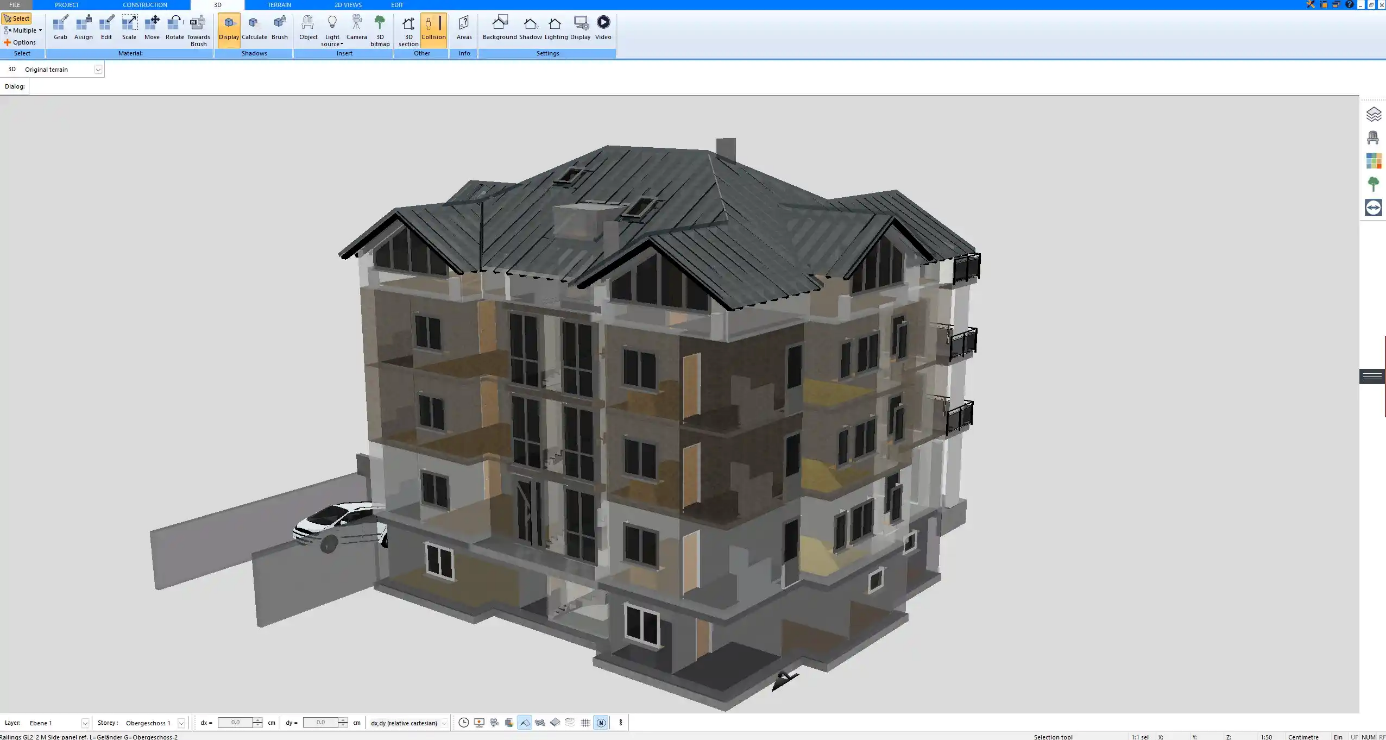
Why the floor plan comes first
A floor plan is one of the most important parts of any home design project because it shows how the space actually functions. It is not only a drawing of walls and rooms. It also explains how people move through the home, where furniture can fit, how rooms connect and whether the layout supports everyday use.
In interior design, it is easy to focus first on finishes, colors, furniture and materials. Those details matter, but they work best when the underlying layout already makes sense. A beautiful room can still feel uncomfortable if the sofa blocks the walking route, if the dining table is too far from the kitchen or if there is no practical place for storage.
Renovation planning works in the same way. Before changing finishes or buying furniture, it helps to understand the structure of the space. A floor plan makes that structure visible.
Making existing spaces easier to understand
Most renovation projects begin with an existing home. That means the first step is not designing something new, but understanding what is already there.
Floor plan software allows users to recreate the current layout with room dimensions, doors, windows, stairs, walls and fixed features. Once the existing home is visible as a plan, problems become easier to identify. A hallway may use more space than expected. A kitchen may be too closed off from the dining area. A bedroom may be difficult to furnish because of window and door positions.
This digital version of the existing home becomes a useful starting point. Instead of guessing what might work, homeowners and designers can compare the current layout with new ideas.
Testing renovation ideas before building work starts
One of the biggest advantages of floor plan software is the ability to test different options. A renovation rarely has only one possible solution. There may be several ways to arrange a kitchen, open a living space, add storage or improve a bathroom.
Testing these ideas digitally is much easier than changing them during construction. A wall can be moved in a plan in a few minutes. A door position can be adjusted. A kitchen island can be resized. A room can be compared in several versions before anyone orders materials or starts demolition.
This does not remove the need for professional input, especially when structural work is involved. But it helps create a clearer direction before those conversations begin.
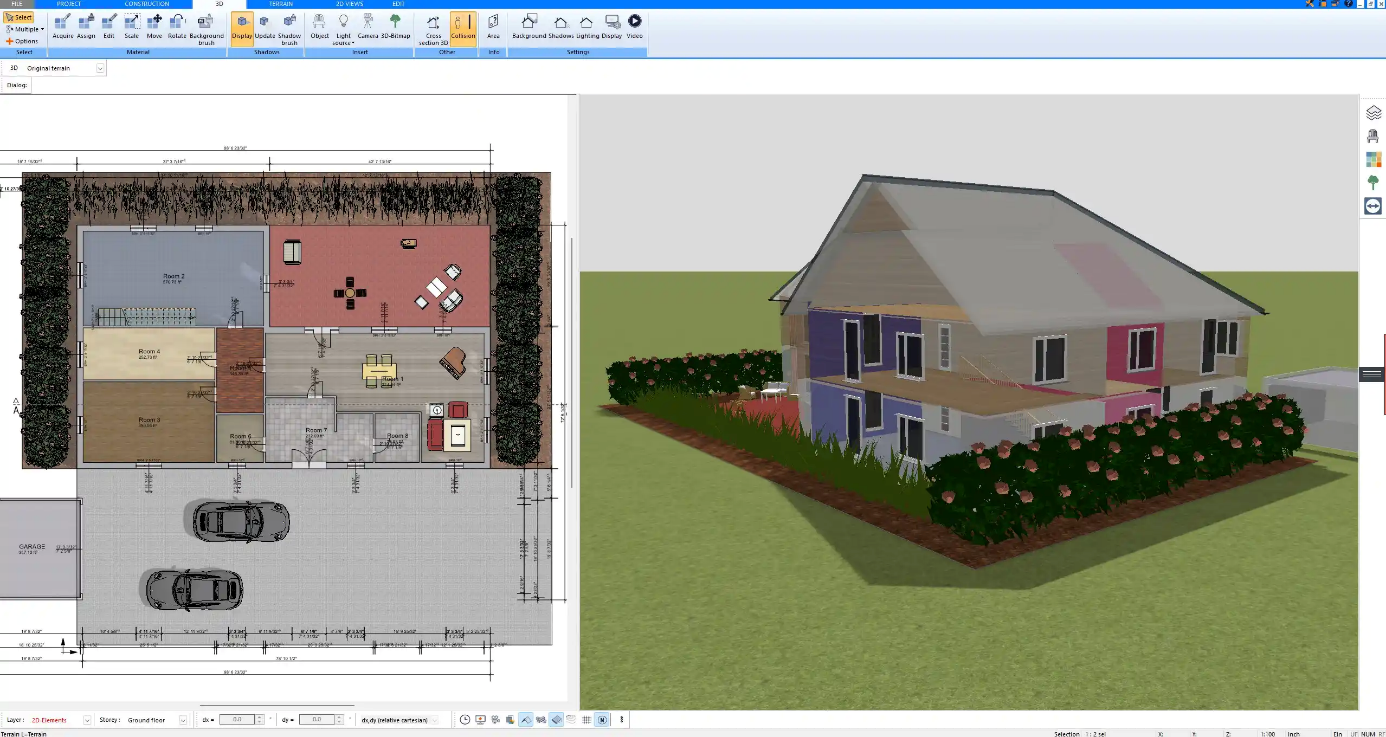
2D plans and 3D views work together
A 2D floor plan is useful because it shows dimensions, room relationships and circulation clearly. It helps answer practical questions: Is there enough space around the dining table? Does the sofa fit? Is the bathroom layout realistic? Can people walk through the room comfortably?
A 3D view adds another layer of understanding. It helps users see height, volume, roof shapes, wall openings and the overall feeling of a space. Sometimes a layout looks correct in 2D but feels different once viewed in 3D.
For many home design projects, the combination of 2D and 3D is more useful than either one alone. The 2D plan helps with accuracy, while the 3D model helps with visual understanding.
Better communication with contractors and designers
Renovation projects often involve several people: homeowners, partners, family members, interior designers, contractors, architects or builders. Misunderstandings are common when ideas are explained only with words or rough sketches.
A floor plan creates a shared reference point. Everyone can look at the same layout and discuss the same room sizes, wall positions, doors, windows and furniture ideas. This makes conversations more specific.
Instead of saying, “We want the kitchen to feel more open,” a homeowner can show a proposed layout. Instead of explaining that storage is needed near the entrance, it can be marked directly on the plan. This does not mean the first version will be final, but it gives the project a clearer starting point.
Planning furniture, storage and circulation
Furniture is often chosen after the layout, but it should be considered early. A room can have enough square footage and still be difficult to use if the furniture does not fit naturally.
Floor plan software makes it easier to test furniture placement before buying anything. It can show whether a sofa is too large, whether a bed leaves enough space to walk around, whether a dining table blocks circulation or whether a desk can fit into a home office area.
Storage can also be planned more carefully. In many homes, clutter is not only a furniture problem. It is a layout problem. Hallway storage, wardrobes, built-in shelving, pantry space and utility areas all work better when they are planned as part of the overall design.
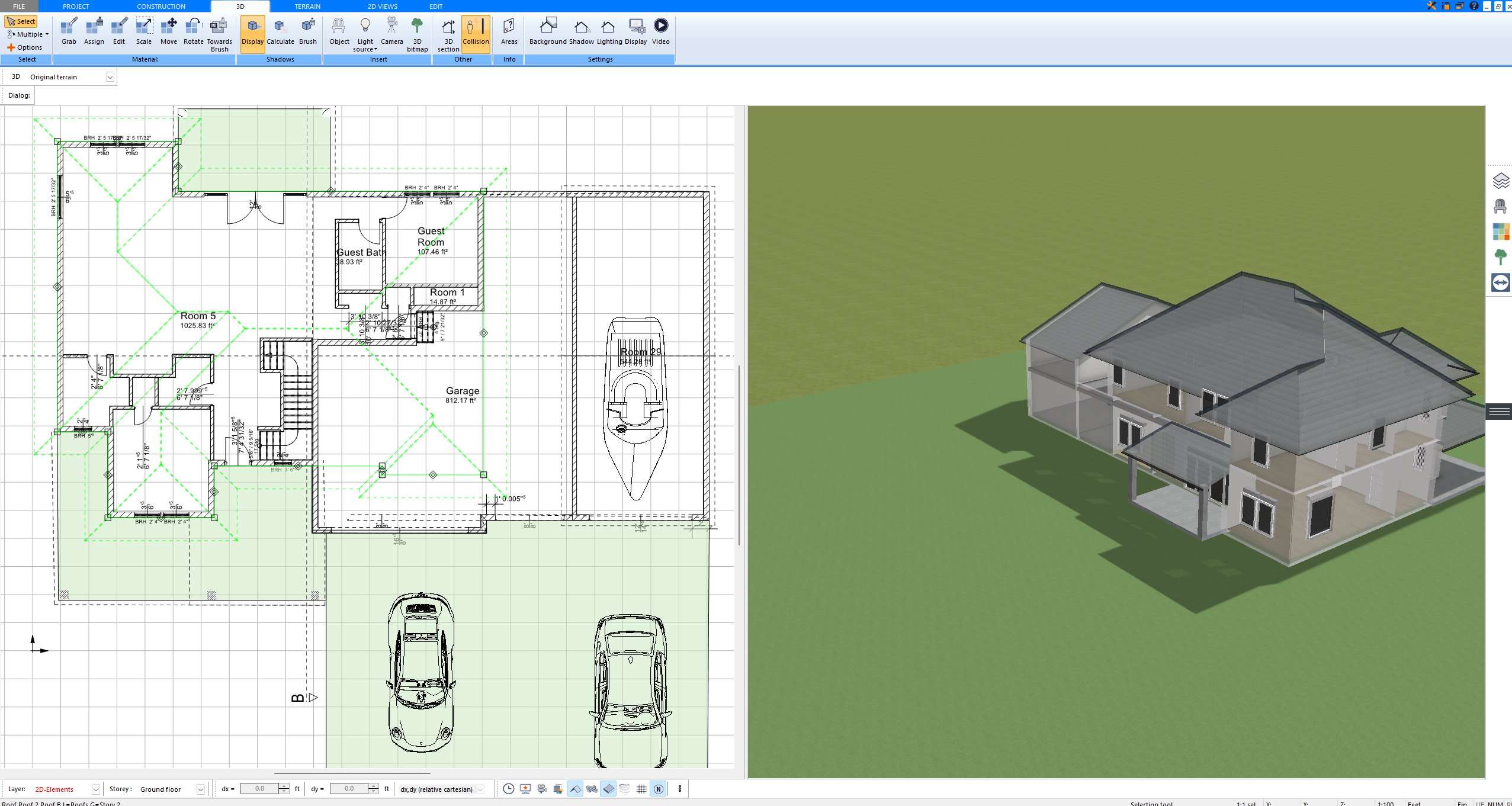
Useful for both homeowners and small design teams
Floor plan software can be helpful for different types of users. Homeowners may use it to understand their own renovation ideas before speaking with professionals. Interior designers may use it to present early layout concepts. Small contractors or renovation companies may use it to explain possible changes to clients.
For example, tools such as Plan7Architect allow users to create 2D floor plans, view projects in 3D and prepare clearer layouts for home design and renovation discussions.
The value is not only in producing a polished drawing. It is in making the planning process more visual and less dependent on guesswork.
Avoiding common renovation mistakes
Many renovation mistakes happen because decisions are made too late. Furniture is chosen before the room is measured properly. Lighting is planned before the furniture layout is clear. Storage is added after the main design is already finished. A home addition is planned without fully understanding how it connects to the existing space.
A floor plan helps slow the process down in a useful way. It encourages homeowners and designers to think through the project before committing to construction, materials or furniture.
This can be especially helpful for kitchens, bathrooms, additions and open-plan spaces, where small layout decisions can have a large impact on everyday use.
Knowing when professional advice is still needed
Floor plan software is a planning tool, not a replacement for professional advice. If a renovation involves structural changes, electrical work, plumbing, permits, building codes or major construction, qualified professionals should be involved.
A digital floor plan can still be useful in these situations because it helps communicate the goal of the project more clearly. It can show the preferred layout, the problems with the existing space and the ideas that have already been considered.
Final thoughts
Floor plan software helps bridge the gap between an idea and a real renovation plan. It makes spaces easier to understand, allows different layouts to be tested and improves communication between everyone involved in the project.
Good home design is not only about how a room looks. It is also about how it works. The floor plan is where those two things meet.
Whether the project is a single-room redesign, a kitchen remodel, a bathroom update, a home addition or a full renovation, creating a clear floor plan is one of the best ways to begin.
About the Author

Peter Makeshoff
Peter Makeshoff is the founder and main author of Designer Daily.