
The speed of business has crushed the old design model. Watch the top startups right now. They aren’t wasting weeks in “discovery” or debating color theory in email hell. They launch and hit the market fully formed, looking like they’ve spent a fortune, but the truth is entirely something else.
This velocity comes from a hard shift toward autonomous agents. The gap between the adopters and the holdouts is widening fast. X-Design powers this engine, replacing the slow, fragmented mess of the past with a workflow that actually delivers.
How X-Design Streamlines Branding Design?
For a long time, the barrier to entry for a professional brand was capital. If you didn’t have the budget for a studio, you looked amateur. Today, the barrier is operational. The market penalizes slowness. They might find a standalone AI logo generator to create a temporary symbol. They might use a separate app to resize photos for Instagram, and perhaps a third tool acting as an image enhancer to try to rescue grainy product shots.

This approach creates a “Frankenstein” identity. The fonts and colors don’t match. Plus, the visual flow gets disrupted. X-Design acts as a corrective force against this fragmentation. It does not function as a set of loose tools; it functions as a centralized brand mind.
It ingests the core intent of the business and enforces visual discipline across every single asset it produces. This is not just about making things look pretty; it is about stopping the bleed of brand equity that happens when a company looks disjointed.
Step 1: Getting Your First Draft on a Blank Canvas
The most dangerous thing you can give a non-designer is a blank canvas. It paralyzes them. Traditional design software assumes the user knows what they are doing. Handing you a pen tool and saying “Go” is a failure of the software, not the user. X-Design kills the blank canvas. You don’t draw; you describe.
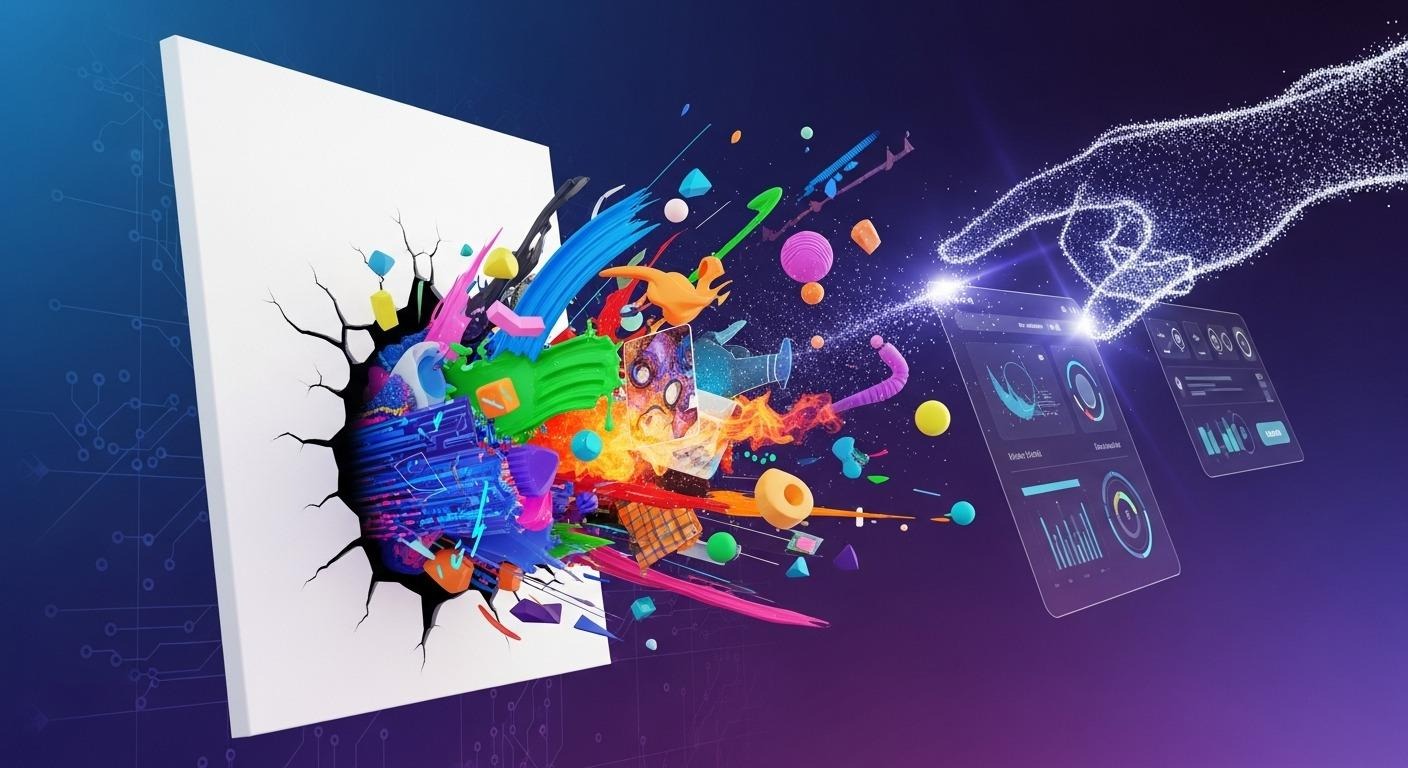
The process begins with a conversation. The user inputs the business name, the industry, and the target audience. They describe the theme and vibe they want. The agent interprets these descriptors into visual rules.
You cannot accidentally create a neon pink logo for a funeral home because the agent understands the semantic mismatch. It provides a guardrail that ensures commercial viability from the first click.
Step 2: Let AI Store Your Brand Kit
The true failure point of most DIY branding is consistency. A founder creates a logo in January. By March, they are making a flyer, and they can’t remember the name of the font they used. They pick something “close enough.” By June, the brand looks like a mess. X-Design solves this by building a permanent memory into the system.

Once a visual identity is established, it is locked into a Brand Kit. This is not just a passive folder of files; it is an active filter. When the user returns to the platform to generate a social media post, the agent automatically retrieves the correct typography, the approved color palette, and the correct logo variation. The tool also enables you to edit videos online, whether it is enhancing video quality or just removing watermarks from videos online.
It refuses to let the brand drift. This automation allows a solo entrepreneur to maintain the discipline of a multinational corporation. The system acts as a brand manager that never sleeps and never forgets the rules.
Step 3: Having Your Personal Professional Product Photographer 24/7
In the current digital economy, the product photo is often more important than the logo. For e-commerce, the photo is the product. Historically, getting high-end product imagery was a logistical nightmare involving studio rentals, lighting rigs, and post-production fees. X-Design renders this entire supply chain obsolete through its generative photography engine.
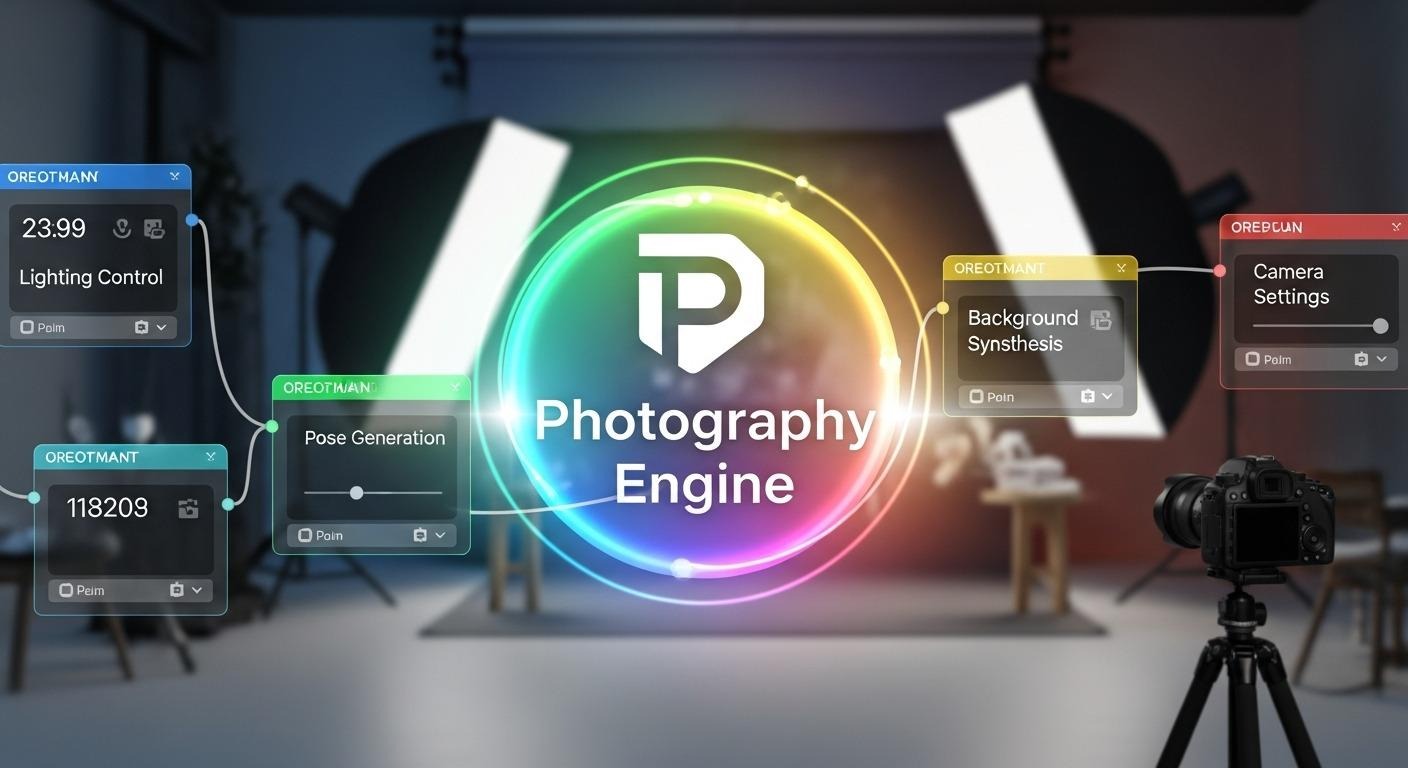
The system allows users to take a raw photo of a product and completely recontextualize it. It simulates physics, ensuring a watch on a wet rock catches real reflections while velvet throws a soft, textured shadow.
This capability creates massive operational leverage. A business can generate an entire season’s worth of marketing content from a single afternoon of shooting. Instantly test if your product moves faster on a white background or a city street without ever leaving your desk.
Step 4: Solving the “Wrong Format” Problem
A major friction point in modern marketing is the sheer variety of aspect ratios required. A website header is wide and short. A TikTok story is tall and narrow. An Instagram post is square. Often, a business has a great image that only fits one of these formats. When they try to crop it for the others, they lose the context or cut off the subject.

X-Design utilizes generative expansion to solve this geometry problem. It does not stretch the image. It analyzes the pixel data at the edges of the frame and hallucinates new, matching content to extend the borders. A tight portrait shot can be expanded into a landscape banner by generating more of the background wall or sky. This capability rescues assets that would otherwise be unusable.
Step 5: Knowing How the Design Would Look on Different Platforms
Digital brands eventually hit the street. Packaging and merch are where the expensive mistakes happen. A logo that pops on a Retina screen often dies on cardboard, while sleek gradients turn to mud on a t-shirt. X-Design mitigates this risk through a robust mockup engine.
Spin the 3D coffee cup to verify the wrap. It’s a reality check; flat files just can’t match. They can see how the contrast holds up on a storefront sign in daylight versus at night. This simulation capability prevents the business owner from ordering five thousand units of unusable merchandise.
Moreover, the export pipeline supports the necessary formats for physical production. The system provides vector files (SVG, PDF) by default. These are the mathematical descriptions of the design that print shops require to ensure crisp lines at any scale. By handling the technical translation between screen and print, the agent empowers the user to interact with professional vendors with confidence.
How X-Design Balances Automation and User Control
There is a valid concern that AI tools will produce generic, robotic results. X-Design addresses this by maintaining a layered, editable environment. The agent handles the heavy lifting: the construction, the layout, the tedious resizing, and you get to retain the final veto.

Every asset generated by the system is fully editable. The agent handles all the manual labor, letting you step in as editor-in-chief to nail the final ten percent.
The Closure: Why X-Design Can Help New Brands Move Faster
The market doesn’t grade on effort. It compares your startup directly to the giants, and if you look amateur, you’re ignored. This is why the smart money is shifting to agent-based workflows. They are shipping studio-quality campaigns in hours while you’re still drafting emails.
X-Design packs this entire infrastructure into a single interface. The risk isn’t that the tech is too new; it’s that your competitor is already using it to bury you while you’re still debating freelancers. The speed is sitting right there. You just have to pull the trigger.
About the Author

Peter Makeshoff
Peter Makeshoff is the founder and main author of Designer Daily.