
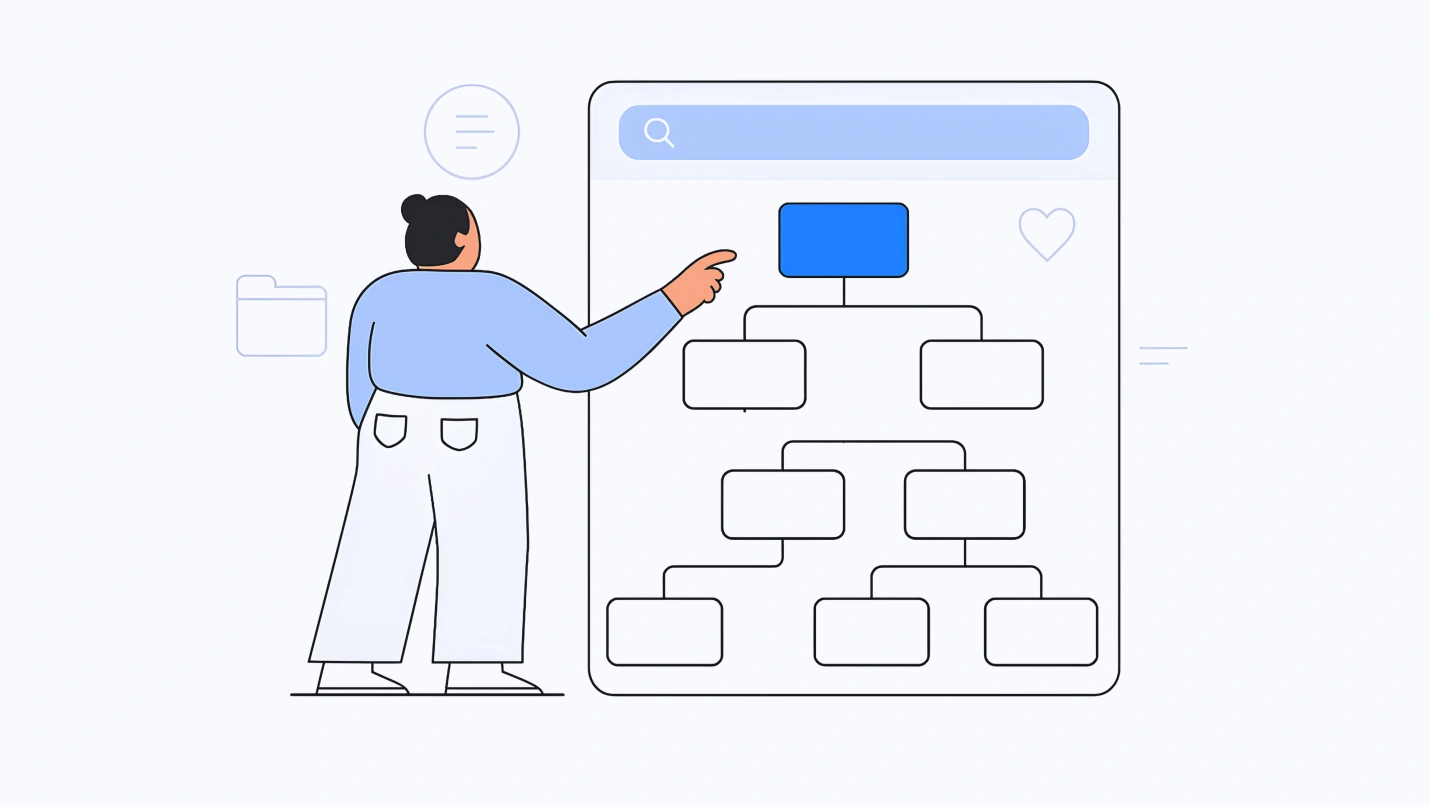
Your website has great content. Users can’t find it. This is not a content problem. It’s an information architecture problem. Information architecture (IA) is the discipline of organizing, structuring, and labeling content so that users can find what they need without thinking about how they’re finding it.
When IA works, users don’t notice it. When it fails, they blame themselves. Here’s how to build IA that disappears.
The Core Principles of Good IA
Findability is the goal. Users should be able to locate information without searching. If they must search, the search should work. If search fails, the browse structure should rescue them.
Labeling is everything. Users scan labels, not instructions. A label that confuses kills findability faster than any other failure. Labels must use the user’s language, not your internal vocabulary. “Products” is clear. “Solutions” is not.
Depth kills. Every click adds friction. The ideal page is two to three clicks from the homepage. Every additional layer should be justified by user research showing that users actually need that level of granularity.
Consistency is respect. The same word should mean the same thing everywhere. “Shop” and “Store” should not appear on the same site. “Contact” and “Support” should not lead to different pages. Users build mental models. Inconsistent labels break them.
The IA Toolkit: Methods That Work
Card sorting reveals how users naturally group your content. Give users a set of content topics (written on cards or digital equivalents). Ask them to organize the cards into groups that make sense to them. The resulting clusters inform your navigation structure.
Card sorting works best early, before you’ve committed to a structure. It reveals the gap between your internal logic and your users’ mental models. That gap is where poor findability lives.
Tree testing validates whether users can find items in your proposed structure. Remove all visual design. Present only the text hierarchy (Home > Products > Software > Download). Ask users where they would click to find specific items.
Tree testing isolates the structure from the aesthetics. If users can’t find it in the tree, no amount of visual design will help. Run tree tests before you design. Fix the structure first.
Open vs. closed sorting answers different questions. Open sorting asks users to create their own categories and names. It’s useful for exploratory work when you don’t know how users think about your content. Closed sorting gives users predefined categories and asks where each item belongs. It’s useful for validating or refining an existing structure.
Common IA Failures (And How to Fix Them)
The “everything is important” structure. Every department wants its content in the main navigation. The result is a navigation bar with twelve items, none of which users can remember. Fix: prioritize ruthlessly. If everything is important, nothing is. Move secondary content to sub-navigation, contextual links, or search.
The clever label trap. Internal jargon like “solutions,” “offerings,” “assets,” and “resources” tells users nothing. Fix: test your labels. Show five potential labels for a section to users without context. Ask what they expect to find there. Choose the label that most closely matches their expectation.
The orphaned page. Content exists but no link points to it. Users can only find it through search (if they know exactly what to search for) or direct URL (if someone told them). Fix: every page should be reachable through the browse structure. If a page can’t be placed logically, either the content or the structure needs revision. When websites undergo restructuring or content migrations, implementing proper URL redirects becomes essential to preserve user journeys and prevent broken links. This beginner-friendly URL Redirect Guide explains how redirects help maintain accessibility, SEO value, and a seamless browsing experience during site updates.
The deep burial. Important content lives five clicks from the homepage. Users give up before finding it. Fix: use tree testing to measure how many clicks users expect. If they consistently fail to find content at depth three, bring it up to depth two.
Navigation Types and When to Use Them
Global navigation appears on every page. It provides access to the site’s primary sections. Limit global navigation to 5-7 items. Users cannot remember more.
Local navigation appears within a section, showing sub-pages and sibling content. It provides context and allows users to move laterally within a content area.
Contextual navigation appears within content, linking to related information. It supports exploration and discovery. Use it to connect blog posts, product documentation, and supporting resources.
Utility navigation contains account functions, search, help, and shopping cart. It typically appears at the top right. Users expect it there. Deviating from this convention creates confusion.
Breadcrumbs show the user’s current location within the hierarchy. They’re essential for sites with depth greater than two levels. Breadcrumbs reduce back-button usage and provide a sense of place.
Footer navigation contains secondary links, legal information, and contact details. Users scan footers when they cannot find what they need in primary navigation. Make it count.
Mobile-First IA Changes the Rules
Mobile navigation cannot replicate desktop navigation. The screen is smaller. The user’s attention is more fragmented. The rules change.
Hamburger menus (the three-line icon) hide navigation behind a tap. They reduce visual clutter but also reduce discoverability. Users who don’t open the hamburger never see your navigation. For critical paths, prioritize visible navigation over clean aesthetics.
Bottom navigation bars (common in apps) place 3-5 primary destinations at the bottom of the screen, within thumb reach. They’re more usable than top navigation for mobile but consume precious screen real estate.
Progressive disclosure reveals navigation as users need it. Show high-level categories. Reveal sub-categories only when a category is selected. This reduces cognitive load on small screens.
Search becomes more important. On mobile, users often bypass navigation entirely and go straight to search. If your mobile search is weak, your mobile IA is weak.
Testing Your IA
Findability testing asks users to locate specific items using your navigation structure (no search allowed). Measure success rate and time to completion. If users consistently fail to find an item, its placement is wrong.
Reverse card sorting gives users a set of cards already grouped. Ask if the grouping makes sense. This validates whether your proposed structure matches user expectations.
First-click testing shows users a page (or a mockup) and asks where they would click first to complete a task. The first click predicts task success more strongly than any other behavior.
A/B testing navigation labels measures which labels drive higher click-through and lower bounce rates. “Products” may outperform “Solutions” by measurable margins. Let the data decide.
Documentation: The Sitemap and Beyond
A sitemap shows the hierarchical relationship between pages. It’s useful for communicating structure to stakeholders and developers. It’s not sufficient for testing IA. Sitemaps show intended structure. Tree testing shows actual findability.
A content inventory lists every page, its location, its purpose, and its target audience. For large sites, maintain this as a living document. You cannot fix what you cannot see.
A controlled vocabulary defines the terms used in labels, metadata, and search. It prevents one concept from being called three different things across the site.
The Bottom Line
Good IA is invisible. Users find what they need without thinking about how they found it. Bad IA is conspicuous. Users blame themselves for not finding things, assume the content doesn’t exist, and leave.
You cannot design IA by intuition. Your mental model of your content is not your users’ mental model. Card sorting reveals the gap. Tree testing measures it. Navigation design bridges it.
Start with user research, not internal meetings. Test your structure before you design your interface. Fix findability problems at the IA level, where they live. And remember: the best navigation is the one users don’t notice.
About the Author

Peter Makeshoff
Peter Makeshoff is the founder and main author of Designer Daily.