
Your subject line got the open. Now your design needs to earn the click. In 2026, email creative has moved decisively away from safe and corporate toward bold, personality-driven, and interactive. Subscribers are scrolling past bland, template-driven emails. The ones they stop for? Those are the ones that feel alive.
Here are the design trends and principles that actually boost engagement.
The Big Shift: From Safe to Standout
The collective derision toward Pantone’s off-white Color of the Year was an early sign: 2026 is not the time for tranquility and peace. Consumers don’t want boring, bland brands. They want loud-and-proud promotions that don’t shy away from a strong message.
This means email creative is getting bolder, weirder, and more human. The clean, corporate aesthetic is out. Maximalism is back in.
1. Vibrant Color Palettes (Used Strategically)
Color is your most immediate attention-grabbing tool. But “vibrant” doesn’t mean chaotic.
How brands are doing it:
Stanley’s emails allow subscribers to shop by color, turning their diverse product range into a rainbow-themed visual hook that works year-round.
Travel brand Going proves that a few bold accents go a long way. A soft yellow-and-green background makes a purple hero image pop, while a royal blue CTA button becomes irresistibly clickable.
What the research says: Color is the number one influencing factor in purchase decisions for nearly 93% of people. Use color to guide the eye, not just decorate the page.
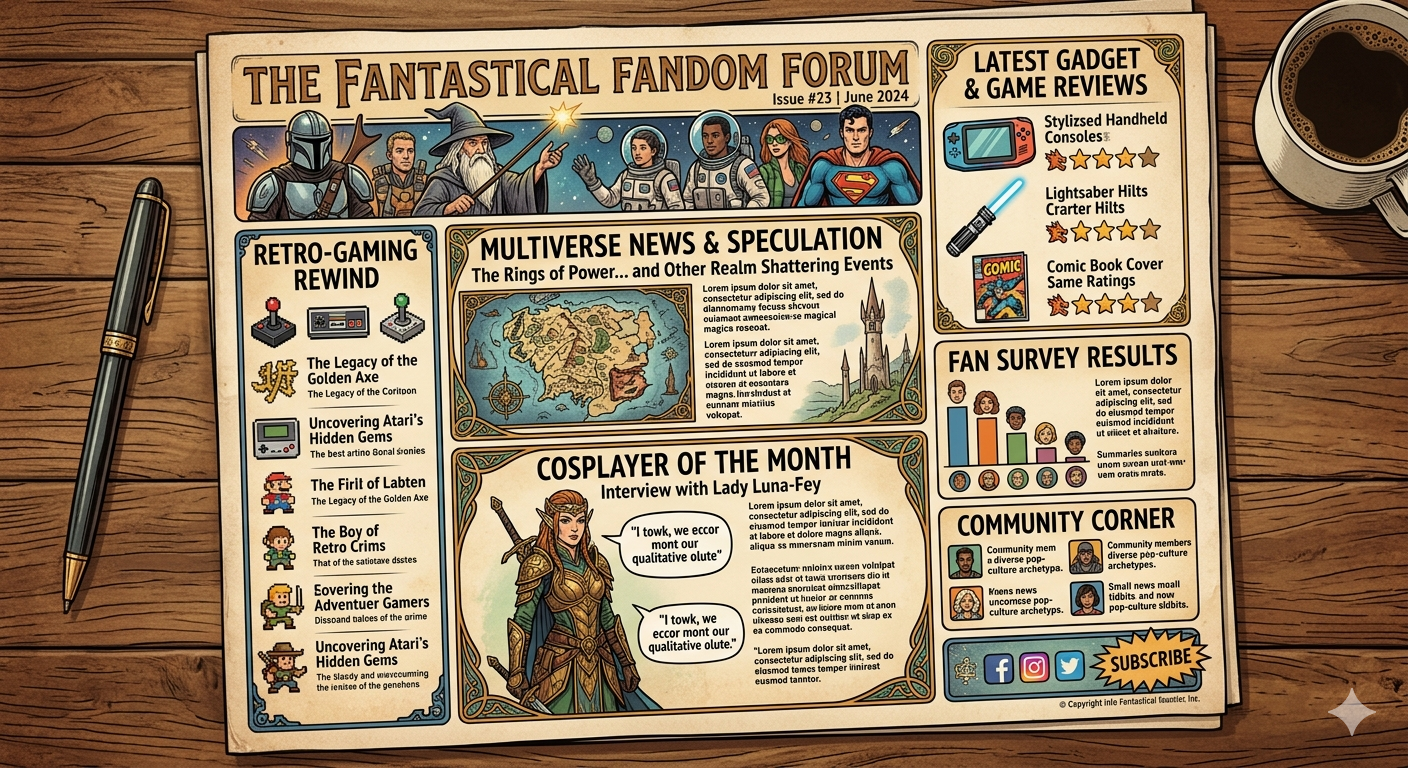
2. Pop Culture Concepts (Done Thoughtfully)
The brands winning in 2026 are culturally fluent. They reference memes, movies, and moments without being cringey.
Examples that work:
Wendy’s sent an email with the subject line “Unlimited…your energy is unlimited” featuring pink and green sparkling drinks. Musical fans immediately clocked the Wicked references, even though the film wasn’t mentioned by name.
TGI Friday’s turned the meaningless meme “6-7” into a kid-friendly promotion: free dessert from 6-7 PM with a kids meal.
The rule: Pop culture works when it feels native to your brand, not forced. If the reference requires explanation, skip it.
3. Interactive and Gamified Elements
Interactive content generates twice the conversion rate of passive content. In 2026, static emails are increasingly invisible.
What’s working:
- Image carousels that let users browse products without leaving the email
- Countdown timers that create urgency for sales and events
- Polls and surveys that invite input (Rover’s “Which stores welcome pets?” poll is a great example)
- Spin-to-win wheels and scratch-off discounts
The technical note: Not every email client supports interactivity. Always provide a fallback link so users can still engage.
4. Text-Based Antics (When You Want to Stand Out)
In a sea of image-heavy emails, a clever text-only message can stop the scroll through sheer contrast.
What works:
Shinesty’s win-back email used the subject line “We’re ending things” with hyperlinks throughout a single run-on sentence. The voice was unmistakably theirs, and it got clicks.
Recess added personality to a transactional order confirmation: “We released the carrier pigeons” with a note that the imaginary pigeons drink Recess, “so they’re extra strong and fast”.
The takeaway: Text-only works when the writing is exceptional. If your copy is generic, stick with visuals.
5. Hand-Drawn and Human Touches
As AI-generated content floods inboxes, handmade elements signal authenticity.
Coach uses hand-drawn highlights that lead the eye to the next product. Hand-drawn underlines, arrows, and illustrations add a personal, human feel that polished vector art cannot replicate.
Why it works: Audiences can sense the difference between human and machine-generated content. Imperfect, hand-drawn elements build trust.
6. Clear Visual Hierarchy (The Non-Negotiable Foundation)
No trend matters if subscribers can’t scan your email. Visual hierarchy is the architecture of attention.
The F-pattern layout places your headline in the top-left, then arranges subheads and bullet points down the left edge. This matches natural reading behavior.
The typography scale: 30px for H1, 24px for H2, 16px for body text improves readability across devices.
The result: One designer saw click rates improve from 1% to 2.8% after simplifying their layout and establishing clear hierarchy.
7. Mobile-First, Always
More than half of your audience reads emails on their phones. If your design isn’t optimized for mobile, nothing else matters.
Mobile design checklist:
- Single-column layouts (600px max width)
- Large, readable fonts (14-16px minimum for body text)
- Thumb-friendly CTAs (44x44px minimum, centered)
- Preview on an actual phone, not just the email tool’s preview
8. Dark Mode Optimization
Over 80% of mobile users enable dark mode. If you haven’t tested your emails in dark mode, you’re likely sending illegible content.
Best practices: Use transparent PNGs rather than JPGs, avoid pure white text on pure black backgrounds, and test across clients.
The 2026 Newsletter Checklist
| Priority | Element | Why It Matters |
|---|---|---|
| High | Clear visual hierarchy | Guides the eye, improves scanability |
| High | Mobile-first layout | Majority of opens happen on phones |
| High | Strong, contrasting CTAs | Drives the click |
| Medium | Vibrant or strategic color | Grabs attention in crowded inbox |
| Medium | Interactive or gamified elements | Doubles conversion rates |
| Medium | Human/hand-drawn touches | Builds authenticity |
| Low | Pop culture references | Shows cultural fluency (when done right) |
The Bottom Line
Newsletter marketing design in 2026 is not about following a single trend. It’s about choosing the right tools for your brand voice and your audience’s expectations. A financial services newsletter shouldn’t look like a streetwear brand’s. But both should be intentional, scannable, and optimized for the devices where they’re actually read.
The brands winning right now are going bigger, getting weirder, and putting personality front and center. They’re testing, iterating, and treating every send as a creative opportunity, not a checkbox.
Your subject line got the open. Your design keeps them reading. Make every pixel earn its place.
About the Author

Peter Makeshoff
Peter Makeshoff is the founder and main author of Designer Daily.